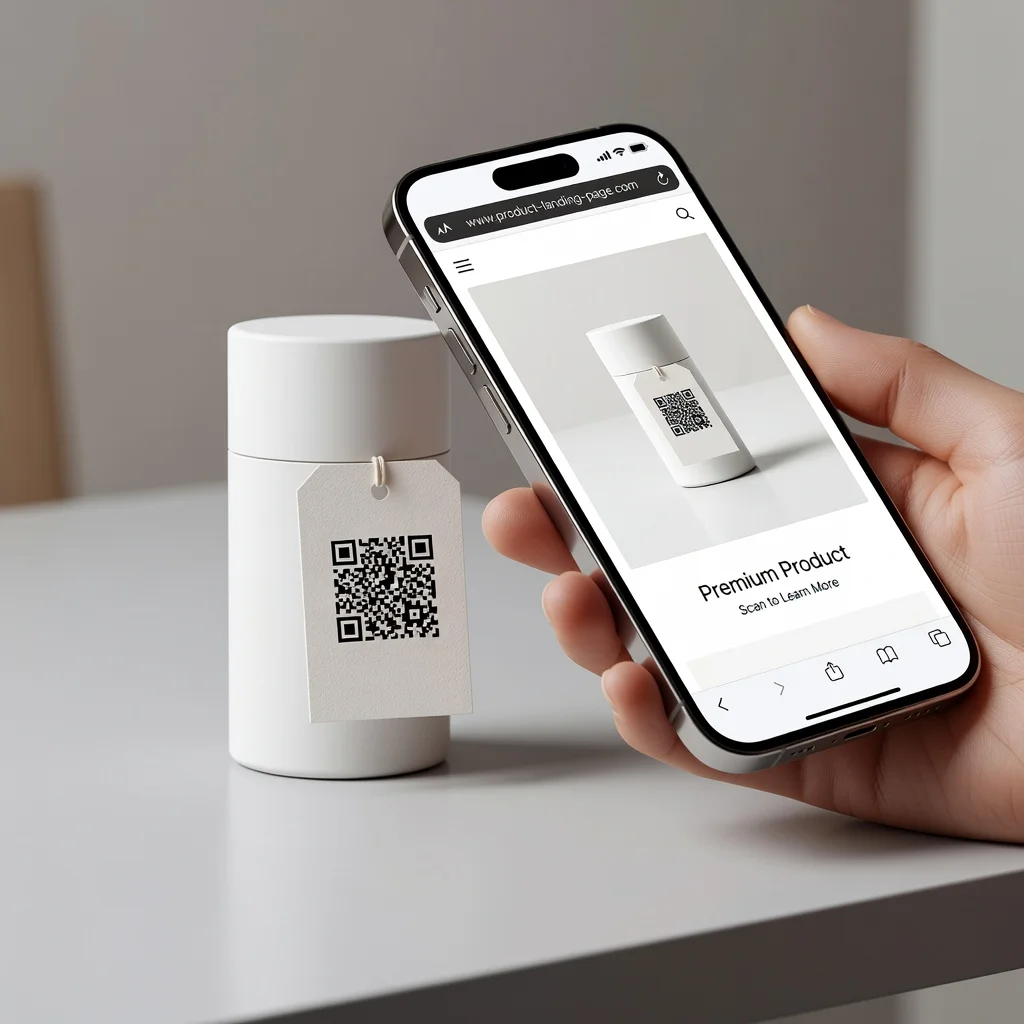
URL QR code generator: Turn any link into a scannable QR code
You've got a landing page that converts well, or a product page that sells. How do you get people there when your marketing is printed flyers, posters, or event signage? URL QR codes bridge that gap. People scan and land directly on your page. It's the fastest way to move someone from a physical touchpoint to your digital business.
If you're doing any marketing that exists in the real world, URL QR codes are almost certainly going to help.
Understanding URL QR codes
URL QR codes encode website links. When someone scans, their browser opens directly to your URL. That's it. Simple, fast, no friction between the physical world and your website. You can point to product pages, lead capture forms, promotional landing pages, social media profiles, videos, or anything else on the web.
What urls can you encode
Product pages, special landing pages, video links, social media profiles, email signup forms, registration pages, store locators, downloadable resources, coupons or promotions, scheduling pages, contact forms. The URL can be simple or packed with tracking parameters. You control exactly where people land.
Key advantages
- Instant Web Access: One scan takes someone directly to your webpage
- High Conversion: Removing friction between print and digital significantly improves conversion rates
- Trackable: Add URL parameters to track which QR codes drive the most traffic
- Cost Effective: One code works forever, no reprinting needed even if content updates
- Versatile: Works for any type of website, service, or digital content
- Mobile Optimized: Works perfectly for smartphones where most people browse anyway
- Works Offline First: People scan the code offline, then their browser opens to your page
Perfect marketing uses
E-commerce businesses put QR codes on product packaging and in-store displays to drive traffic to product pages. Service businesses use them on business cards to link to booking pages. Real estate agents put them on yard signs to link to property listings. Nonprofits use them on fundraising materials to link to donation pages. Event organizers put them on promotional materials to link to ticket sales. Restaurants use them on menus to link to reservation systems. Publishers use them on book covers to link to author websites. The applications are endless.
Creating your URL QR code
Start with your URL. Make sure the link works perfectly on mobile (most people scanning are on phones). If you're tracking traffic, add UTM parameters to your URL. Generate the QR code and download a high-resolution version. Test it multiple times on your phone, scan it and verify it takes you to the right place. Then use it wherever you need.
Tracking with utm parameters
Add tracking to your URL to understand which physical locations drive the most traffic. Your URL might be something like "yoursite.com/product?utm_source=flyer&utm_medium=qr&utm_campaign=summer2024". Then you can see in Google Analytics exactly how much traffic came from each QR code. This data helps you decide where to invest in more codes.
Mobile-first design
When creating the landing page your QR code points to, design it for mobile first. Most people scanning codes are on their phones. Make sure the page loads fast, the content is readable on a small screen, and any calls to action are easy to tap. A slow or poorly designed mobile page will lose people immediately after they scan.
Shortening long urls
If your full URL with parameters is really long, use a URL shortener like bit.ly or your own short domain. Short URLs still encode fine in QR codes and are easier to manage. You can track clicks through the shortener and update the destination later without creating new codes.
Multiple campaign codes
Running multiple campaigns? Create separate QR codes for each with different tracking parameters. One code for your email campaign, another for your flyer campaign, another for your social media. This lets you see which channels drive the most engagement.
Physical placement strategy
Place codes where people naturally look: on product packaging near the main image, at the top of printed marketing materials, on event signage at entrances, on business cards prominently. The easier it is to spot, the more people will scan. Test different placements to see what works best.
Print quality and size
For printed QR codes, use high-quality printers. Blurry or pixelated codes won't scan. Make codes large enough, at least one inch square works for most situations, but bigger is better. Test the printed code by scanning it before you print hundreds.
Using dynamic QR codes
Some advanced QR code generators offer dynamic codes that let you update the destination URL without creating new codes. This is useful if you might change where the code points or want to test different landing pages. Most businesses do fine with static codes, but dynamic codes add flexibility.
Seasonal and time-limited campaigns
Run limited-time promotions? Create QR codes pointing to time-limited landing pages. Update the destination when the promotion ends. Include expiration dates on your marketing materials so people know the offer is temporary.
Analytics and performance
Track how much traffic each QR code generates. Compare conversion rates from different physical locations. See which campaigns drive the most engagement. Use this data to decide where to invest more in QR code marketing. You should be able to measure the ROI directly.
Combining with other channels
Use QR codes alongside other marketing channels. A print ad with a QR code, email directing people to the same landing page, social media promoting the offer. The more touchpoints, the better. QR codes are especially powerful for bridging print and digital.
Ready to drive more traffic? Create your URL QR code →