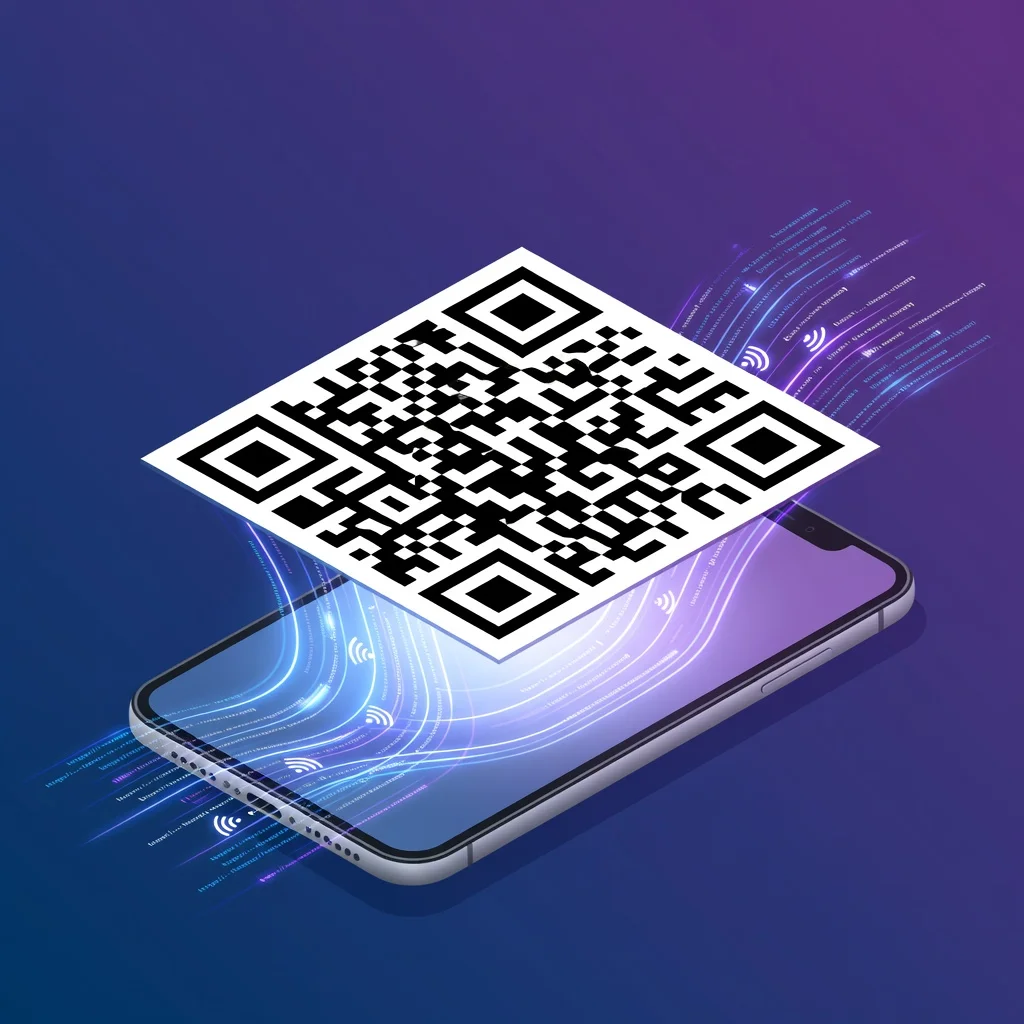
Cos'è un codice QR?
Un codice QR è in sostanza un codice a barre per l'era degli smartphone. Invece di una sequenza lineare di linee nere che codifica l'ID di un prodotto, un codice QR racchiude le informazioni in un pattern bidimensionale di quadrati bianchi e neri. Il nome sta per "Quick Response" (risposta rapida): è stato progettato per essere scansionato velocemente, cosa che aveva senso quando fu inventato per le fabbriche automobilistiche giapponesi negli anni '90. Oggi i codici QR sono ovunque perché risolvono un problema semplice: come colleghi il mondo fisico e quello digitale senza obbligare nessuno a digitare nulla a mano?
Le basi della struttura di un codice QR
Ogni codice QR è costruito con quadrati bianchi e neri disposti su uno sfondo bianco. Il pattern stesso è il dato. Ci sono tre grandi marcatori di posizione quadrati negli angoli, uno per ogni angolo tranne quello in basso a destra, che dicono allo scanner "questo è un codice QR, ecco dove si trova, ecco come è orientato". È per questo che puoi scansionare un codice da angolazioni diverse o persino di lato e funziona comunque. Il dato vero e proprio riempie il resto del quadrato, intervallato da pattern di sincronizzazione (linee alternate bianche e nere) che aiutano lo scanner a capire dove finisce un modulo e ne inizia un altro.
Quali informazioni possono memorizzare i codici QR?
- URL e link a siti web
- Recapiti e vCard (nome, telefono, email, indirizzo)
- Messaggi di testo ed email
- Numeri di telefono e SMS
- Credenziali di rete WiFi
- Eventi del calendario e dettagli di riunioni
- Coordinate di localizzazione e mappe
- Informazioni e recensioni sui prodotti
- Informazioni di pagamento e transazioni
- Profili social
Come i codici QR sono diventati onnipresenti
I codici QR furono inventati nel 1994 da Denso Wave, una controllata di Toyota, per tracciare i componenti automobilistici lungo la linea di montaggio. Funzionavano benissimo per quello, più veloci dei codici a barre lineari e con una maggiore capacità di dati. Ma per anni l'adozione rimase limitata alla produzione e alla logistica. La vera svolta arrivò quando gli smartphone diventarono lo standard e ogni telefono fu dotato di fotocamera. All'improvviso, chiunque ovunque poteva scansionare un codice QR. La pandemia di COVID-19 accelerò drasticamente questo processo. I ristoranti passarono ai menu digitali da un giorno all'altro, e all'improvviso ogni attività aveva bisogno di codici QR. Ora li vedi su tutto: confezioni dei prodotti, tavoli dei ristoranti, biglietti da visita, pubblicità, inviti agli eventi. Hanno smesso di essere una novità e sono diventati un'infrastruttura attesa.
Perché usare i codici QR?
I codici QR risolvono un problema di attrito che in fondo non è cambiato da quando esiste internet: come porti qualcuno da qualcosa di fisico a qualcosa di digitale senza fargli digitare nulla? Se stampi un URL lungo su un biglietto da visita, le persone non lo digiteranno. Lo dimenticheranno o lo trascriveranno male. Ma se dai loro il tuo biglietto possono scansionarlo in due secondi. Questa è tutta la proposta di valore. Stai eliminando un passaggio tra l'intenzione e l'azione. Qualcuno vuole accedere a ciò che offri. Un codice QR rimuove la barriera tra il volerci accedere e l'accedervi davvero.
Funzionano anche quando le opzioni tradizionali non sono pratiche. Un ristorante non può stampare un menu nuovo ogni giorno quando i prezzi cambiano. Un codice QR sul tavolo rimanda a un menu aggiornato che si può modificare in pochi secondi. Un museo non può stampare informazioni in 12 lingue per ogni esposizione. Un codice QR permette ai visitatori di scegliere la propria lingua. Questa flessibilità è potente.
Codici QR vs altri codici a barre
I codici a barre lineari tradizionali (quelli che vedi sulle confezioni dei prodotti) memorizzano i dati solo in orizzontale. Un URL lungo in formato codice a barre sarebbe enorme. I codici QR usano due dimensioni, orizzontale e verticale, il che permette loro di memorizzare molte più informazioni in uno spazio più piccolo. Puoi inserire l'URL completo di un sito web, dei recapiti o i dettagli di un pagamento in un codice QR di soli 2 pollici di lato. Un codice a barre di quelle dimensioni conterrebbe a malapena un ID di prodotto.
Le basi tecniche che ti servono davvero sapere
Correzione degli errori: i codici QR non smettono di funzionare quando sono leggermente danneggiati o coperti. Includono codici di correzione degli errori che consentono il recupero anche quando fino al 30% del codice è danneggiato. È per questo che puoi mettere un logo al centro di un codice QR e questo continua a scansionarsi.
Capacità di dati: la quantità di dati che un codice QR può memorizzare dipende dal tipo di dati e dal livello di correzione degli errori. Un URL breve potrebbe entrare in un codice più piccolo rispetto a uno che contiene una vCard completa. È per questo che qualcuno dice sempre "assicurati che il codice QR sia abbastanza grande".
Livelli di versione: i codici QR sono disponibili in diverse versioni di dimensione (da 1 a 40). Un codice di versione 1 è di 21×21 moduli, mentre un codice di versione 40 è di 177×177 moduli. La versione si adatta automaticamente in base alla quantità di dati che stai codificando.
Idee sbagliate comuni
"I codici QR sono morti": la gente lo diceva nel 2013. Sono tornati più forti. I codici non sono una moda, sono utili. Le mode vanno e vengono. Un'infrastruttura utile resta.
"I codici QR sono solo per gli esperti di tecnologia": la barriera per scansionare è letteralmente puntare la fotocamera del telefono verso qualcosa. Tua nonna può farlo. L'adozione ha dimostrato anni fa che è falso.
"I codici QR non sono sicuri": un codice QR può puntare ovunque, è vero. Ma il codice in sé non espone i tuoi dati. Puoi vedere l'URL prima di scansionarlo (se usi un lettore di codici). Dal punto di vista della sicurezza è in realtà accettabile: stai semplicemente accedendo a qualunque URL fosse codificato, il che non è diverso dal cliccare su un link che qualcuno ti invia per messaggio.
La tecnologia di scansione dei codici QR
I telefoni moderni usano la fotografia computazionale per riconoscere i codici QR. La fotocamera cattura l'immagine, il software individua i tre marcatori di posizione, li usa per capire orientamento e dimensione, poi decodifica l'area dati. Tutto questo avviene in millisecondi, ed è per questo che la scansione sembra istantanea. Lo scanner non ha più bisogno di un'app sofisticata: la maggior parte dei telefoni ora scansiona i codici tramite l'app fotocamera nativa.
Il futuro dei codici QR
I codici QR non scompariranno. Ora sono un'infrastruttura. Le nuove versioni supportano una maggiore capacità di dati e funzionalità di realtà aumentata. Alcune aziende sperimentano codici QR animati, codici basati sulla posizione che cambiano contenuto in base a dove li scansioni, e codici che includono elementi visivi che li rendono più adatti al brand. Ma il caso d'uso fondamentale resta lo stesso: un ponte rapido e affidabile dal fisico al digitale.
Conclusione
Un codice QR è semplicemente una soluzione pratica a un problema pratico: come porti qualcuno da un supporto fisico a un contenuto digitale senza richiedere un inserimento manuale? Non sono rivoluzionari. Non stanno cambiando il mondo. Ma ora sono ovunque perché funzionano, sono semplici e riducono gli attriti. Questo basta a renderli permanenti.
Provalo subito su FreeQRCodeGenerator.com →