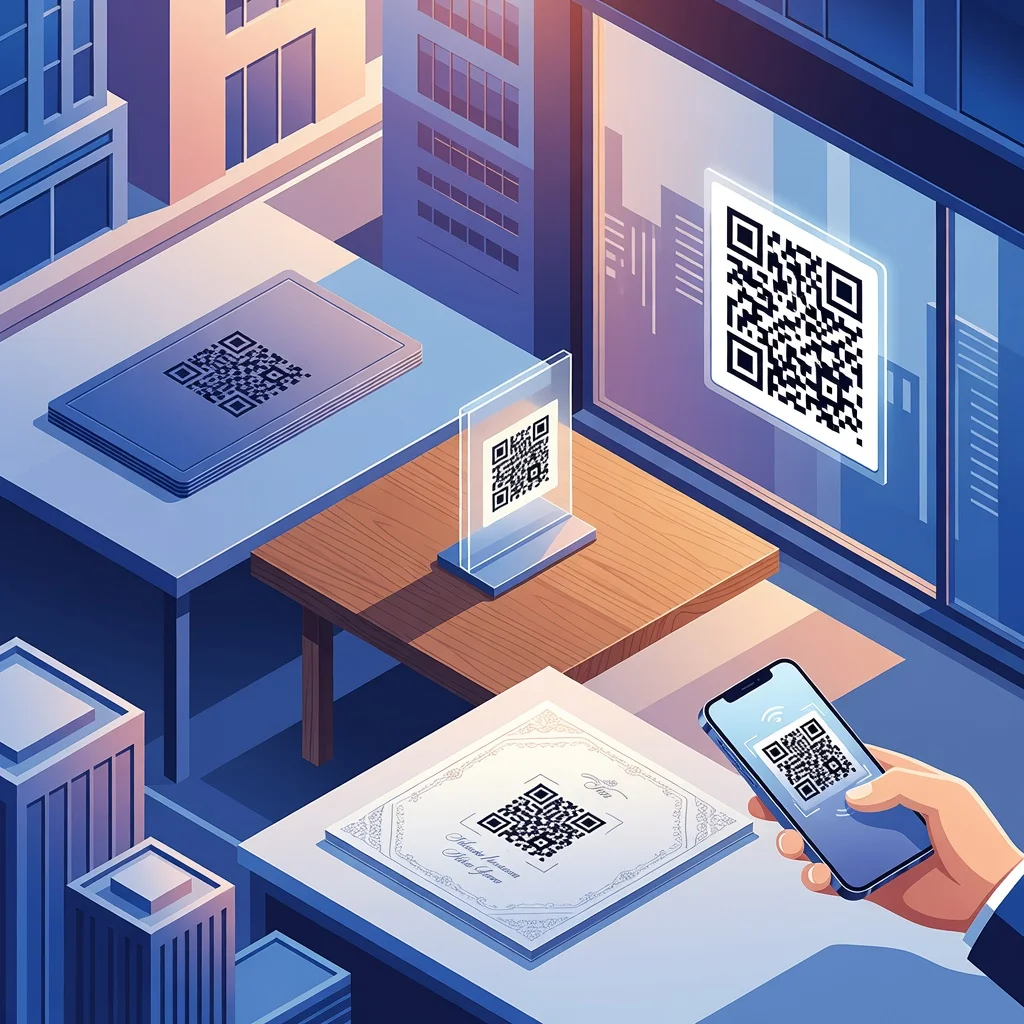
What are QR codes, and how do they work?
A QR code is just a square barcode your phone can read. Point your camera at it, and within a second you're connected to whatever it links to, a website, contact info, WiFi password, you name it. They work because they store data as patterns of black and white squares, and phones can decode those patterns instantly.
Definition and history of QR codes
Masahiro Hara invented QR codes in 1994 at Denso Wave, a Japanese automotive supplier. Originally they tracked car parts on factory lines, basically a faster, denser barcode than what existed before. The technology caught on because it could store way more information than traditional barcodes and worked from any angle, making it useful across industries.
The way they work is elegant: data gets encoded as patterns of squares, your phone's camera reads the pattern, and software decodes it back into text, URLs, contact info, or whatever was stored. No internet needed for the scan itself, just your phone's camera and a QR reader app.
Why use QR codes in your marketing strategy?
QR codes bridge the gap between paper and digital. Someone sees your flyer, poster, or product package. They scan. Suddenly they're on your website, reading a menu, signing up for something, or watching a video. No typing a URL, no fumbling around, just a quick scan and they're there.
- Direct link without requiring people to type out long URLs
- Track which marketing materials actually get scanned versus just ignored
- Works offline, the scan doesn't require internet, just the ability to decode the pattern
- Easy way to drive traffic from physical materials to your digital properties
Creative QR code ideas for businesses
1. Business cards
Instead of cramming everything on a card, put a QR code on the back that links to your contact info, LinkedIn, or a portfolio site. People can save your details just by scanning instead of fumbling with a pen.
2. Product packaging
Food brands use QR codes to show recipes, nutritional breakdowns, or sourcing information. Retailers can link to assembly instructions or warranty details. It's like adding a manual without the extra paper.
3. Store windows
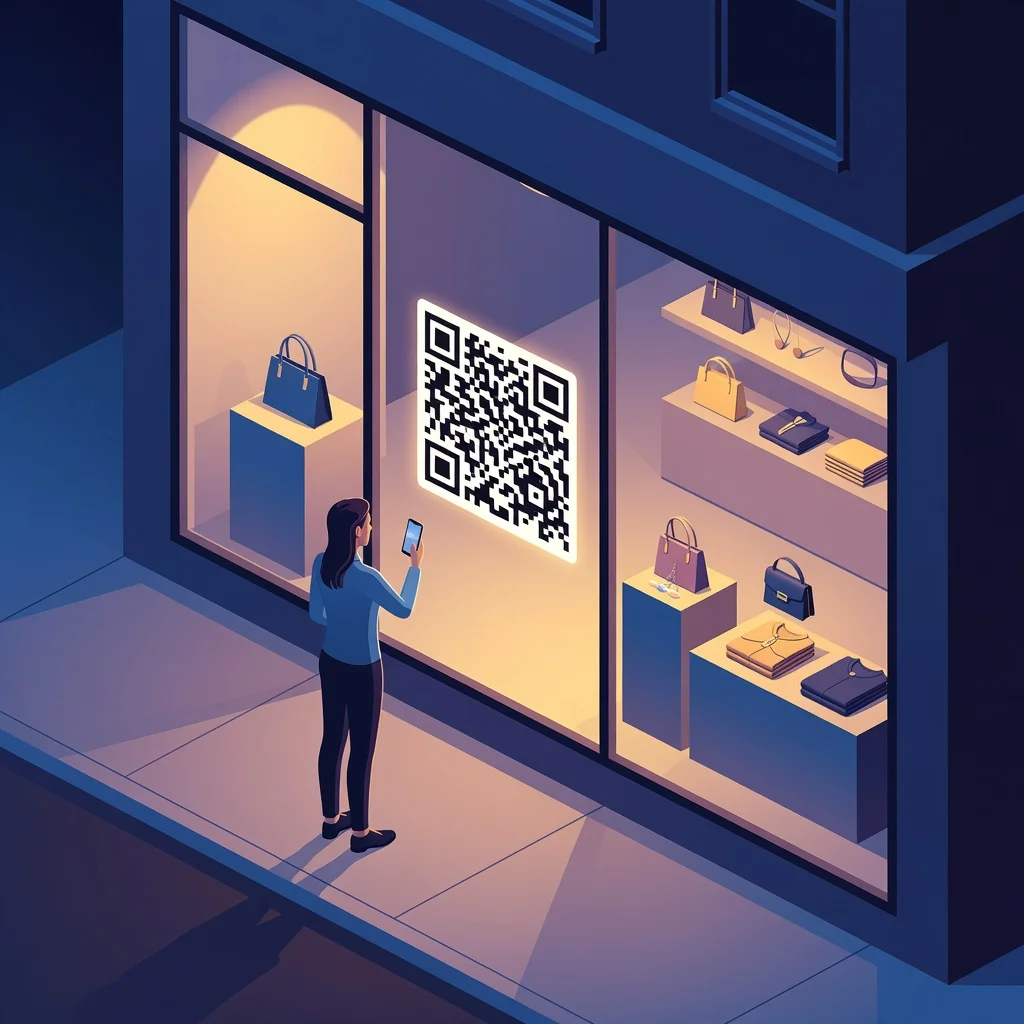
Put a code on your window that links to your online store or current promotions. Even when you're closed at night, people walking by can check your products and hours.
4. Social media channels
Print a QR code that links to your Instagram or TikTok. Much easier than asking people to type in a username or handle.
5. Printed ads
A magazine ad, flyer, or poster can have a QR code linking to video content, testimonials, or a special landing page. You can track which ads actually get scanned versus just viewed.
6. Contactless payments
During the pandemic, restaurants switched to QR codes for menus and payments. It stuck around because it's genuinely faster and cleaner than passing around physical payment terminals.
7. Marketing materials
Put a code on conference materials, direct mail, or promotional items. Scan it and get extra content like a white paper, webinar link, or discount code.
8. Museums and historical sites
Place codes next to exhibits. Visitors scan and hear a historian explain the artifact's significance, read historical context, or access additional images. It enriches the experience without adding staff.
9. Dry cleaning service
Customers can scan a code at pickup to check their order status or view special offers. It's a small touch that feels modern and helpful.
10. Restaurants

Link to a digital menu so diners can see pictures, prices, and reviews before ordering. They can also leave feedback or rate dishes directly from their seat.
Unique QR code ideas for personal use
11. Wedding invitations
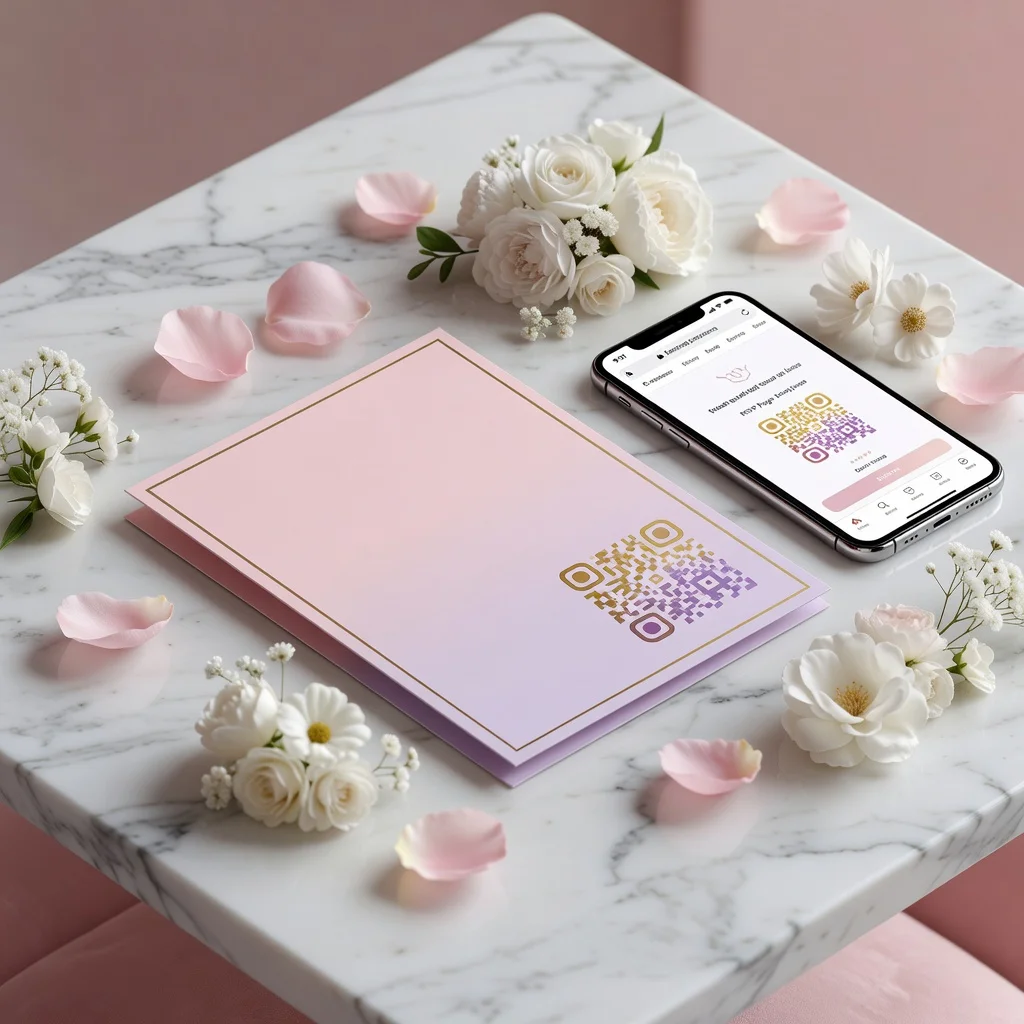
Add a code to your invite that opens your wedding website with the date, location, hotel info, and registry. Guests can RSVP without an extra email exchange.
12. Personal messages
Encode a video message or photo album into a code you send to friends or family. It's a more creative gift touch than just a link via text.
13. Building permits
Link a code to project details, permits, and inspection contact info. Saves time for inspectors and contractors who need to reference documents on-site.
14. Foot traffic
Place codes in high-traffic areas like bus stops or train stations. A scan takes people directly to local event info, restaurant menus, or service details.
15. Advertising opportunities
Vehicle wraps, window decals, and posters can all carry QR codes that link to your service page or special offer. Way more trackable than traditional ads.
16. Museums and art galleries

Next to an artwork or artifact, place a code that opens artist bios, interviews, or historical context. It lets interested visitors dig deeper without overwhelming everyone else.
17. Movie posters
Movie studios use QR codes that link to trailers, showtimes, or ticket purchase pages. Much faster than having someone search IMDB from a bus shelter.
18. Local businesses
Put a code in your storefront window that links to your app with loyalty rewards or discounts. It's a gentle nudge for people to download.
19. Creating a WiFi QR code for easy network sharing
Generate a QR code for your WiFi network and guests can join without asking for the password. Scan, connect, done. No fumbling with special characters or asking someone to spell it out.
How to create QR codes with a free QR code generator
The process is straightforward. Pick what you want to link to, enter it into a generator, customize the look if you want, and download:
- Choose your type: Static codes work fine for most things, permanent links you won't change later.
- Add your content: Paste the URL, contact details, text, or WiFi password.
- Customize your code: Add your brand colors or logo if you want it to match your materials.
- Download and print: Save it in high resolution and place it where you want people to scan it.
Conclusion
QR codes are useful because they're simple to create and genuinely solve a real problem: connecting people from physical materials to digital content without making them type anything. Whether you're running a business, planning an event, or just want to share something with friends, there's probably a use case for QR codes that actually saves time.