Introduction to QR codes
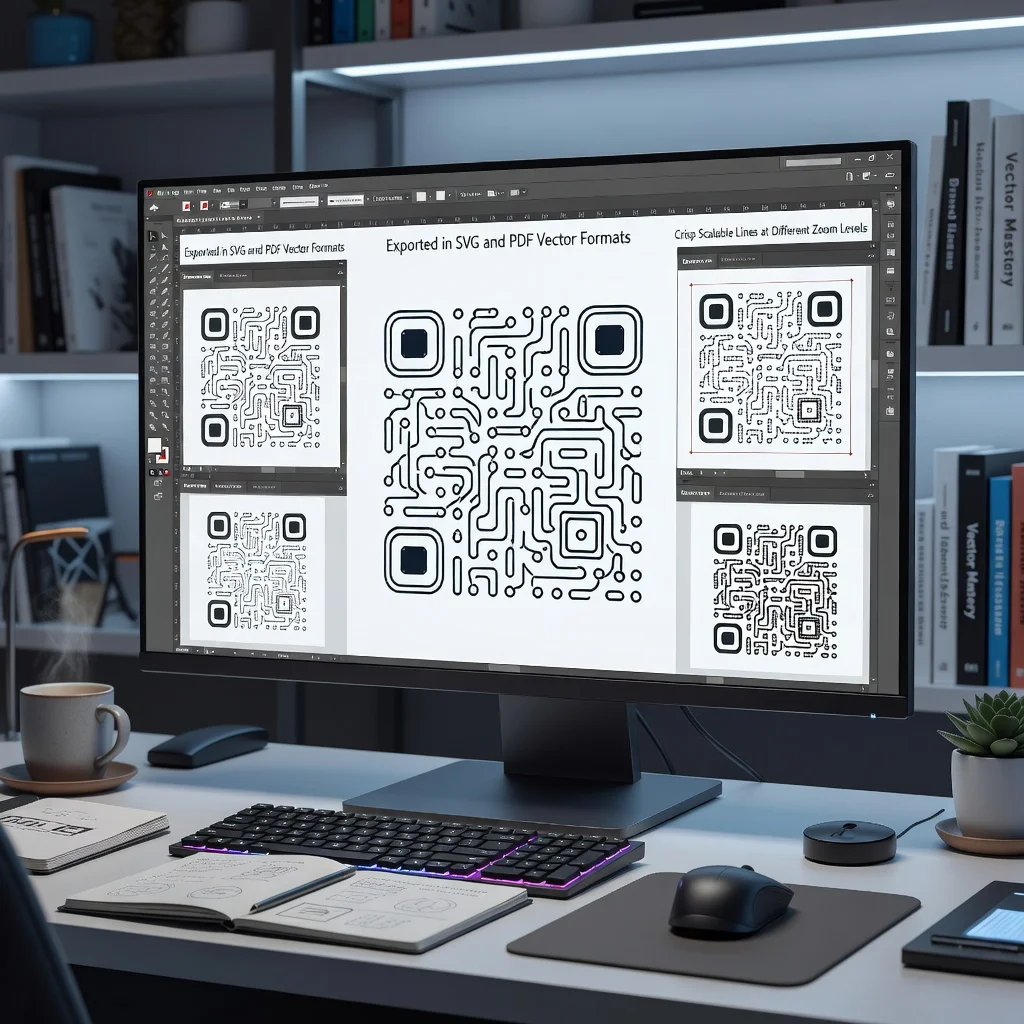
QR codes are square barcodes made of black and white blocks arranged in a grid. They got created back in 1994 for the automotive industry, but these days they're everywhere from restaurant menus to product packaging. The key advantage is that they can be enlarged or shrunk without losing quality, especially if you download them in a vector format.
What is a vector QR code?
A vector QR code is generated and saved as SVG, PDF, or EPS instead of a raster image like PNG or JPG. This matters because vector formats use mathematical instructions to draw the code instead of storing individual pixels. That means you can scale it up infinitely without the image getting blurry or blocky, perfect if you need the code on a billboard or a business card.
Why use vector formats for QR codes?
Vector formats give you flexibility. Print a code on a tiny label or blow it up for a poster, it looks sharp either way. Raster images like PNG get pixelated when enlarged, but vectors stay crisp. This is especially important for marketing materials where you want your QR code to look professional at any size.
- Scales infinitely without loss of quality or clarity
- Works perfectly for both digital and print applications
- Smaller file sizes compared to high-resolution raster images
- Easy to edit colors and design elements in vector editors
- Compatible with professional design software
Types of vector formats
SVG (Scalable Vector Graphics): The most common web format. Opens in browsers and most design software. Easy to edit and customize.
PDF: Universal format that works across all devices and printers. Good if you need to send the code to someone without design software.
EPS (Encapsulated PostScript): Professional printing standard. Used by print shops and graphic designers. Highest quality for large-format printing.
When to use vector QR codes
Use vector formats when your code needs to work at different sizes or you're sending it to a print shop. If you're just putting a code on a website, a regular PNG is fine. But if you're adding codes to product labels, billboards, vehicle wraps, or promotional materials, vector is the way to go.
Creating vector QR codes
Most free QR code generators let you download in vector formats. Just paste your URL or content, customize the design if you want, and download as SVG or PDF. Some generators even let you adjust colors and add your logo before downloading.
Tips for vector QR codes
- Test the code before printing to ensure it scans properly
- Keep the minimum size at least 1x1 inch for reliable scanning
- Use high contrast between the code and background for best results
- If you're adding a logo or design elements, don't cover more than 20% of the code
- Save copies in multiple formats in case you need them later
Conclusion
Vector QR codes give you professional, scalable codes that work at any size. Whether you're a designer preparing materials for print or a small business creating codes for multiple applications, vector formats ensure your codes always look sharp and scan reliably.