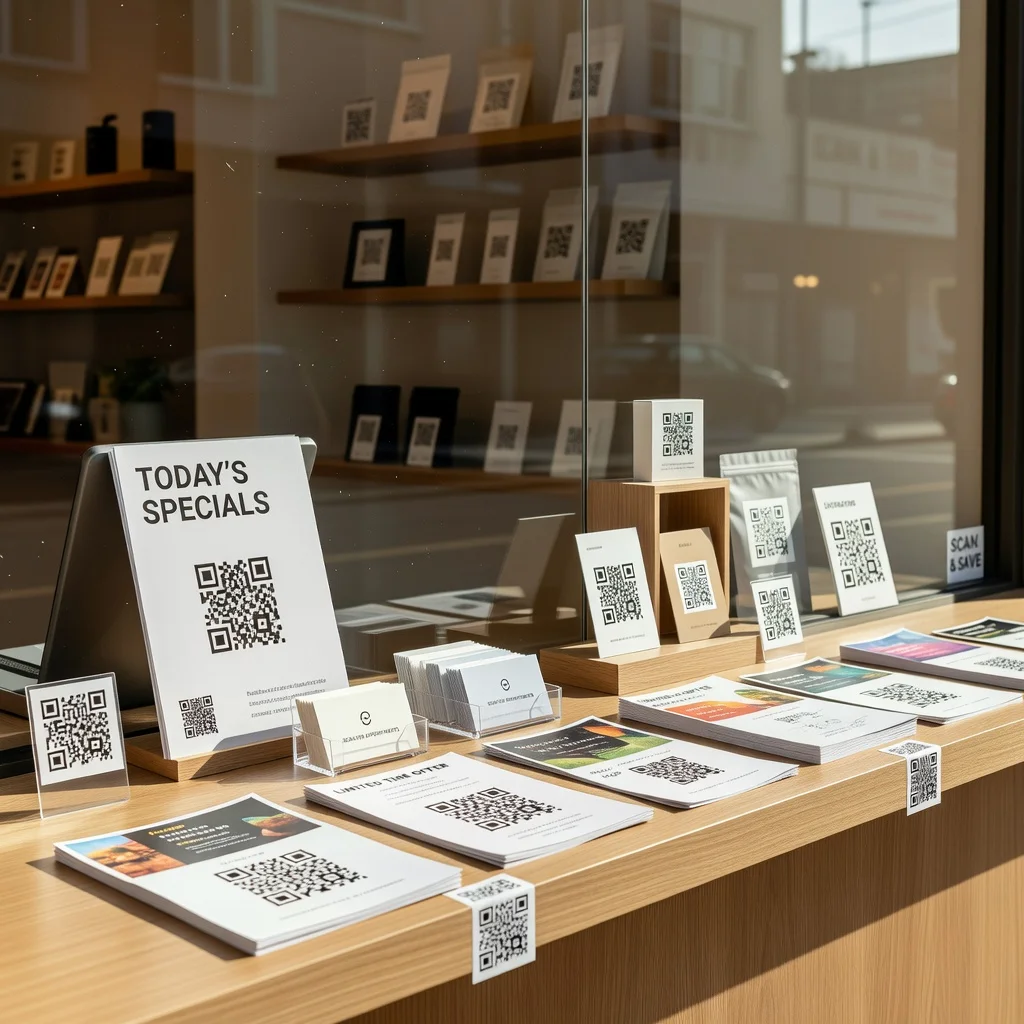
Signage with QR code
QR codes on signage are becoming standard because they solve a real problem: connecting people who see your physical sign to something digital without requiring them to remember a complicated URL. A person walks by, sees your sign, scans a code, and immediately gets relevant information or an offer.
Why add QR codes to your signage?
Signs with QR codes let you bridge offline and online. A real estate sign can link to property details. A restaurant window can link to your menu and reservations page. An event poster can link to ticket purchases. You're not just catching someone's attention, you're making it easy for them to take the next step.
- Direct people from physical locations to your website or landing page
- Track how many people actually engage with your signs
- Update where the code points without reprinting signs
- Provide detailed information without needing a lot of printed text
- Works in any weather or lighting condition
Types of signage that benefit from QR codes
Retail storefronts
Put a code in your window linking to your online store, hours, or current promotions. People can check what you offer before even entering.
Real estate
Property signs with QR codes let interested buyers access photos, details, and scheduling tools directly from the street.
Event posters
A concert, festival, or conference poster can link to tickets, schedules, and venue information. Much easier than asking people to search for event details.
Service businesses
Landscapers, plumbers, contractors, put a code on your vehicle wrap or yard sign linking to your portfolio, reviews, and contact form.
Restaurants and cafes
Window signage with QR codes links to menus, delivery options, or reservation pages. Especially useful for pop-up locations or food trucks.
Public information
Transit stops, government buildings, public spaces can use codes to link to schedules, forms, or important information.
Designing QR code signage
Keep it simple. The QR code should be prominent but not overwhelming. Make sure the code is at least 2x2 inches so people can scan from a distance. Use high contrast, black code on white background is standard. If you add a call-to-action like "Scan for menu" or "Learn more," keep the text simple and clear.
Where to place your signs
Position codes at eye level where people naturally stop and look. On a window, place it where it's visible from the street. On a vehicle wrap, make sure it's on a side people can scan from stationary position. At an event, place it somewhere people have time to take their phone out.
Tracking and updating
If you use dynamic QR codes, you can track how many scans each sign gets and where traffic is coming from. You can also change where codes point without reprinting signs, useful if you need to redirect traffic during a campaign.
Conclusion
Signage with QR codes turns passive observation into active engagement. Someone sees your sign, scans a code, and you've connected them to your business or information. It's a simple addition that gives your signage measurable results.