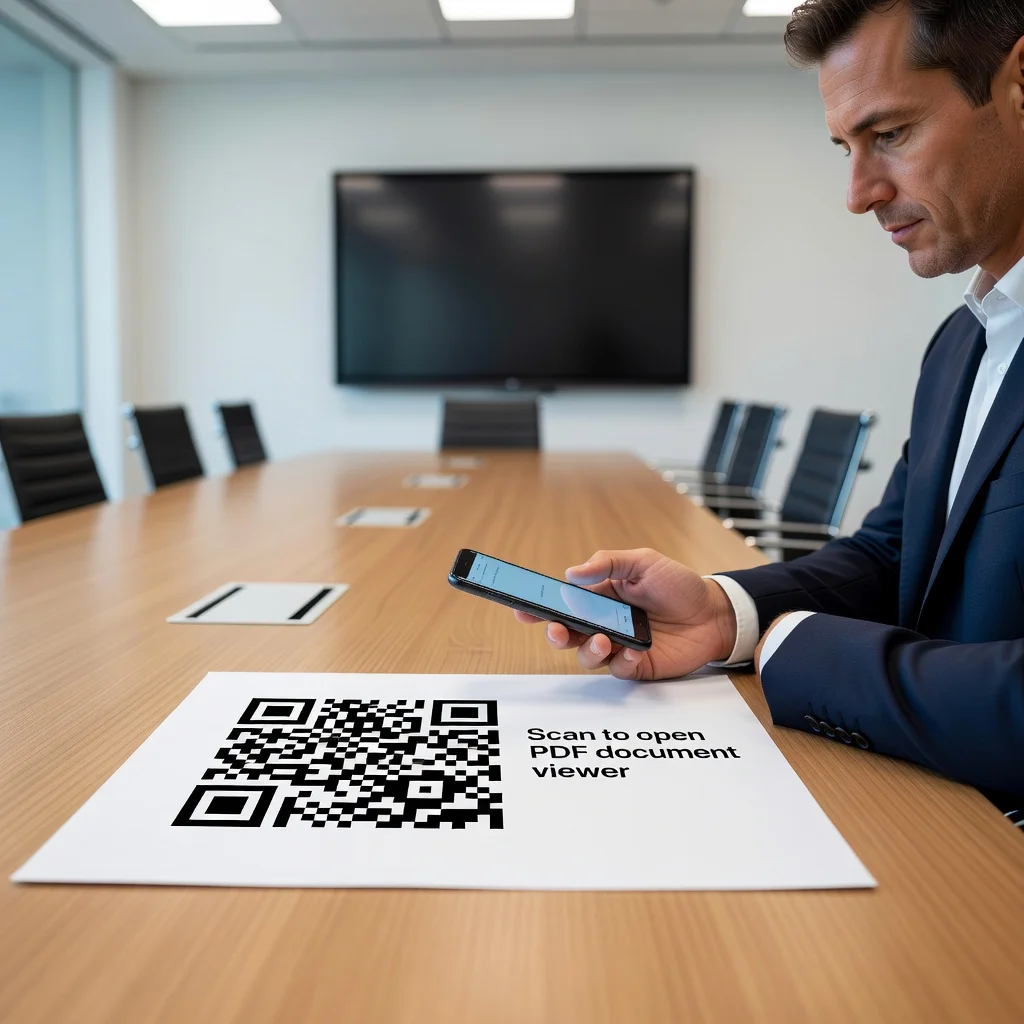
Codice QR per PDF: condividi documenti con una singola scansione
Hai creato un PDF. Un curriculum, un manuale, un report, un contratto, un whitepaper. Ora devi condividerlo. Lo invii via email, oppure lo carichi e ne mandi il link, oppure la persona lo cerca sul tuo sito e lo scarica. Un codice QR elimina tutti questi passaggi. Una scansione e il PDF si apre direttamente sul telefono o sul computer. Niente ricerche nella casella di posta, nessun segnalibro perso, nessun "Non riesco a trovare quel file che mi hai mandato la settimana scorsa". Una scansione e hanno accesso.
Condividi i curriculum all'istante
Stai incontrando un potenziale datore di lavoro o un cliente. Invece di dire "Ti invierò il mio curriculum via email", dici "scansiona questo" e loro hanno il tuo curriculum tra le mani immediatamente. È d'effetto, è veloce e rimuove ogni ostacolo a chi vuole esaminare il tuo lavoro. Meglio ancora: usa un codice QR dinamico e puoi aggiornare il curriculum una sola volta, così risulta aggiornato ovunque il codice sia stato condiviso.
- Aggiungi il codice QR al biglietto da visita, accanto ai tuoi contatti
- Inseriscilo nelle lettere di presentazione, così i datori di lavoro possono accedere al curriculum con una sola scansione
- Usalo sul tuo profilo LinkedIn per rimandare direttamente al curriculum più recente
- Mettilo sui materiali stampati che distribuisci alle fiere del lavoro
Fornisci manuali e istruzioni dei prodotti
Realizzi qualcosa: mobili, un utensile, un dispositivo elettronico, qualsiasi cosa. Il cliente lo acquista e non riceve un manuale d'istruzioni stampato in sei lingue. Riceve invece un codice QR stampato sulla confezione. Lo scansiona e ottiene il manuale in PDF, i video tutorial, le informazioni sulla garanzia e il contatto dell'assistenza clienti. Tu risparmi sui costi di stampa, loro ottengono esattamente le informazioni di cui hanno bisogno e tu riduci le chiamate all'assistenza perché le persone hanno accesso immediato all'aiuto.
Condividi contratti e documenti legali
Sei un avvocato, un agente immobiliare oppure stai stipulando un contratto con un fornitore. Invece di inviare un PDF via email e aspettare la conferma di ricezione, usa un codice QR. Il codice rimanda a una pagina di destinazione con il documento. Lo scansionano, lo vedono immediatamente, lo firmano e tu hai una traccia di quando vi hanno avuto accesso. È più veloce, più pulito e non c'è più la scusa del "Non ho mai ricevuto la tua email".
Pubblica report e whitepaper
Hai scritto un report dettagliato o un whitepaper. Stampa un codice QR nei tuoi materiali di marketing, sul tuo sito, nelle tue newsletter via email. Le persone scansionano e accedono al documento completo senza dover navigare nel tuo sito o attendere un download. Rendi così facile l'accesso alle tue idee che più persone le leggono davvero.
Crea link a contenuti multipli
Il tuo codice non deve per forza rimandare a un singolo PDF. Usa un codice dinamico che punta a una pagina di destinazione con più PDF: il tuo curriculum, il tuo portfolio, le testimonianze dei tuoi clienti. Persone diverse possono accedere a documenti diversi dallo stesso codice. È flessibile e mantiene semplice il tuo flusso di lavoro.
Rendere accessibili i PDF
La chiave è assicurarsi che ciò a cui rimandi funzioni davvero. Testa il codice prima di stamparlo o condividerlo. Assicurati che il PDF si carichi rapidamente. Se usi un codice QR dinamico, verifica che il link resti attivo e che il documento non cambi inaspettatamente (a meno che tu non lo voglia). E mantieni ragionevole la dimensione del file da scaricare: se il tuo PDF pesa 20 MB, frustrerà le persone con connessioni lente.
Pronto a condividere documenti all'istante? Crea il tuo codice QR per PDF e rendi l'accesso alle informazioni senza attriti.