Come creare un codice QR per il tuo sito web in 60 secondi
Hai un sito web. Vuoi che le persone lo visitino. Digitare un URL è un ostacolo. Un codice QR lo elimina. Qualcuno vede il tuo codice su un volantino o un biglietto da visita, inquadra con il telefono e arriva istantaneamente sul tuo sito web. Niente da digitare, niente da cercare su Google, nessuna confusione. Questo è uno dei migliori usi dei codici QR.
Perché creare un codice QR per il sito web?
- Unisci offline e online: i materiali stampati diventano porte d'accesso immediate al tuo sito web
- Traccia il traffico: puoi vedere quante persone scansionano il tuo codice e da dove
- Accesso immediato: nessuno deve digitare il tuo URL o cercare il tuo nome
- Ottimizzato per il mobile per impostazione predefinita: la maggior parte di chi scansiona è da telefono. È meglio che il tuo sito funzioni su mobile, altrimenti se ne andranno
- Funziona ovunque: biglietti da visita, volantini, poster, confezioni di prodotti, email, ovunque tu abbia bisogno che le persone trovino il tuo sito web
Scegliere il tuo link
Puoi collegarti alla tua homepage, a una pagina di destinazione specifica, a una pagina di prodotto o a qualsiasi URL. Configurazioni comuni:
- Homepage: collega a tuosito.com. I visitatori vedono tutta la tua attività
- Pagina di destinazione specifica: collega a tuosito.com/offerta-speciale o tuosito.com/evento. I visitatori vedono esattamente di cosa tratta il codice
- URL tracciabile: aggiungi parametri come tuosito.com/?source=volantino o tuosito.com/?utm_source=biglietto_da_visita. Poi controlla le tue analisi per vedere quali codici hanno generato più visite
Passo dopo passo: creare un codice QR per il sito web
- Copia l'URL del tuo sito web: evidenzia il link completo che vuoi condividere (ad esempio https://www.tuosito.com o https://www.tuosito.com/pagina-destinazione)
- Vai su un generatore di codici QR: cerca "generatore di codici QR gratuito" e aprine uno
- Incolla il tuo URL: inserisci il tuo link nel campo "URL"
- Genera: clicca sul pulsante "Crea" o "Genera"
- Scarica: salva l'immagine del codice QR come PNG o SVG
- Fai una prova: prima di usarlo da qualche parte, scansiona il codice dal tuo telefono e conferma che ti porti nel posto giusto
Testare il tuo codice QR per il sito web
Se possibile, fai la prova da alcuni telefoni diversi. Si carica la pagina giusta? Si carica velocemente? La pagina è ottimizzata per il mobile o appare compressa e difficile da leggere? Se il tuo sito web non è ottimizzato per il mobile, sistemalo prima di promuovere il codice QR. Un codice che porta le persone su un sito web inutilizzabile fa perdere loro tempo e danneggia la tua reputazione.
Dimensionare il codice per la stampa
Più grande è il codice QR, più è facile da scansionare. Ma non ti servono codici giganti ovunque.
- Biglietto da visita: 2,5 cm per 2,5 cm è lo standard e funziona bene
- Volantino o poster: 5-7,5 cm per 5-7,5 cm, a seconda di quanto lontano si trovano le persone
- Piccola etichetta di prodotto: almeno 1,3 cm per 1,3 cm, preferibilmente 2,5 cm
- Cartellone o insegna all'esterno: 30+ cm per 30 cm così che le persone possano scansionare da lontano
Dove mettere il tuo codice QR per il sito web
Biglietti da visita: includi un codice QR del sito web accanto al tuo numero di telefono. Le persone agli eventi di networking possono salvare il tuo contatto all'istante.
Volantini e cartoline: metti il codice nell'angolo in alto o in basso così che sia evidente. Aggiungi vicino un testo come "Scansiona per saperne di più" o "Visita il nostro sito".
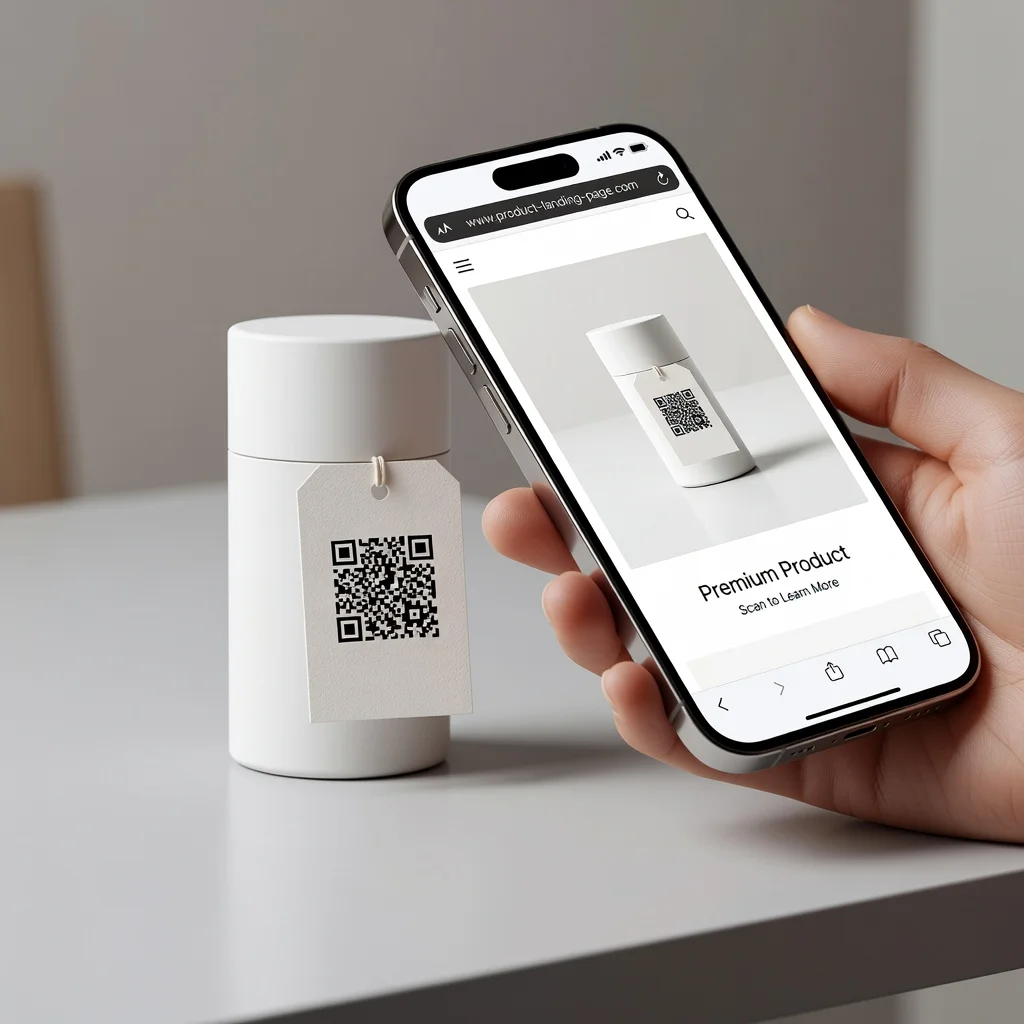
Confezioni: metti un codice sulle scatole o sulle buste dei prodotti che rimandi alle istruzioni per la cura del prodotto, a maggiori dettagli o a un sondaggio per i clienti.
Annunci stampati: gli annunci sulle riviste e le newsletter stampate possono includere codici che rimandano a contenuti aggiuntivi o offerte speciali.
Eventi e segnaletica: a conferenze o eventi, usa codici che rimandano alla registrazione all'evento, ai programmi o alle informazioni sugli sponsor.
Email (ma solo nell'immagine): puoi includere un codice QR nell'immagine di intestazione o piè di pagina di un'email. Chi stampa la tua email può scansionarlo. Chi legge sullo schermo può semplicemente cliccare il link.
Codici QR statici vs. dinamici per il sito web
I codici statici contengono il tuo URL. Una volta stampati, il link è fissato per sempre. Se cambi l'URL del tuo sito web, ti servono nuovi codici. Ma i codici statici funzionano per sempre e non richiedono mai aggiornamenti.
I codici dinamici reindirizzano tramite un link abbreviato. Puoi cambiare la destinazione senza ristampare. Ottieni anche analisi che mostrano quante persone hanno scansionato. Ma costano dopo un certo numero di codici e dipendono dal fatto che il servizio resti online.
Per la maggior parte delle persone, i codici statici sono più semplici ed economici. Creane uno, stampalo, fatto.
Errori comuni
- Non testare il link: non stampare 1.000 biglietti da visita prima di confermare che il codice funziona
- Sito web non ottimizzato per il mobile: la maggior parte di chi scansiona è da telefono. Se il tuo sito web non è ottimizzato per il mobile, se ne andranno immediatamente
- Codice troppo piccolo: un codice più piccolo di un francobollo è quasi impossibile da scansionare. Vai almeno a 2,5 cm
- Scarso contrasto: assicurati che lo sfondo su cui si trova il codice lo renda chiaramente visibile. I codici chiari su sfondi chiari non funzionano
- Link non funzionanti o vecchi: se stampi un codice che rimanda a una pagina di destinazione obsoleta, confondi le persone. Assicurati che la destinazione sia ancora pertinente
Il vantaggio
Un codice QR per il sito web sul tuo biglietto da visita o volantino unisce offline e online all'istante. Nessuno deve ricordare il tuo URL o cercare il tuo nome. Scansionano e vanno. Se stai stampando qualcosa che punta a portare le persone online, un codice QR è la mossa giusta.
Crea subito il tuo codice QR per il sito web in 60 secondi o meno.