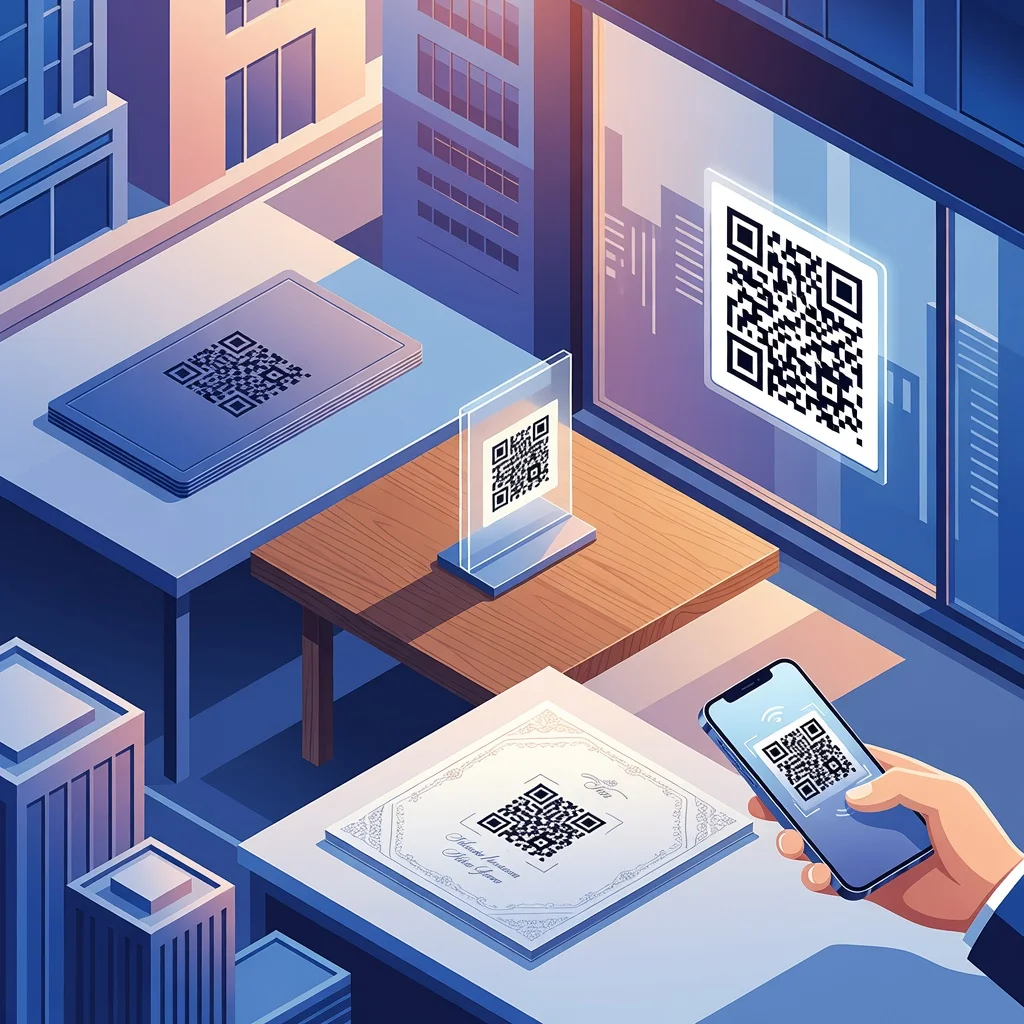
Was sind QR-Codes und wie funktionieren sie?
Ein QR-Code ist einfach ein quadratischer Strichcode, den Ihr Smartphone lesen kann. Richten Sie Ihre Kamera darauf und innerhalb einer Sekunde sind Sie mit dem verbunden, worauf er verweist: einer Website, Kontaktdaten, einem WiFi-Passwort, was auch immer. Sie funktionieren, weil sie Daten als Muster aus schwarzen und weißen Quadraten speichern, und Smartphones diese Muster sofort decodieren können.
Definition und Geschichte der QR-Codes
Masahiro Hara erfand QR-Codes 1994 bei Denso Wave, einem japanischen Automobilzulieferer. Ursprünglich verfolgten sie Autoteile in Fertigungslinien, im Grunde ein schnellerer, dichterer Strichcode als alles, was es zuvor gab. Die Technologie setzte sich durch, weil sie weitaus mehr Informationen speichern konnte als herkömmliche Strichcodes und aus jedem Blickwinkel funktionierte, was sie branchenübergreifend nützlich machte.
Die Funktionsweise ist elegant: Daten werden als Muster aus Quadraten codiert, die Kamera Ihres Smartphones liest das Muster, und eine Software decodiert es zurück in Text, URLs, Kontaktdaten oder was auch immer gespeichert wurde. Für den Scan selbst ist kein Internet nötig, nur die Kamera Ihres Smartphones und eine QR-Reader-App.
Warum sollten Sie QR-Codes in Ihrer Marketingstrategie einsetzen?
QR-Codes überbrücken die Kluft zwischen Papier und Digitalem. Jemand sieht Ihren Flyer, Ihr Poster oder Ihre Produktverpackung. Er scannt. Plötzlich ist er auf Ihrer Website, liest eine Speisekarte, meldet sich für etwas an oder schaut sich ein Video an. Kein Eintippen einer URL, kein umständliches Hantieren, nur ein schneller Scan und schon ist er da.
- Direkte Verlinkung, ohne dass Menschen lange URLs eintippen müssen
- Verfolgen Sie, welche Marketingmaterialien tatsächlich gescannt und welche einfach ignoriert werden
- Funktioniert offline, der Scan erfordert kein Internet, nur die Fähigkeit, das Muster zu decodieren
- Einfache Möglichkeit, Besucher von physischen Materialien zu Ihren digitalen Angeboten zu leiten
Kreative QR-Code-Ideen für Unternehmen
1. Visitenkarten
Anstatt alles auf eine Karte zu quetschen, platzieren Sie einen QR-Code auf der Rückseite, der zu Ihren Kontaktdaten, LinkedIn oder einer Portfolio-Website verweist. Menschen können Ihre Daten einfach durch Scannen speichern, statt zum Stift zu greifen.
2. Produktverpackungen
Lebensmittelmarken nutzen QR-Codes, um Rezepte, Nährwertangaben oder Informationen zur Herkunft anzuzeigen. Einzelhändler können auf Montageanleitungen oder Garantiedetails verweisen. Es ist, als würde man eine Anleitung hinzufügen, ohne zusätzliches Papier zu verwenden.
3. Schaufenster
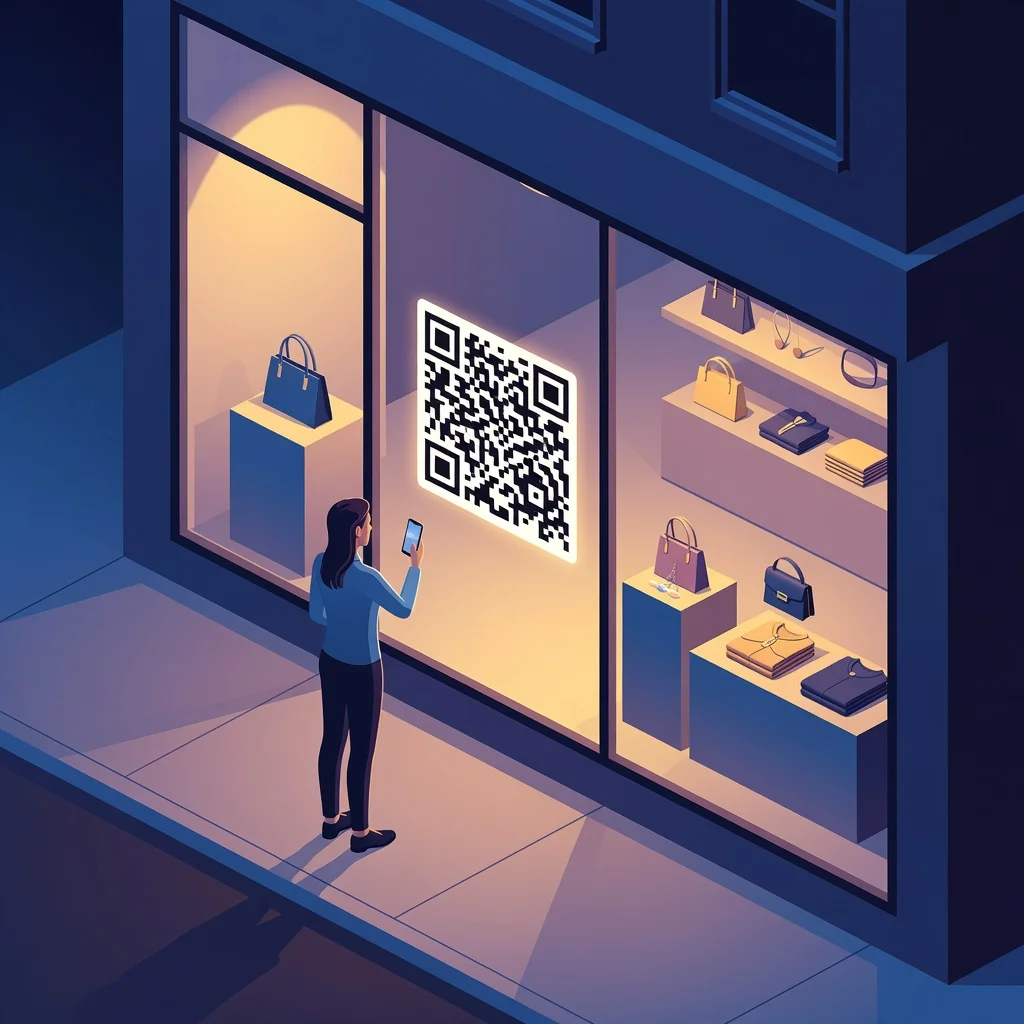
Platzieren Sie einen Code in Ihrem Schaufenster, der zu Ihrem Online-Shop oder aktuellen Aktionen verweist. Selbst wenn Sie nachts geschlossen haben, können Passanten Ihre Produkte und Öffnungszeiten überprüfen.
4. Social-Media-Kanäle
Drucken Sie einen QR-Code, der zu Ihrem Instagram oder TikTok verweist. Viel einfacher, als die Leute zu bitten, einen Benutzernamen oder ein Handle einzutippen.
5. Gedruckte Anzeigen
Eine Zeitschriftenanzeige, ein Flyer oder ein Poster kann einen QR-Code enthalten, der zu Videoinhalten, Erfahrungsberichten oder einer speziellen Landingpage verweist. Sie können verfolgen, welche Anzeigen tatsächlich gescannt und nicht nur betrachtet werden.
6. Kontaktloses Bezahlen
Während der Pandemie stiegen Restaurants auf QR-Codes für Speisekarten und Zahlungen um. Es hat sich gehalten, weil es wirklich schneller und sauberer ist, als physische Zahlungsterminals herumzureichen.
7. Marketingmaterialien
Platzieren Sie einen Code auf Konferenzunterlagen, Direktwerbung oder Werbeartikeln. Scannen Sie ihn und erhalten Sie zusätzliche Inhalte wie ein Whitepaper, einen Webinar-Link oder einen Rabattcode.
8. Museen und historische Stätten
Platzieren Sie Codes neben Ausstellungsstücken. Besucher scannen und hören einen Historiker, der die Bedeutung des Artefakts erklärt, lesen historische Hintergründe oder greifen auf zusätzliche Bilder zu. Das bereichert das Erlebnis, ohne zusätzliches Personal zu erfordern.
9. Reinigungsservice
Kunden können bei der Abholung einen Code scannen, um ihren Auftragsstatus zu prüfen oder Sonderangebote anzusehen. Es ist eine kleine Geste, die modern und hilfreich wirkt.
10. Restaurants

Verlinken Sie zu einer digitalen Speisekarte, damit Gäste vor der Bestellung Bilder, Preise und Bewertungen sehen können. Sie können auch direkt von ihrem Platz aus Feedback hinterlassen oder Gerichte bewerten.
Einzigartige QR-Code-Ideen für den privaten Gebrauch
11. Hochzeitseinladungen

Fügen Sie Ihrer Einladung einen Code hinzu, der Ihre Hochzeitswebsite mit Datum, Ort, Hotelinformationen und Geschenkeliste öffnet. Gäste können zusagen, ohne einen zusätzlichen E-Mail-Austausch.
12. Persönliche Nachrichten
Codieren Sie eine Videobotschaft oder ein Fotoalbum in einen Code, den Sie an Freunde oder Familie senden. Das ist eine kreativere Geschenkidee als nur ein Link per SMS.
13. Baugenehmigungen
Verlinken Sie einen Code zu Projektdetails, Genehmigungen und Kontaktdaten für Inspektionen. Das spart Zeit für Prüfer und Bauunternehmer, die vor Ort auf Dokumente zugreifen müssen.
14. Publikumsverkehr
Platzieren Sie Codes an stark frequentierten Orten wie Bushaltestellen oder Bahnhöfen. Ein Scan führt Menschen direkt zu Informationen über lokale Veranstaltungen, Speisekarten oder Servicedetails.
15. Werbemöglichkeiten
Fahrzeugfolierungen, Fensteraufkleber und Poster können alle QR-Codes tragen, die zu Ihrer Serviceseite oder einem Sonderangebot verweisen. Weitaus besser nachverfolgbar als herkömmliche Anzeigen.
16. Museen und Kunstgalerien

Platzieren Sie neben einem Kunstwerk oder Artefakt einen Code, der Künstlerbiografien, Interviews oder historische Hintergründe öffnet. So können interessierte Besucher tiefer eintauchen, ohne alle anderen zu überfordern.
17. Filmplakate
Filmstudios nutzen QR-Codes, die zu Trailern, Spielzeiten oder Ticketkaufseiten verweisen. Viel schneller, als jemanden von einem Buswartehäuschen aus IMDB durchsuchen zu lassen.
18. Lokale Unternehmen
Platzieren Sie einen Code in Ihrem Schaufenster, der zu Ihrer App mit Treueprämien oder Rabatten verweist. Das ist ein sanfter Anstoß für Menschen, sie herunterzuladen.
19. Erstellen eines WiFi-QR-Codes zur einfachen Netzwerkfreigabe
Erstellen Sie einen QR-Code für Ihr WiFi-Netzwerk, und Gäste können beitreten, ohne nach dem Passwort zu fragen. Scannen, verbinden, fertig. Kein Hantieren mit Sonderzeichen oder Buchstabieren-Lassen.
So erstellen Sie QR-Codes mit einem kostenlosen QR-Code-Generator
Der Vorgang ist unkompliziert. Wählen Sie aus, worauf Sie verlinken möchten, geben Sie es in einen Generator ein, passen Sie bei Bedarf das Aussehen an und laden Sie es herunter:
- Wählen Sie Ihren Typ: Statische Codes eignen sich für die meisten Zwecke, dauerhafte Links, die Sie später nicht ändern werden.
- Fügen Sie Ihren Inhalt hinzu: Fügen Sie die URL, Kontaktdaten, Text oder das WiFi-Passwort ein.
- Passen Sie Ihren Code an: Fügen Sie Ihre Markenfarben oder Ihr Logo hinzu, wenn er zu Ihren Materialien passen soll.
- Herunterladen und drucken: Speichern Sie ihn in hoher Auflösung und platzieren Sie ihn dort, wo die Leute ihn scannen sollen.
Fazit
QR-Codes sind nützlich, weil sie einfach zu erstellen sind und wirklich ein echtes Problem lösen: Menschen von physischen Materialien zu digitalen Inhalten zu führen, ohne dass sie etwas eintippen müssen. Ob Sie ein Unternehmen führen, eine Veranstaltung planen oder einfach etwas mit Freunden teilen möchten, es gibt wahrscheinlich einen Anwendungsfall für QR-Codes, der tatsächlich Zeit spart.