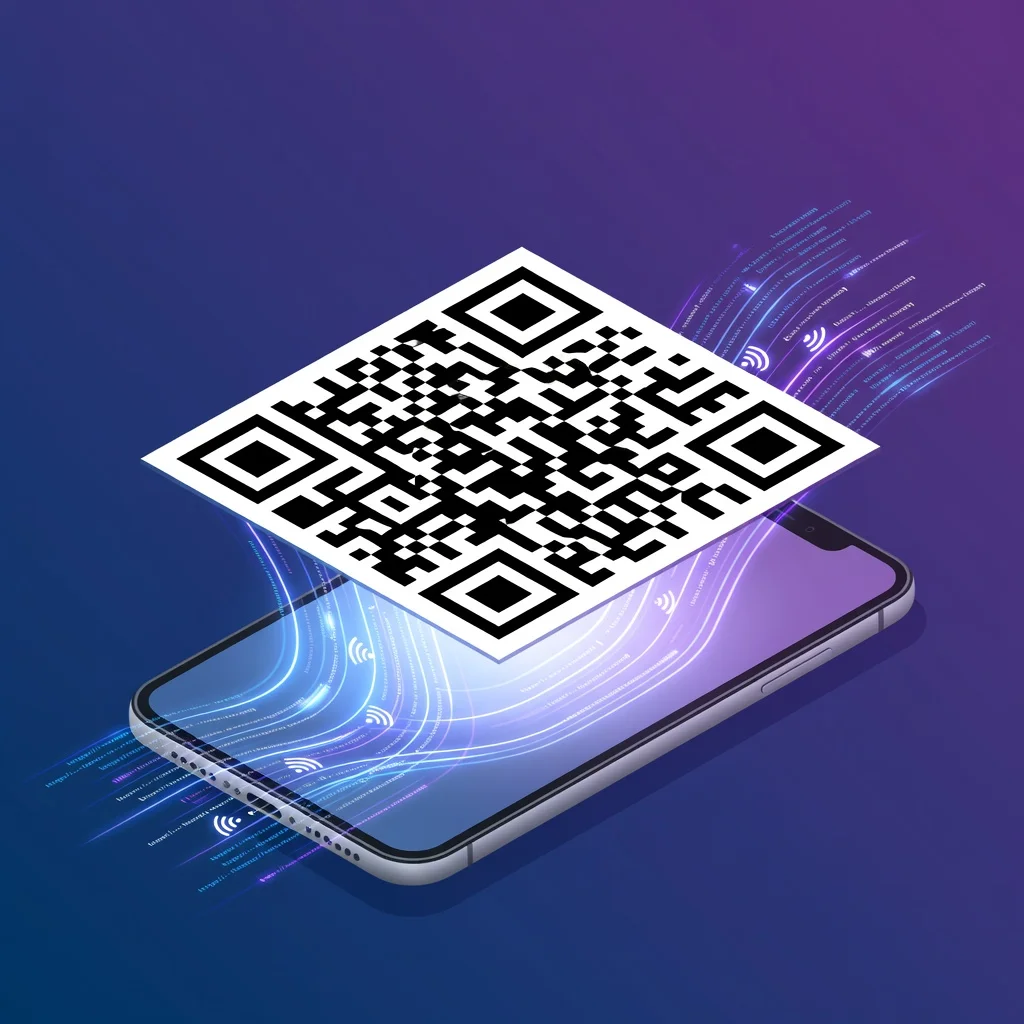
Was ist ein QR-Code?
QR steht für "Quick Response" (schnelle Antwort). Denso Wave, ein japanisches Unternehmen, entwickelte sie in den 1990er Jahren, um Autoteile schneller zu verfolgen als mit herkömmlichen Strichcodes. Ein QR-Code ist ein quadratisches Raster aus schwarzen und weißen Blöcken, das Ihr Smartphone in Daten decodieren kann, üblicherweise eine URL, Kontaktdaten oder ein WiFi-Passwort.
Was ist ein QR-Code-Generator?
Es ist ein Werkzeug, das Ihre Daten in einen scannbaren QR-Code umwandelt. Sie fügen eine URL oder Kontaktdaten ein, das Werkzeug codiert sie in ein Muster, und Sie erhalten ein Bild, das Sie drucken oder teilen können. Der Generator übernimmt die technische Codierung, sodass Sie sich darüber keine Gedanken machen müssen.
Mit Generatoren können Sie zwei Arten von Codes erstellen: statische, die sich nicht ändern, und dynamische, die Sie später bearbeiten können. Statische Codes eignen sich für die meisten Situationen, etwa einen Link zu Ihrer Website oder Kontaktkarte. Dynamische Codes sind nützlich, wenn Sie ändern möchten, worauf der Code verweist, ohne ihn neu zu drucken.
Warum sollten Sie einen QR-Code-Generator verwenden?
- Sofortiger Zugriff: Menschen scannen und landen genau dort, wo Sie sie haben möchten, auf Ihrer Website, einer Landingpage oder einem Formular.
- Kundenengagement: Das Hinzufügen von Codes zu Marketingmaterialien macht es für Menschen einfach, mit Ihrem Unternehmen zu interagieren.
- Fehlerkorrektur: Codes bleiben lesbar, selbst wenn sie teilweise beschädigt oder verdeckt sind.
- Benutzerdefinierte QR-Codes: Sie können Ihre Markenfarben, Ihr Logo oder andere Designelemente hinzufügen.
Vorteile der Verwendung eines QR-Code-Generators

Es ist schnell: Anstatt Daten manuell zu codieren, füllen Sie ein Formular aus und klicken auf "generieren". Sekunden später haben Sie einen einsatzbereiten Code.
Sie bestimmen das Aussehen: Bei den meisten Generatoren können Sie Farben ändern, ein Logo hinzufügen oder das Design an Ihre Marke anpassen. Das ist wichtig, denn Menschen scannen eher Codes, die nicht generisch aussehen.
Es ist erschwinglich: Viele Generatoren sind völlig kostenlos. Sie erhalten das Werkzeug und die Codes ohne Kosten oder Abonnement.
Statische vs. dynamische QR-Codes
Statische QR-Codes: Die Daten sind beim Erstellen fest im Code verankert. Sie können nicht ändern, worauf er verweist, ohne einen neuen Code zu erstellen. Verwenden Sie diese für dauerhafte Dinge wie Kontaktkarten oder Produktinformationen.
Dynamische QR-Codes: Sie können ändern, worauf der Code verweist, selbst nach dem Drucken. Diese sind nützlich für zeitkritische Kampagnen, bei denen Sie den Datenverkehr umleiten möchten, ohne Materialien neu zu drucken. Sie können auch Scan-Statistiken verfolgen.
Anwendungen von QR-Codes
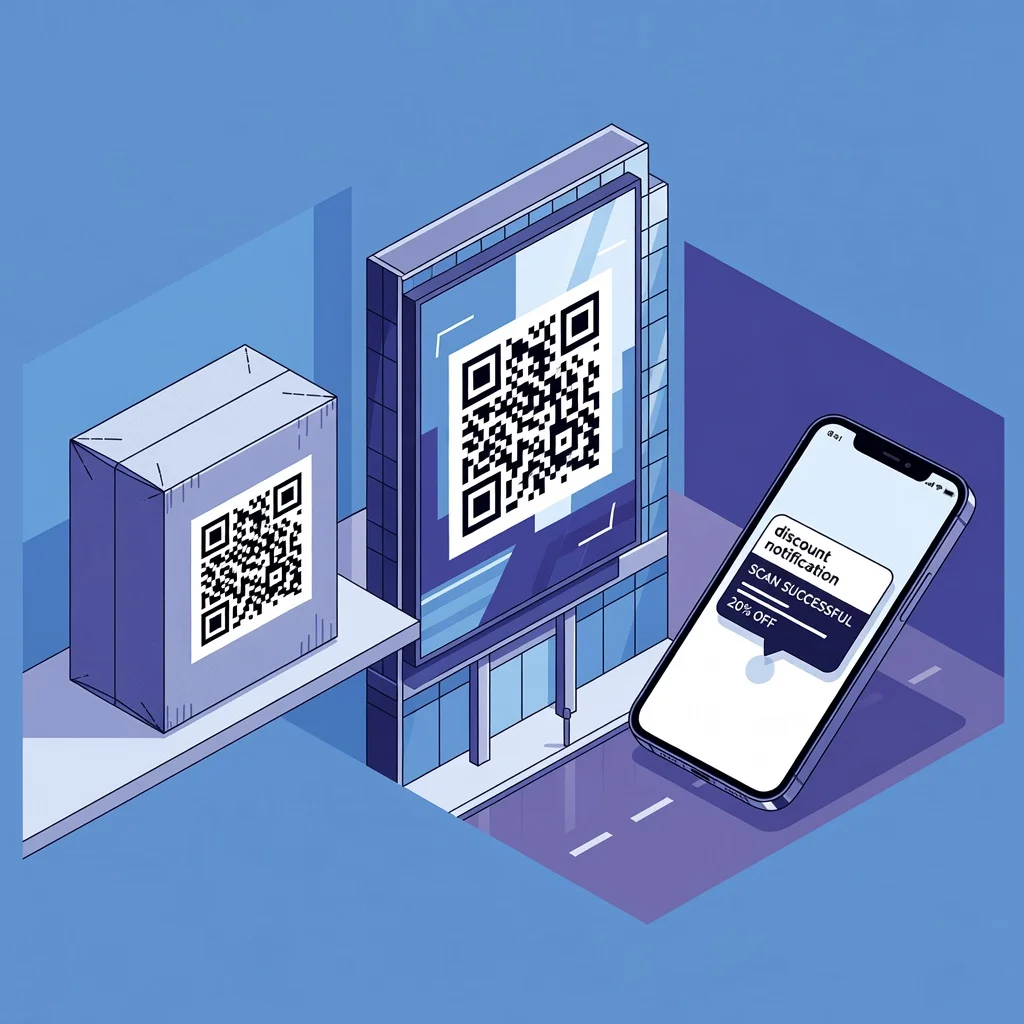
1. Mobiles Marketing
Platzieren Sie Codes auf Anzeigen, Materialien oder Verpackungen. Menschen scannen und erreichen sofort Werbeinhalte, Videos oder Landingpages. Das verbindet Print und Digital nahtlos.
2. Kundenengagement
Verwenden Sie Codes, um Feedback zu sammeln, Menschen zu Bewertungen zu leiten oder einen Rabatt anzubieten. Es ist eine direkte Verbindung von etwas Physischem zu echter Interaktion.
3. Kommerzielle Zwecke
Unternehmen nutzen Codes, um Produktspezifikationen, Garantieinformationen oder Rabatte zu teilen. Hochwertige Code-Bilder sorgen dafür, dass sie selbst klein gedruckt sauber gescannt werden.
Merkmale eines guten QR-Code-Generators
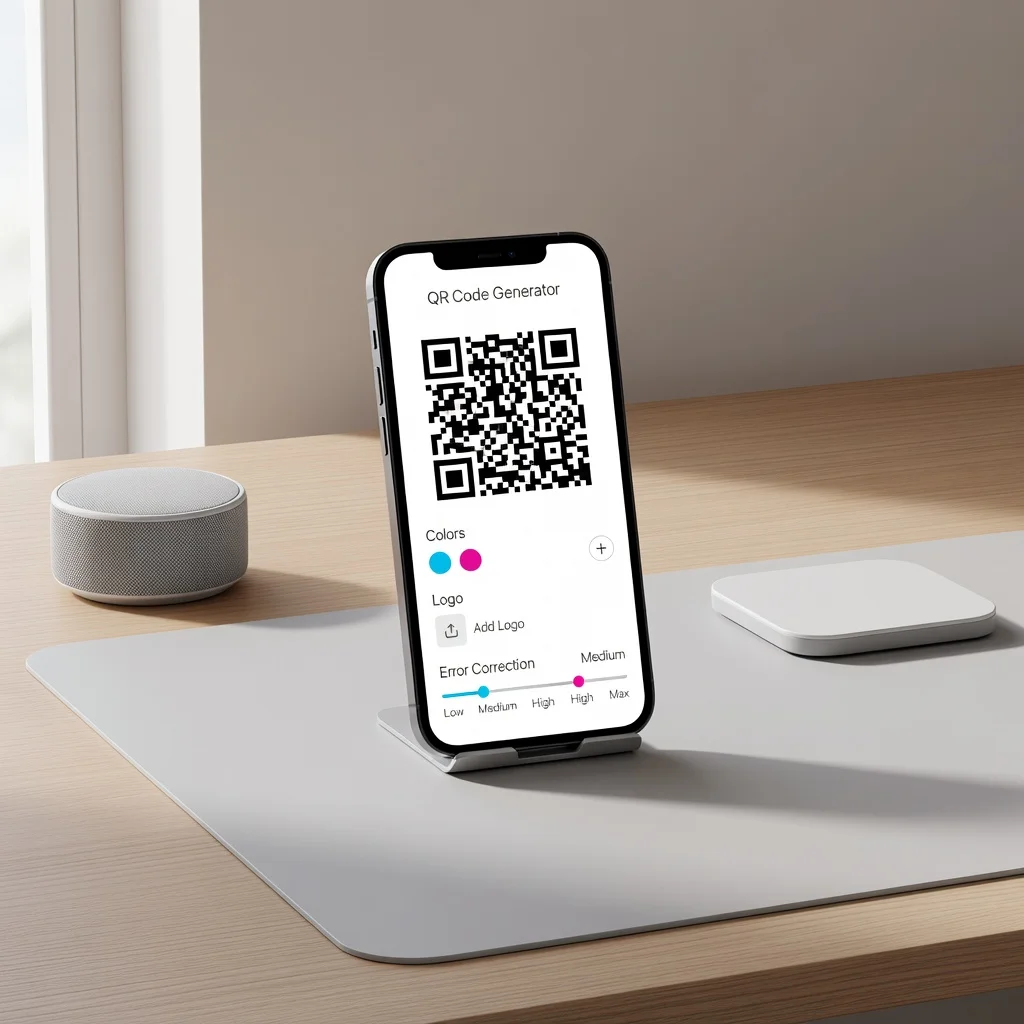
- Kostenlose Downloads in hoher Auflösung: Sie sollten klare, skalierbare Bilder erhalten, ohne zu bezahlen oder an Download-Grenzen zu stoßen.
- Fehlerkorrektur: Codes sollten lesbar bleiben, selbst wenn ein Teil des Bildes verdeckt oder beschädigt ist.
- Anpassungsoptionen: Die Möglichkeit, Farben zu ändern, ein Logo hinzuzufügen oder das Design anzupassen, damit Codes zu Ihrem Branding passen.
So erstellen Sie einen QR-Code
- Entscheiden Sie, was Sie codieren möchten, eine URL, Kontaktdaten, WiFi-Details oder einfachen Text.
- Fügen Sie diese Daten in den Generator ein.
- Passen Sie die Farben an oder fügen Sie ein Logo hinzu, wenn Ihre Materialien einen markenspezifischen Touch benötigen.
- Laden Sie das Code-Bild in einer Auflösung herunter, die für Ihren Anwendungsfall geeignet ist.
- Testen Sie es auf Ihrem Smartphone, um sicherzustellen, dass es korrekt scannt, bevor Sie es drucken oder veröffentlichen.
Lesbarkeit von QR-Codes sicherstellen
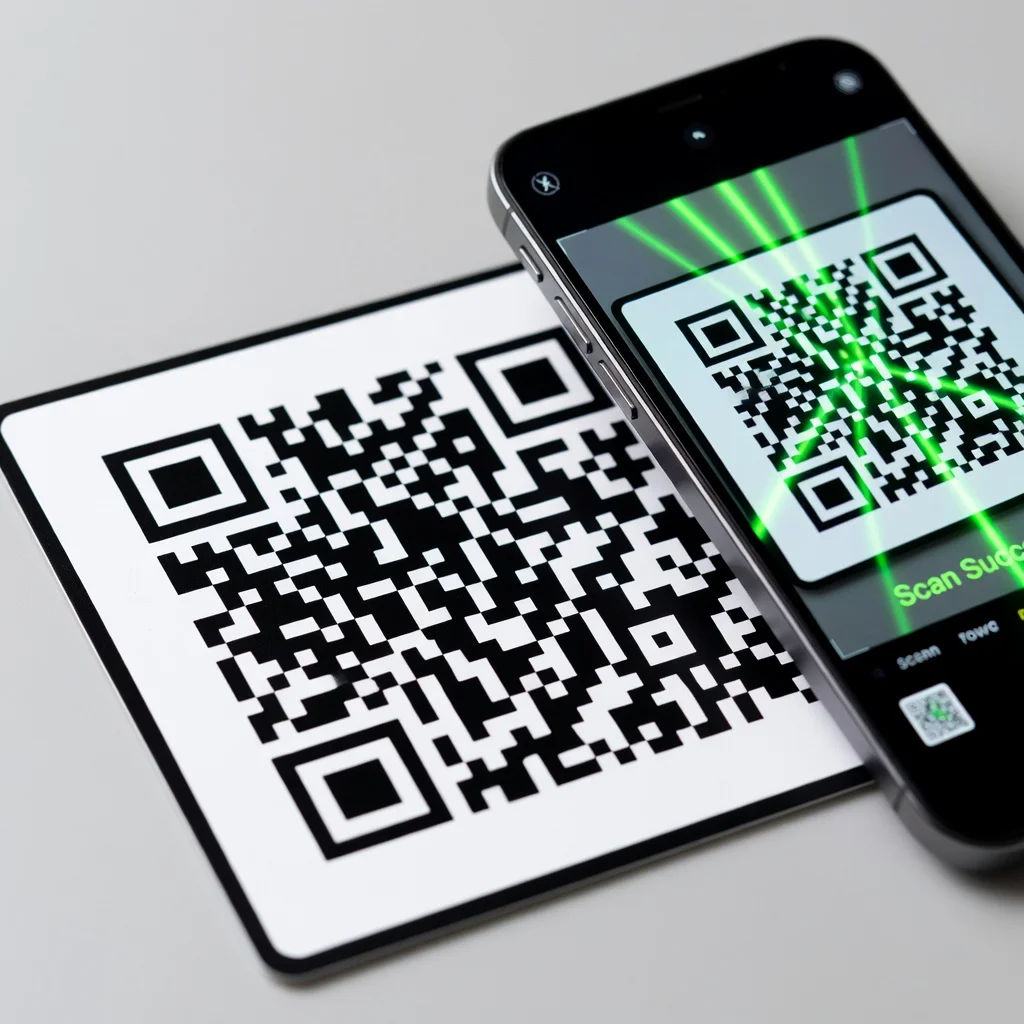
- Verwenden Sie einen hohen Kontrast zwischen Vorder- und Hintergrund, damit Codes leicht zu lesen sind.
- Halten Sie gedruckte Codes mindestens 1×1 Zoll groß, damit Smartphones fokussieren und sauber scannen können.
- Testen Sie Ihre Codes auf verschiedenen Smartphones, bevor Sie sie in großen Mengen drucken.
- Wählen Sie Fehlerkorrekturstufen, die zu Ihrer Verwendung des Codes passen, höhere Stufen, wenn er beschädigt oder teilweise verdeckt werden könnte.
Fazit
Ein QR-Code-Generator ist eines der einfachsten Werkzeuge, um Physisches und Digitales zu verbinden. Ob ein einmaliger Code für Visitenkarten oder eine Reihe von Codes für eine Marketingkampagne, Generatoren machen den Vorgang unkompliziert und lassen Sie sie an Ihre Marke anpassen. Wenn Sie bereit sind, erstellen Sie mit dem kostenlosen QR-Code-Generator von FreeQRCodeGenerator.com sofort und ohne Anmeldung Ihren eigenen QR-Code.
Häufig gestellte Fragen
Was ist ein QR-Code-Generator?
Ein QR-Code-Generator ist ein Werkzeug, das Informationen wie eine URL, Kontaktdaten oder WLAN-Zugangsdaten in einen scanbaren QR-Code umwandelt. Sie geben den Inhalt ein, passen das Design an und laden den fertigen Code als Bild herunter.
Ist ein QR-Code-Generator kostenlos?
Gute QR-Code-Generatoren sind kostenlos nutzbar. Mit dem kostenlosen QR-Code-Generator von FreeQRCodeGenerator.com erstellen Sie unbegrenzt statische QR-Codes ohne Anmeldung, ohne Wasserzeichen und ohne Ablaufdatum.
Was ist der Unterschied zwischen statischen und dynamischen QR-Codes?
Statische QR-Codes speichern die Information dauerhaft im Code selbst und laufen nie ab. Dynamische QR-Codes verweisen auf eine Weiterleitungs-URL, deren Ziel sich nachträglich ändern lässt, erfordern aber meist ein Konto und ein Abonnement.
Welche Funktionen sollte ein guter QR-Code-Generator haben?
Achten Sie auf Anpassungsoptionen für Farben und Logos, hochauflösende Downloads in PNG und SVG, einstellbare Fehlerkorrektur sowie die Erstellung ohne Anmeldung und ohne Wasserzeichen.