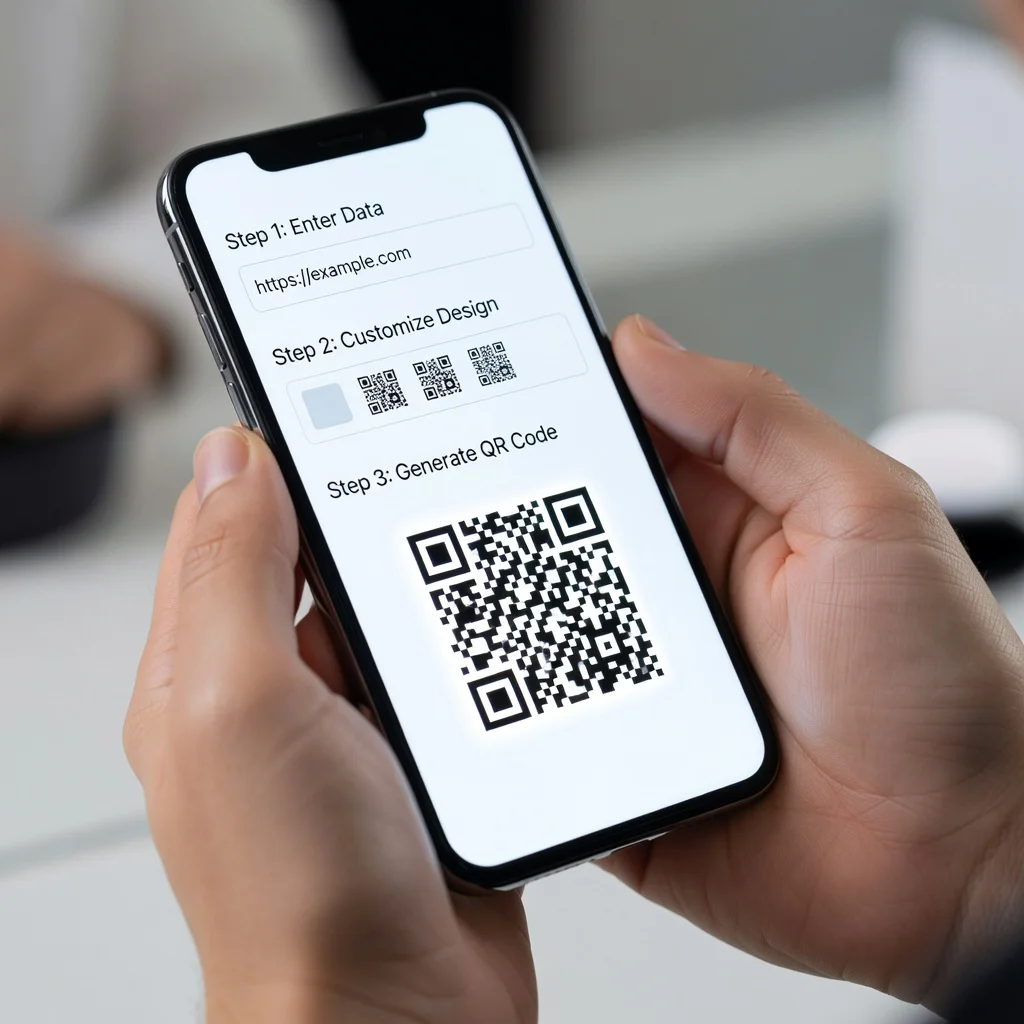
Wie kann ich kostenlos einen QR-Code erstellen?
Einen QR-Code online zu erstellen ist unkompliziert und völlig kostenlos. Sie benötigen keine Designkenntnisse oder spezielle Software, nur einen Webbrowser und ein paar Sekunden. So gehen Sie Schritt für Schritt vor.
Schritt 1: Besuchen Sie einen kostenlosen QR-Code-Generator
Öffnen Sie Ihren Browser und rufen Sie eine QR-Code-Generator-Seite auf. Suchen Sie nach einer mit einer einfachen, übersichtlichen Oberfläche und klaren Anweisungen. Die besten kostenlosen QR-Code-Generatoren zeigen Ihnen in Echtzeit, was Sie erstellen.
Schritt 2: Wählen Sie Ihren QR-Code-Typ
Entscheiden Sie, worauf der Code verweisen soll. Ist es eine Website? Kontaktdaten? WiFi-Details? Text? Jeder Typ hat im Generator seinen eigenen Bereich. Wählen Sie einfach aus, was Sie benötigen.
Schritt 3: Geben Sie Ihren Inhalt ein
Fügen Sie Ihre URL ein, geben Sie Ihre Kontaktdaten ein oder tragen Sie ein, welche Daten Sie codieren möchten. Die Vorschau aktualisiert sich beim Tippen, sodass Sie sehen können, wie Ihr Code Gestalt annimmt.
Schritt 4: Passen Sie das Erscheinungsbild an (optional)
Bei den meisten Generatoren können Sie Farben ändern, Ihr Logo hinzufügen oder das Design anpassen. Das ist optional, der standardmäßige schwarz-weiße Code funktioniert einwandfrei. Aber wenn er zu Ihrem Branding passen soll, passen Sie ihn ruhig an.
Schritt 5: Laden Sie Ihren Code herunter
Sobald Sie mit dem Aussehen zufrieden sind, laden Sie das Bild herunter. Sie erhalten Optionen für Format und Größe. PNG eignet sich für die meisten Verwendungszwecke. Wenn Sie ihn für den Druck oder große Formate benötigen, laden Sie ihn als SVG oder PDF herunter.
Best Practices beim Erstellen von QR-Codes
Ein paar Dinge, die Sie beachten sollten, damit Ihre Codes auch tatsächlich gescannt werden:
- Testen Sie den Code auf Ihrem Smartphone, bevor Sie ihn irgendwo öffentlich verwenden
- Achten Sie darauf, dass um den Code herum genügend Freiraum ist, platzieren Sie ihn nicht direkt am Rand von etwas
- Verwenden Sie einen hohen Kontrast zwischen Code und Hintergrund (Schwarz auf Weiß ist nicht ohne Grund Standard)
- Halten Sie die gedruckte Größe bei mindestens 1 Zoll mal 1 Zoll
- Wenn Sie ein Logo hinzufügen, beschränken Sie es auf die zentralen 20 % des Codes
Welche Arten von QR-Codes können Sie erstellen?
Je nach Generator können Sie Folgendes codieren:
- URLs und Website-Links
- Kontaktdaten (vCard-Format)
- WiFi-Netzwerkdaten
- Einfache Textnachrichten
- E-Mail-Adressen
- Telefonnummern
- Kalenderereignisse
- Standortkoordinaten
Kostenlose vs. kostenpflichtige Generatoren
Kostenlose Generatoren bewältigen alles, was die meisten Menschen benötigen. Sie können unbegrenzt Codes erstellen, herunterladen und Farben sowie Logos anpassen. Kostenpflichtige Versionen fügen typischerweise Funktionen wie Tracking-Analysen oder dynamische Codes hinzu (Codes, die Sie nach dem Drucken aktualisieren können). Sofern Sie nicht ausdrücklich diese erweiterten Funktionen benötigen, ist die kostenlose Variante völlig ausreichend.
Fazit
Einen QR-Code online zu erstellen dauert etwa eine Minute. Keine Downloads, keine Konten erforderlich, nur ein Generator und Ihr Inhalt. Ob Sie Codes zu Visitenkarten, Produktverpackungen oder Marketingmaterialien hinzufügen, die verfügbaren kostenlosen Werkzeuge tun genau das, was Sie brauchen, ohne jeglichen Aufwand.