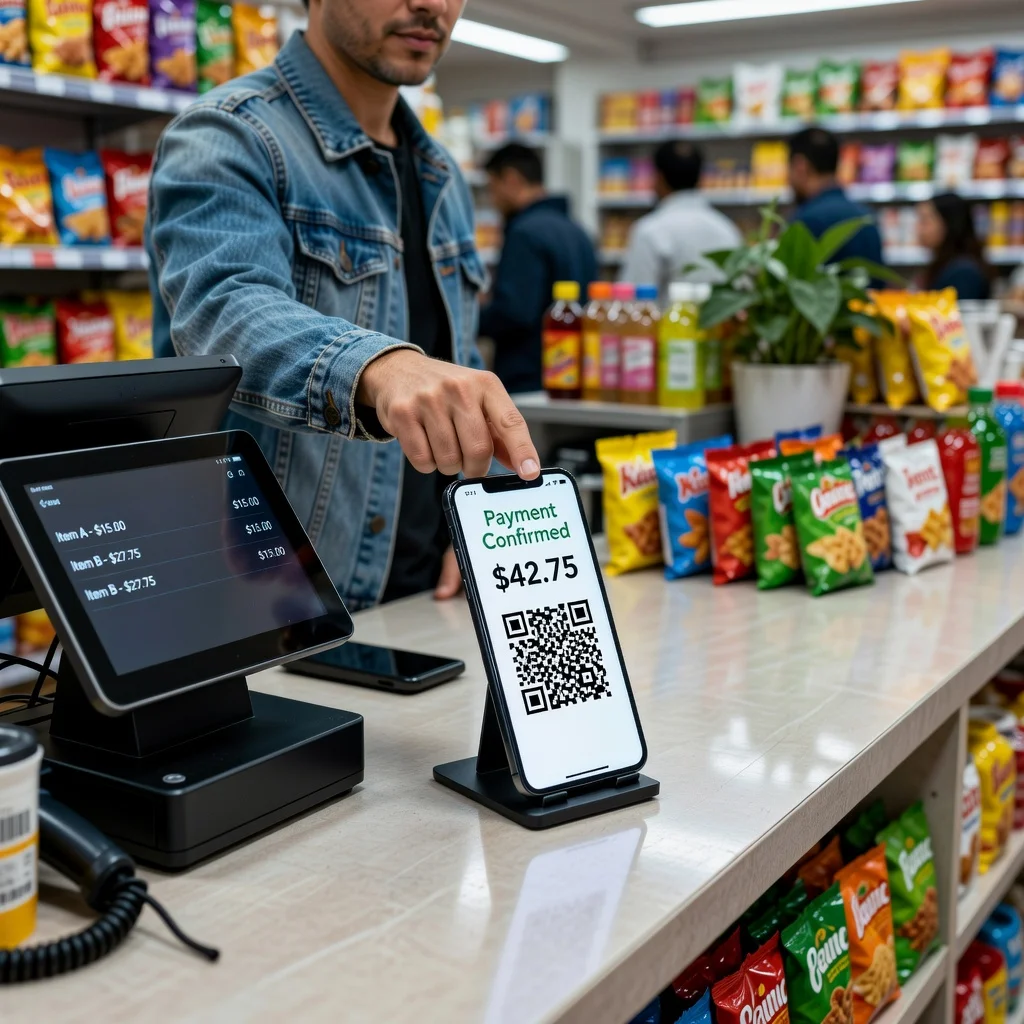
PayPal QR code generator: Accept payments instantly
Picture this: a customer wants to pay you right now, but opening their PayPal app, navigating to send money, and typing in your details takes three minutes of friction. A PayPal QR code changes that. They scan, your payment request pops up instantly, they tap to confirm. Payment done in 20 seconds. For freelancers, service providers, and small business owners, this matters more than you'd think.
The beauty of PayPal QR codes is they combine the simplicity of QR codes with the trust and security people already have in PayPal's payment system.
Understanding PayPal QR codes
PayPal QR codes encode either your PayPal.me link or a specific payment request. PayPal.me is a personalized URL that lets people send you money in seconds. When encoded in a QR code, scanning it brings up your payment request with no navigation needed. It's as frictionless as payment gets.
Information encoded in PayPal QR codes
Your QR code can include your PayPal.me username, an optional payment amount (which people can adjust), and a description of what they're paying for. You could set it for an exact invoice amount or leave it flexible. You control how specific you want to be.
Key advantages
- Instant Payment Requests: Scanning brings up your payment page with zero navigation
- Flexible Amounts: People can adjust the payment amount if needed
- Secure and Trusted: PayPal's established security means people feel safe sending money
- Works Across Devices: Works on any smartphone with PayPal installed or a web browser
- Reduces Payment Time: Payment typically happens in under 30 seconds
- Professional Presentation: Shows you're organized and tech-forward
- Easy Distribution: Include on invoices, receipts, at checkout, on business cards
Perfect payment scenarios
Freelancers use these for quick payments from clients. Hairstylists put them at the checkout counter. Musicians use them for tips at performances. Service providers include them on invoices. Nonprofits display them during fundraising events. Vending operators include them for direct payments. Event organizers put them on tickets. Anywhere you want to make payment effortless, a PayPal QR code helps.
Creating your PayPal QR code
Start with a PayPal.me account if you don't have one already, it's free and takes minutes. Decide if you want a fixed amount encoded or a flexible one. Most people prefer flexible so customers can pay different amounts. Add a clear description if you want. Generate the code and download a high-quality version. Test it on your phone before printing or distributing.
Optimal placement for payment QR codes
Display codes where payment naturally happens: checkout counters, on invoices, at the end of transactions, on business cards, on receipts. The closer it is to where someone's actually handing you money, the more likely they'll use it. Physical proximity matters for QR codes.
Using QR codes with invoices
Include a PayPal QR code on every invoice you send. Put it near the payment due section with a label like "Scan to Pay." Clients appreciate the convenience, and you'll get paid faster. Email invoices with QR codes show faster payment rates than those without.
In-person payment collection
If you're collecting payments at an event or in-person meeting, print your QR code and display it prominently. Keep a few printed copies on hand for clients who don't see it the first time. For services rendered on-the-spot, tutoring, consulting, freelance work, having a QR code ready beats the awkward cash-or-Venmo conversation.
Combining with other payment methods
PayPal QR codes work great alongside other payment options. Have PayPal QR codes, credit card terminals, and cash options available. Different people prefer different methods. Offering PayPal QR codes shows you're meeting customers where they are.
Business card integration
Add your PayPal QR code to your business card. It signals you're modern and payment-ready. Include a note like "Quick Payment" near the code so people know what it does. This is especially useful if you're a freelancer or service provider.
Receipt and refund communication
After a transaction, include the PayPal QR code on receipts and thank you emails. If someone needs to send you a refund or additional payment, they have a direct path. It keeps the payment experience smooth throughout your relationship.
Analytics and tracking
PayPal lets you see which transactions came through your PayPal.me link. You can compare payment rates when you use QR codes versus other methods. You'll typically see faster payment collection when QR codes are involved.
Mobile-first considerations
Remember that most people scanning your QR code are doing it on their phone. Make sure your code size is appropriate, large enough to scan from a few feet away. On small business cards, you need a quality code that's readable at arm's length.
International payments
PayPal QR codes work for international customers as long as they have a PayPal account in their country. If you have international clients, this is a huge advantage over cash or checks.
Ready to streamline your payment process? Create your PayPal QR code →