
What is a QR code with dots?
When you think of a traditional QR code, you probably picture a grid of black and white squares. A QR code with dots swaps those squares for circles instead. It's still a working QR code underneath, it can be scanned just like any other, but visually, it feels softer and more modern. The dots give you a way to keep your brand's personality while still being fully functional.
How QR codes evolved from squares to dots
QR codes started out in the 1990s as nothing but black and white squares. They were designed to be read by industrial scanners, so aesthetics didn't matter. But over the last decade, as smartphones became the primary scanning device, designers started asking: why does it have to look so rigid and technical? So they experimented. Rounded corners, curved lines, custom colors, all things that used to break the code. Modern error correction has gotten so good that you can now customize the look quite a bit and still have a working QR code. Dots are just one popular way to do that.
Why brands prefer QR code with dots
A polished circle pattern looks more elegant on a business card or product box than a harsh grid of squares. When you use your brand colors and add your logo to a dotted QR code, it stops looking like a utility and starts looking intentional. Customers see that thoughtfulness and respond to it. They're more likely to scan something that feels designed rather than generic.
Advantages of using QR code with dots
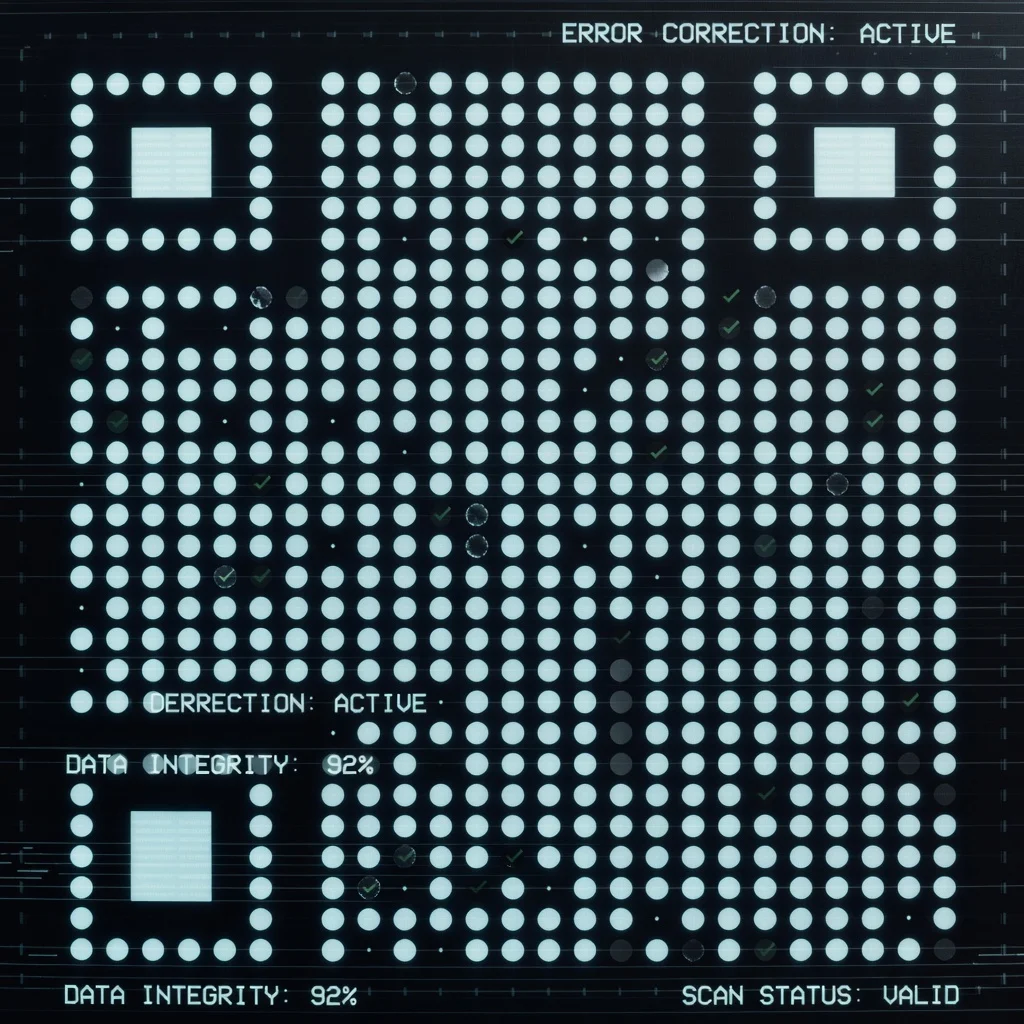
- Visual appeal that works: Dots look better than squares, and modern error correction means you don't sacrifice scannability to get there.
- Brand consistency: You can match the dots to your palette and add your logo without the code falling apart.
- Higher engagement: People scan codes that look intentional and designed. A generic QR code? Probably not.
Potential drawbacks of dots QR codes
The main risk is going overboard. If you cram too many design elements in there, lots of color, intricate patterns, heavy logo placement, some older or cheaper smartphone cameras might struggle to read it. The white background is doing real work keeping the code clear; if you clutter it, you lose that clarity.
- Heavy customization can confuse some scanners.
- If your designer doesn't understand error correction limits, the code might look good but fail in the real world.
- Printing costs can go up if you're doing multi-color custom codes.
Ensuring scannability of QR codes with dots
Test early, test often. Before you print 10,000 business cards, scan your code with at least five different phones and three different scanner apps. You want to know it works, not find out at a trade show that half your guests can't get through.
- Use high error correction (L or M level works, but H gives you breathing room).
- Keep white space around the dots clean. Don't layer a busy background behind it.
- Make sure your logo isn't covering critical parts of the code structure.
- Test it before you commit to printing.
Best practices for creating QR codes with dots
- Start simple: Avoid cramming your entire brand identity into one QR code. A logo, one accent color, and clean layout is enough.
- Size matters: Bigger is always safer. A minimum of 1×1 inch gives you room to breathe; go larger if you're printing them.
- Use high resolution: Even a small design flaw becomes obvious when it's enlarged for a poster or billboard.
- Scan before printing: Test with different mobile devices and QR code scanner apps to make sure the design holds up in real conditions.
- Choose the right error correction: Use a QR code generator that lets you set the error correction level. If you're customizing heavily, bump it up.
Where to use QR codes with dots
Think of anywhere you're already putting your logo or brand colors. A dotted QR code fits naturally into that same ecosystem.
- Product packaging: Link to instructions, warranty info, or a product page.
- Promotional materials: Use branded QR codes on flyers, postcards, and posters to drive traffic.
- Events and experiences: Scan to RSVP, access a digital program, or unlock an interactive experience.
- Digital campaigns: Embed QR codes in emails or landing pages that change content dynamically.
Error correction in QR code with dots
This is the technical reason dotted QR codes actually work. Built-in error correction allows a QR code to work even if you've damaged, obscured, or customized parts of it. The better your generator, the smarter its error correction algorithm, and the more heavily you can customize without breaking the code. It's a balance.
The future of QR codes with dots

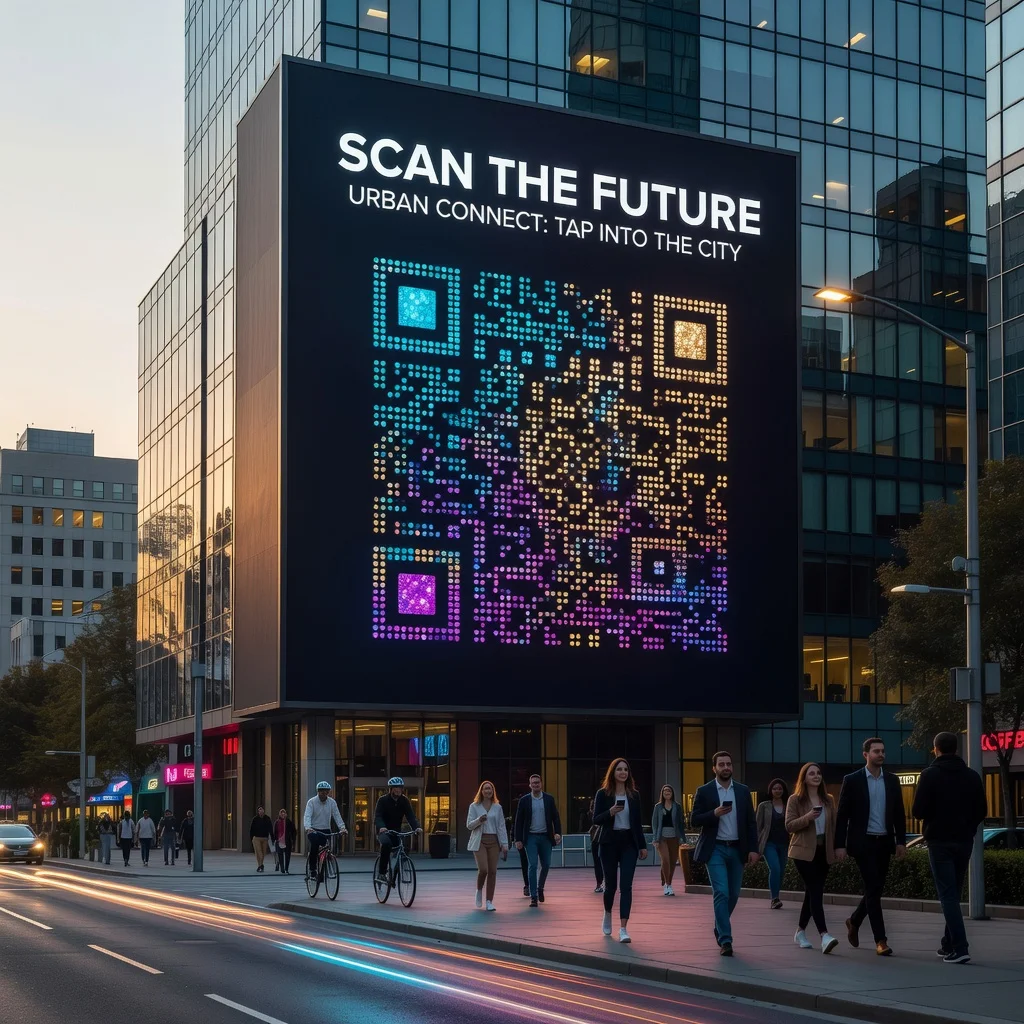
As scanners get smarter and consumers get used to QR codes being everywhere, design will keep maturing. You'll see dotted codes on more product packaging, event materials, and marketing collateral. Brands are realizing that a QR code doesn't have to be ugly, it's just a utility that should match everything else you're putting out. With better generators and wider acceptance, the dots-and-colors aesthetic will probably become the default rather than the exception.