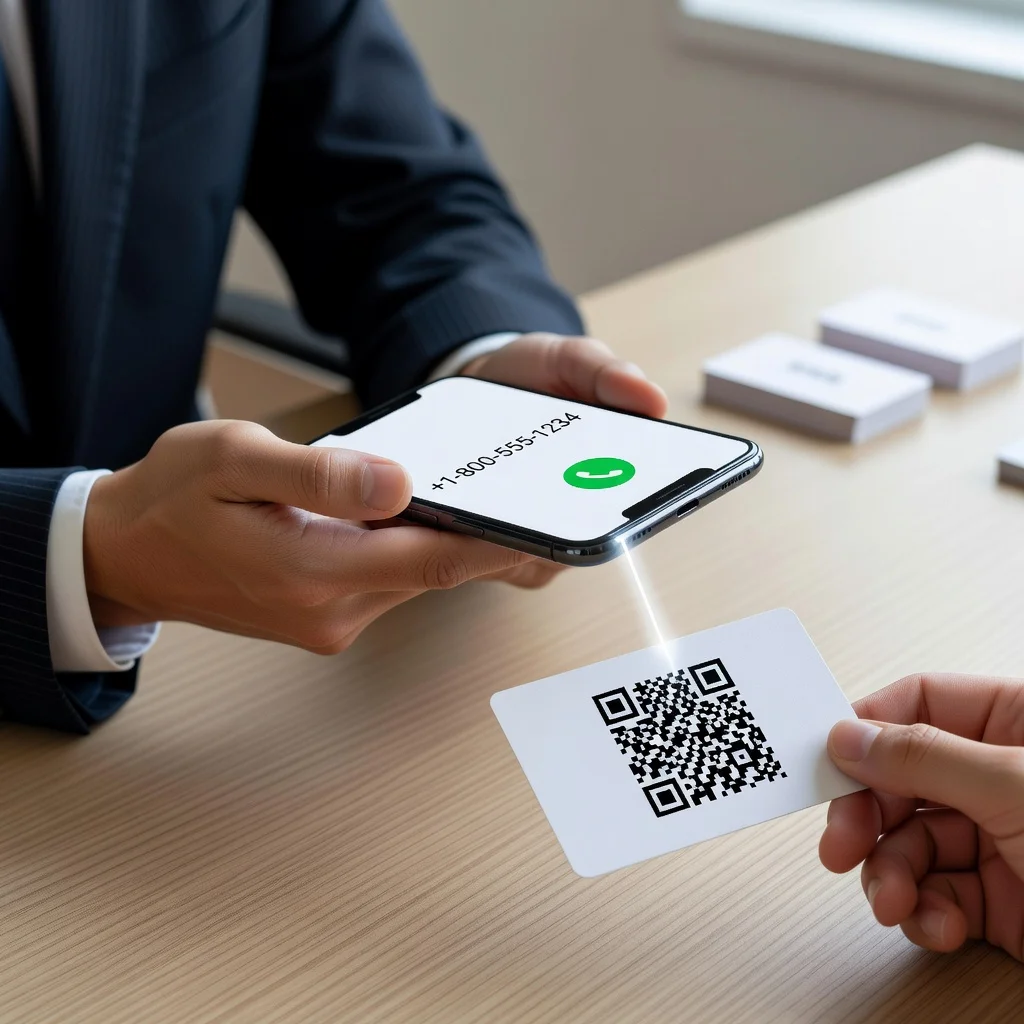
Phone number QR code: Let anyone call you with one scan
Remember the days of manually typing phone numbers? Phone number QR codes make calling effortless. When people scan your phone QR code, their device immediately dials your number. No searching, no typos, no wrong numbers, just one scan and you're ringing their phone.
This simple technology is perfect for businesses that live on phone communication: customer service, sales teams, appointment-based services, and consultants.
Understanding phone QR codes
Phone QR codes use the "tel:" protocol to encode a telephone number. When scanned on a smartphone or device, the phone app opens with the number pre-filled. Users tap the call button and immediately reach you. It's frictionless and instantaneous.
Unlike email or text which might be checked later, phone calls are immediate. This makes phone QR codes ideal for time-sensitive communication, urgent inquiries, and direct business relationships.
Why phone QR codes matter
Phone communication has been declining as people shift to digital messaging. However, certain businesses rely entirely on phone contact: emergency services, appointment scheduling, technical support, and sales. Phone QR codes combat phone contact friction by making it easier than ever to call. When barriers are removed, call volume typically increases.
Perfect use cases
- Business Cards: Include alongside or instead of printed numbers
- Marketing Materials: Flyers, brochures, and postcards drive call volume
- Storefronts: Window signs and door plaques facilitate customer calls
- Real Estate: Property listing signs enable instant agent contact
- Service Providers: Electricians, plumbers, contractors share codes on vehicles and materials
- Medical Offices: Display in waiting rooms and on bills for appointment scheduling
- Event Promotion: Posters and materials drive registration inquiries
- Customer Service: Website headers and support pages connect people immediately
Creating your phone QR code
Creating a phone number QR code is incredibly simple. Enter your phone number in standard format. Decide whether to include the country code if your business serves international customers. Generate the code. Test it on both iPhone and Android to ensure correct dialing format. Download and display the code.
International phone numbers
If you serve international customers, include the country code in your phone number (for example, +1 for US, +44 for UK, +33 for France). This ensures correct dialing from any country. Your QR code should encode the full international number. This single QR code works globally.
Design and placement
Phone number QR codes should be prominent and easy to find. On business cards, place it near your printed phone number as a digital alternative. On signage, make it large enough to scan from typical viewing distances, at least 1.5 inches square. Use high-contrast colors. Add a label like "Tap or Scan to Call" to clarify the action.
Integration with marketing materials
Include phone QR codes in all customer-facing materials. Printed catalogs, product packaging, promotional flyers, door hangers, and bill inserts all benefit from easy calling access. Digital materials work too, email signatures, website footers, and social media profiles can include phone QR codes, though direct phone links are usually more practical for digital.
Setting call expectations
Pair your phone QR code with clear business hours. "Call us Monday-Friday, 9am-5pm EST" prevents off-hour calls to unprepared staff. Consider adding a voicemail greeting that acknowledges the time and provides expectations: "Thanks for calling! We're closed until tomorrow at 9am. Leave a message and we'll call back as soon as possible."
Multiple phone numbers
If you have multiple phone lines, customer service, sales, technical support, create separate QR codes for each. Label them clearly so people select the right number for their needs. This routing approach ensures calls reach the appropriate team members.
Mobile device compatibility
Phone QR codes work on all modern smartphones. iPhones, Android devices, and even older mobile phones recognize the "tel:" protocol. When someone scans the code, their phone automatically opens the dialer app. The experience is consistent across devices and platforms.
Printing considerations
Print phone QR codes on high-quality materials for reliability. Avoid glossy finishes that create glare. For outdoor signage, use weather-resistant materials. Size the code appropriately for the viewing distance, a business card code needs to be scanned from 6-12 inches away; an outdoor sign might be scanned from further away.
Combining with other contact methods
Phone QR codes work best as part of a complete contact strategy. Offer phone, email, text, WhatsApp, and other options. Let people choose their preferred communication method. This flexibility accommodates different preferences and increases overall contact rates.
Analytics and tracking
While phone QR codes don't provide built-in analytics, you can track effectiveness by monitoring call volume. Note when you place codes in new locations or materials and observe corresponding changes in call volume. Your phone system might also track call source if you use multiple phone numbers for different campaigns.
Privacy considerations
Your phone number in a QR code is public information. You control what happens after someone calls. Use voicemail if you want to screen calls. Set business hours to limit incoming calls to appropriate times. Block or report inappropriate callers through your phone carrier's tools if needed.
Ready to create your phone number QR code? Use our free generator →