Cos'è un codice QR?
Un codice QR è essenzialmente un'etichetta leggibile dalle macchine che memorizza informazioni sia in direzione orizzontale sia verticale. A differenza dei codici a barre tradizionali che codificano i dati solo da sinistra a destra, i codici QR usano una griglia 2D, il che significa che possono racchiudere molte più informazioni in uno spazio più piccolo. Scansionane uno con il tuo telefono e può aprire una pagina web, avviare un'app, iniziare una chiamata telefonica o decine di altre azioni.
Il vantaggio pratico è ovvio: il tuo cliente punta la fotocamera e qualcosa accade immediatamente. Niente digitazione, nessuna ricerca di un'app o di un sito web. Quella semplicità è il motivo per cui vedi i codici QR ovunque, dai ristoranti ai negozi al dettaglio.
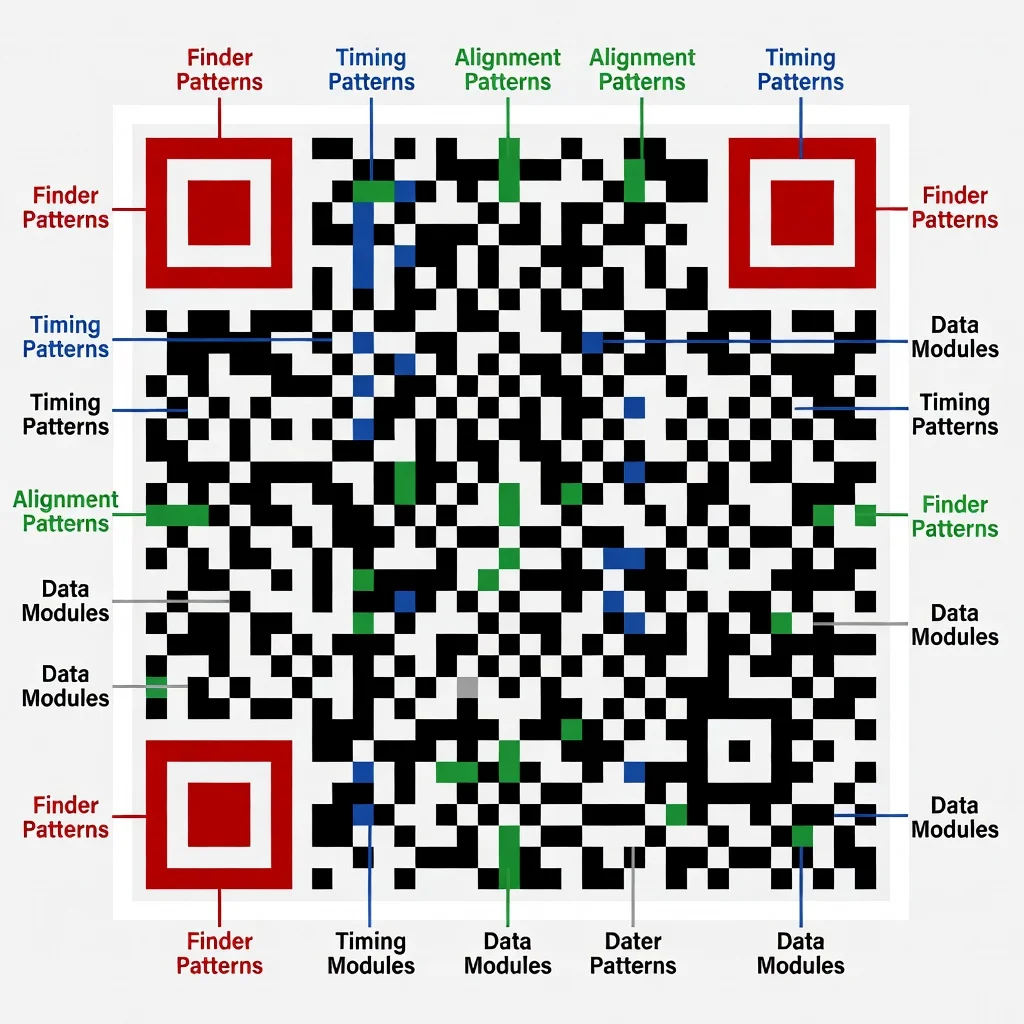
La struttura di un codice QR
- Zona di silenzio: Il margine bianco intorno al codice QR, necessario affinché gli scanner lo riconoscano e lo decodifichino efficacemente.
- Schemi di rilevamento: Situati in tre angoli del codice QR, questi schemi aiutano lo scanner a determinare l'orientamento e la dimensione del codice QR.
- Schema di temporizzazione: Celle alternate bianche e nere guidano lo scanner nel muoversi attraverso la griglia.
- Celle di dati: I bit effettivi di dati, che includono le informazioni codificate e le capacità di correzione degli errori.
Tipi di codici QR
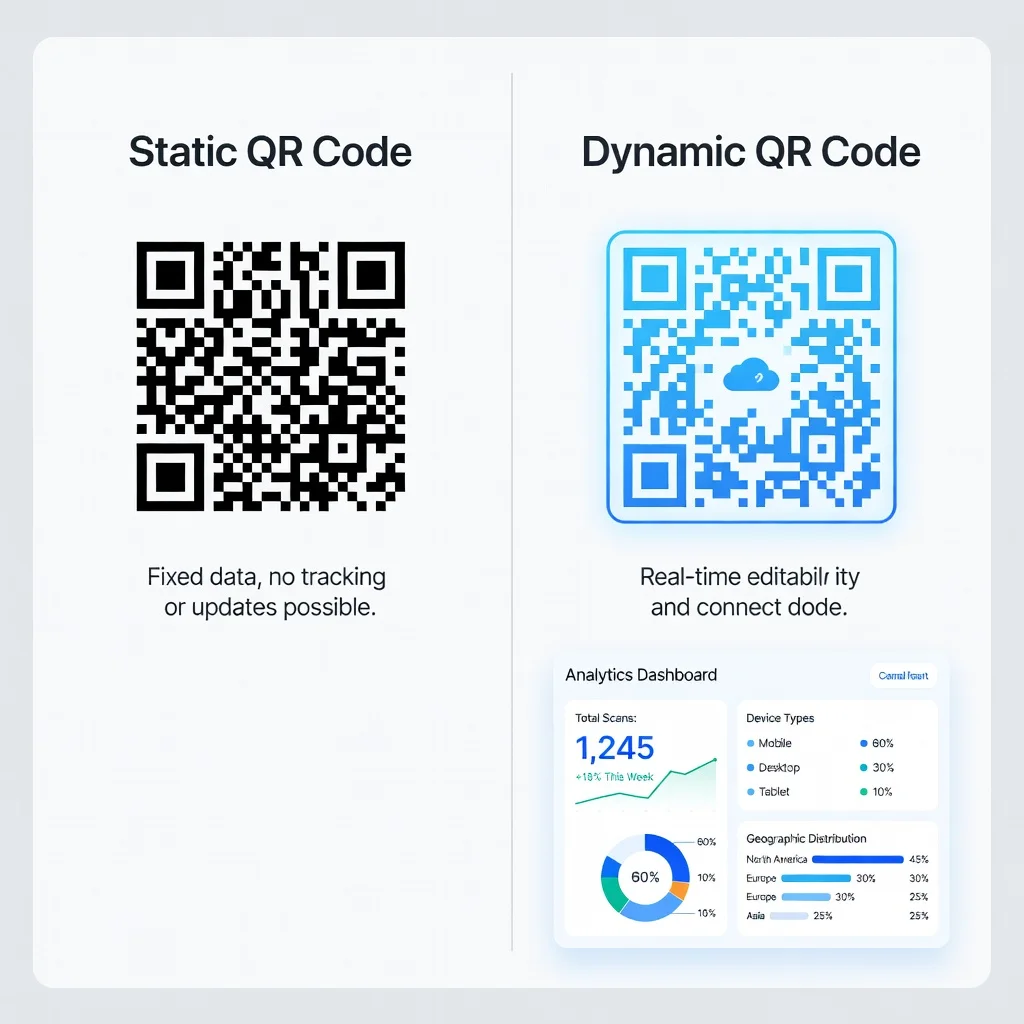
I codici QR statici si collegano a informazioni fisse. Creane uno e la destinazione non cambia mai. Useresti i codici statici per informazioni che non si sposteranno: l'URL del tuo sito web, un indirizzo email o il tuo numero di telefono. Sono semplici, gratuiti da creare e permanenti.
I codici QR dinamici sono modificabili. Falli puntare a un URL oggi, a uno diverso domani, il codice stesso resta uguale. Un ristorante usa questo in modo brillante con i codici dei menu. Lo stesso codice QR funziona sia che le voci del menu siano specialità primaverili sia offerte invernali. Aggiorni semplicemente l'URL di destinazione e il codice stampato continua a funzionare.
Come creare un codice QR
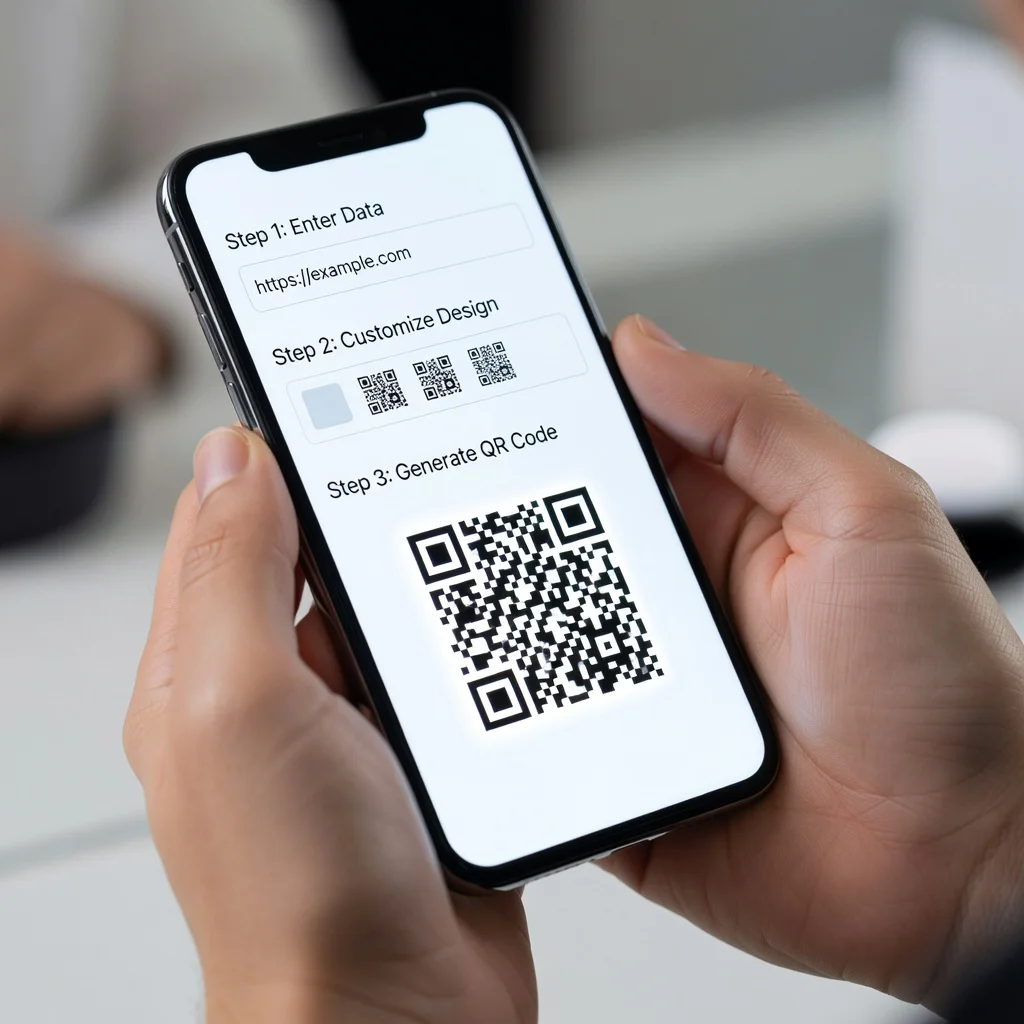
- Seleziona un generatore di codici QR.
- Inserisci i tuoi dati. Decidi quale tipo di contenuto vuoi che il tuo codice QR indirizzi agli utenti, un URL, un messaggio di testo, un indirizzo email o un biglietto da visita digitale.
- Personalizza il tuo codice QR. Regola i colori, aggiungi loghi e seleziona schemi unici per far risaltare i tuoi codici QR allineandoli all'identità del tuo brand.
- Testa il tuo codice QR. Prima di usarlo in un ambiente reale, testalo con diversi dispositivi e app di scansione di codici QR.
- Distribuisci il tuo codice QR. Inseriscilo in materiali di marketing, siti web, biglietti da visita o qualsiasi altro mezzo.
Come scansionare i codici QR con il tuo telefono
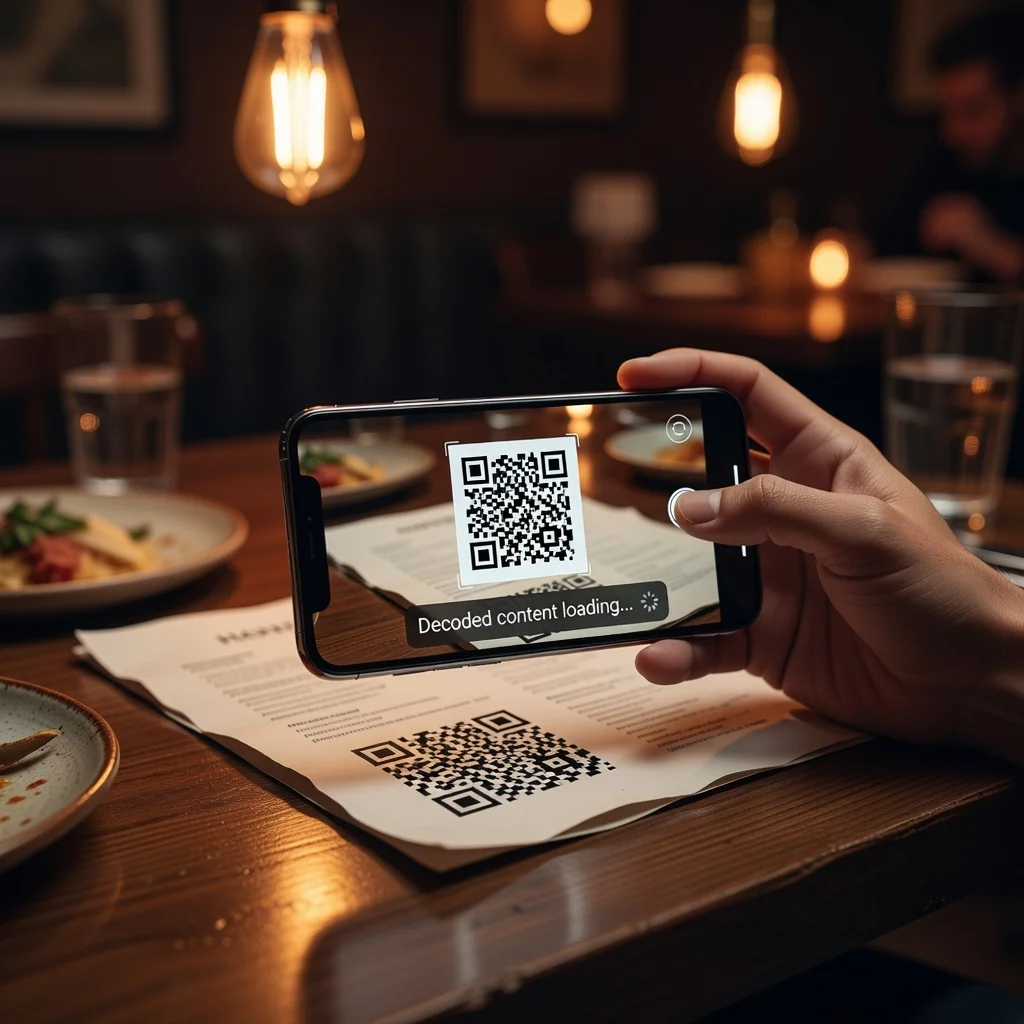
- Apri l'app della fotocamera. La maggior parte dei telefoni moderni (iPhone 11 e successivi, Android recenti) riconosce i codici QR in modo nativo. Apri semplicemente la fotocamera.
- Punta la fotocamera verso il codice QR. Assicurati che l'intero codice sia visibile nel mirino e che l'immagine sia a fuoco.
- Accedi al link. Il tuo telefono mostrerà una notifica o una notifica da toccare, toccala per aprire il link, oppure l'app si avvierà automaticamente su alcuni dispositivi.
Tutto qui. Nessuna app speciale necessaria sui telefoni moderni. Punta, tocca, vai.
Esempi di codici QR: usi pratici nella vita quotidiana
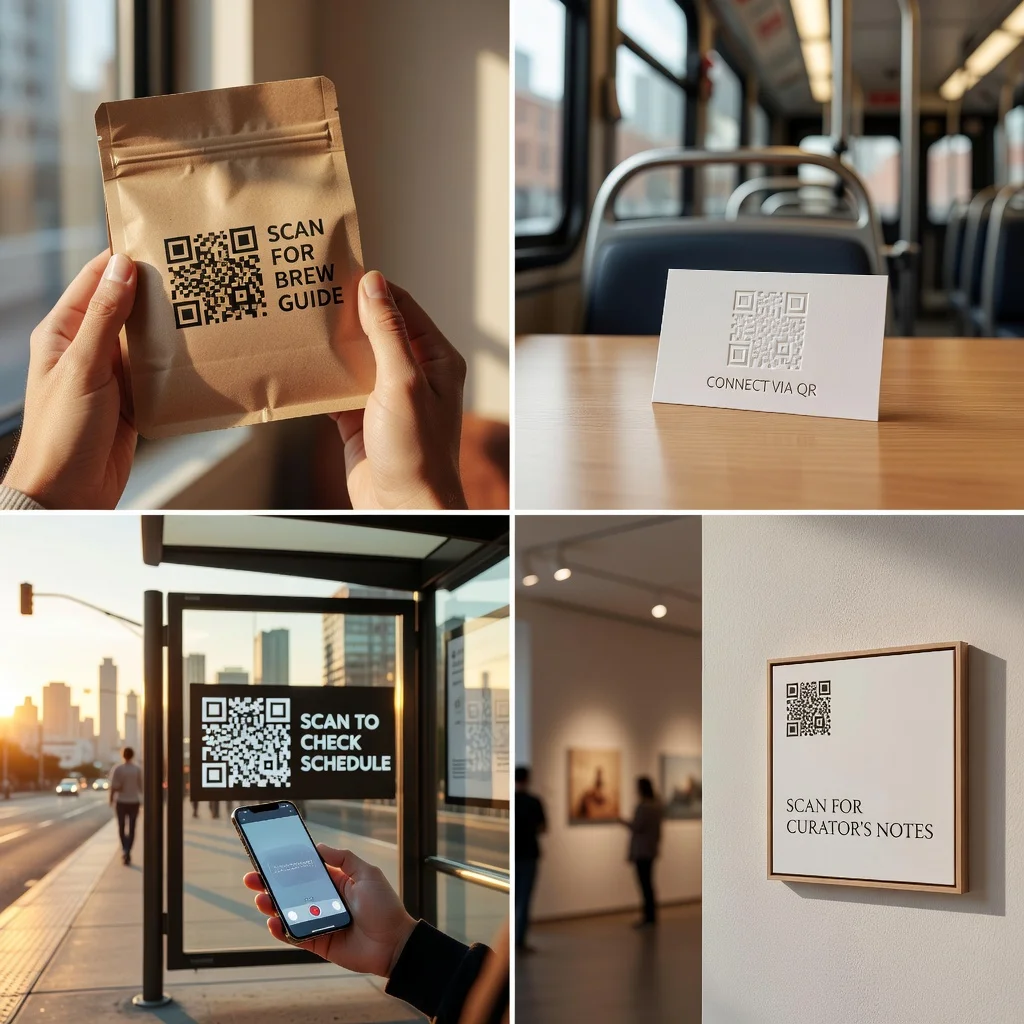
Uso personale
- Informazioni sugli eventi: Condividi facilmente i dettagli di un evento durante il networking.
- Etichette di identificazione personale: Usa i codici QR per l'identificazione o per le informazioni di restituzione sugli oggetti personali.
Uso aziendale
- Informazioni di contatto: Le aziende possono usare i codici QR sui biglietti da visita per indirizzare i contatti a un biglietto da visita digitale.
- Moduli di feedback: Ristoranti e servizi possono collegarsi a moduli di feedback rapidi per migliorare il servizio clienti.
Uso educativo
- Risorse educative: Gli insegnanti possono collegarsi a materiali supplementari, aumentando il coinvolgimento e l'apprendimento degli studenti.
Consigli di sicurezza: evitare i codici QR dannosi
- Verifica la fonte: Assicurati sempre che il codice QR provenga da una fonte affidabile. Fai attenzione ai codici che appaiono in email non richieste o collocati casualmente in spazi pubblici senza una chiara attribuzione.
- Cerca segni di manomissione: Controlla fisicamente se un adesivo con un codice QR è stato posto sopra un altro, nascondendo possibilmente un codice legittimo.
La correzione degli errori nei codici QR
I codici QR sono costruiti con ridondanza. Anche se una parte del codice viene danneggiata o oscurata, l'intero codice funziona comunque. Ci sono quattro livelli di tolleranza agli errori:
- Livello L (Basso): Il 7% del codice può essere alterato.
- Livello M (Medio): Il 15% del codice può essere alterato.
- Livello Q (Quartile): Il 25% del codice può essere alterato.
- Livello H (Alto): Il 30% del codice può essere alterato.
Capacità di memorizzazione dati dei codici QR
- Fino a 7.089 caratteri numerici
- Fino a 4.296 caratteri alfanumerici
- Fino a 2.953 byte di dati binari
- Fino a 1.817 caratteri Kanji
Tendenze future nella tecnologia dei codici QR
Integrazioni con la realtà aumentata: Immagina di scansionare un annuncio immobiliare per vedere un tour 3D della proprietà sul tuo telefono. Le esperienze di realtà aumentata sovrapposte ai codici QR stanno diventando tecnicamente realizzabili e probabilmente diventeranno più comuni.
Integrazione con l'IoT: I dispositivi smart potrebbero connettersi automaticamente quando scansioni un codice. Il tuo nuovo router WiFi viene fornito con un codice che connette e configura il tuo dispositivo senza configurazione manuale.
Maggiore personalizzazione e interattività: I futuri codici QR potrebbero offrire azioni multiple: tocca per un video, tocca per fare acquisti, tocca per prenotare. Il singolo codice statico potrebbe comportarsi diversamente a seconda del contesto.
Conclusione
I codici QR sono un ponte tra il mondo fisico e quello digitale. Funzionano perché sono semplici, affidabili e utili. Che tu stia costruendo una strategia aziendale intorno a essi o stia semplicemente scansionandone uno per leggere un menu, capire come funzionano ti rende un utente più informato e un marketer migliore.