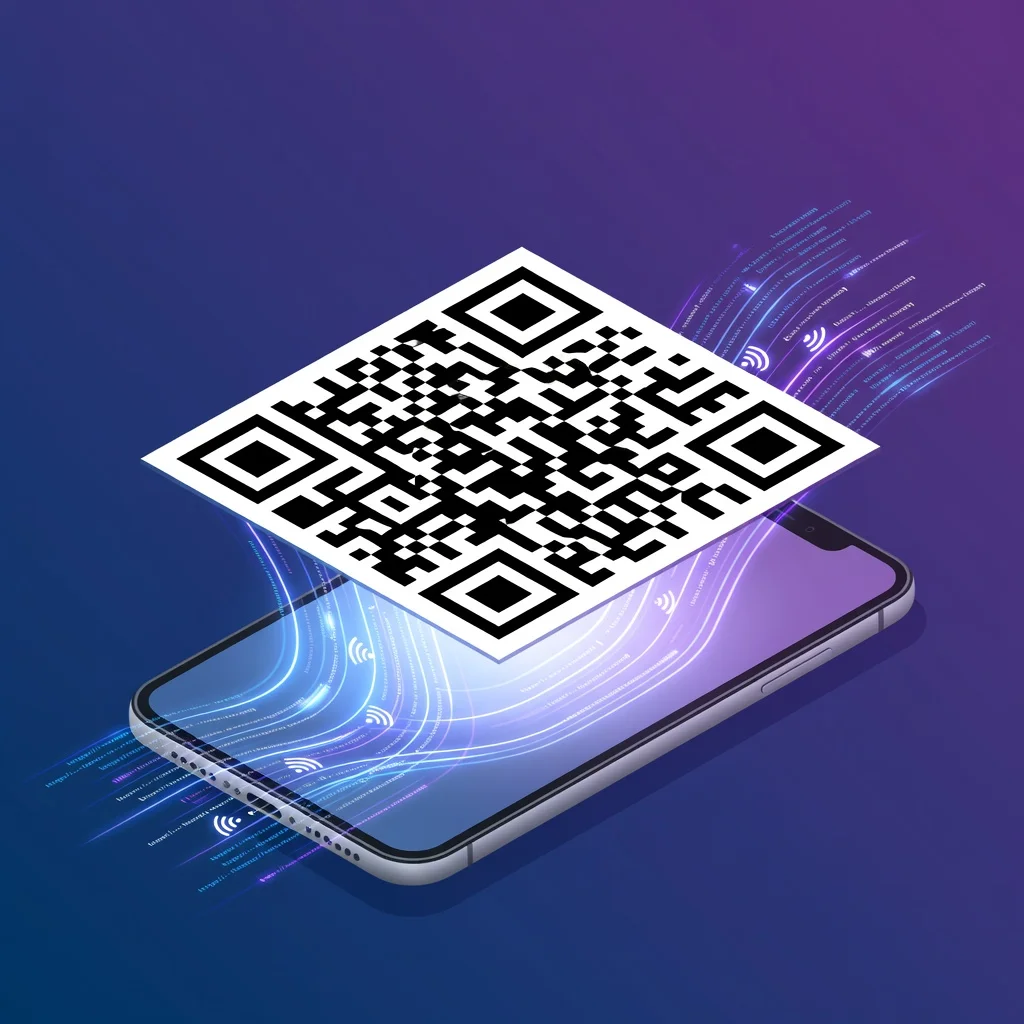
What is a QR code?
A QR code is basically a barcode for the smartphone era. Instead of a linear sequence of black lines encoding a product ID, a QR code packs information into a two-dimensional pattern of black and white squares. The name stands for "Quick Response", it was designed to be scanned fast, which made sense when it was invented for Japanese automotive factories in the 1990s. Today, QR codes are everywhere because they solve a simple problem: how do you bridge physical and digital without requiring someone to manually type anything?
The basics of QR code structure
Every QR code is built from black and white squares arranged on a white background. The pattern itself is the data. There are three large square position markers in the corners, one in each corner except the bottom-right, that tell a scanner "this is a QR code, here's where it is, here's which way it's oriented." This is why you can scan a code from different angles or even sideways and it still works. The data itself fills the rest of the square, interspersed with timing patterns (alternating black and white lines) that help the scanner figure out where one module ends and another begins.
What information can QR codes store?
- URLs and website links
- Contact information and vCards (name, phone, email, address)
- Text messages and emails
- Phone numbers and SMS text
- WiFi network credentials
- Calendar events and meeting details
- Location coordinates and maps
- Product information and reviews
- Payment information and transactions
- Social media profiles
How QR codes became ubiquitous
QR codes were invented in 1994 by Denso Wave, a subsidiary of Toyota, for tracking automotive parts on the assembly line. They worked great for that, faster than linear barcodes and more data capacity. But adoption stayed limited to manufacturing and logistics for years. The real turning point came when smartphones became standard and every phone came with a camera. Suddenly, anyone anywhere could scan a QR code. The COVID-19 pandemic accelerated this dramatically. Restaurants switched to digital menus overnight, and suddenly every business needed QR codes. Now you see them on everything: product packaging, restaurant tables, business cards, advertisements, event invitations. They stopped being novelty and became expected infrastructure.
Why use QR codes?
QR codes solve a friction problem that hasn't really changed since the internet existed: how do you get someone from something physical to something digital without making them type? If you print a long URL on a business card, people won't type it. They'll forget it or write it down wrong. But hand them your card and they can scan it in two seconds. That's the entire value proposition. You're eliminating a step between intention and action. Someone wants to access what you're offering. A QR code removes the barrier between wanting to access it and actually accessing it.
They also work when traditional options aren't practical. A restaurant can't print a new menu every day when prices change. A QR code on the table links to an updated menu that takes seconds to change. A museum can't print information in 12 languages for every exhibit. A QR code lets visitors choose their language. That flexibility is powerful.
QR codes vs other barcodes
Traditional linear barcodes (the ones you see on product packages) store data horizontally only. A long URL in a barcode format would be enormous. QR codes use two dimensions, horizontal and vertical, which lets them store vastly more information in a smaller space. You can fit a complete website URL, contact information, or payment details in a QR code that's just 2 inches on a side. A barcode that size would barely contain a product ID.
Technical basics you actually need to know
Error Correction: QR codes don't fail when they're slightly damaged or obscured. They include error correction codes that allow recovery even when up to 30% of the code is damaged. This is why you can put a logo in the center of a QR code and it still scans.
Data Capacity: The amount of data a QR code can store depends on the type of data and the error correction level. A short URL might fit in a code smaller than one that holds a complete vCard. This is why someone always says "make sure the QR code is big enough."
Version Levels: QR codes come in different size versions (1-40). A version 1 code is 21×21 modules, while a version 40 code is 177×177 modules. The version automatically adjusts based on how much data you're encoding.
Common misconceptions
"QR codes are dead": People said this in 2013. They came back stronger. Codes aren't trendy, they're useful. Trendy things come and go. Useful infrastructure stays.
"QR codes are only for tech people": The barrier to scanning is literally pointing your phone camera at something. Your grandmother can do this. Adoption proved this wrong years ago.
"QR codes are insecure": A QR code can point anywhere, yes. But the code itself doesn't expose your data. You can see the URL before you scan it (if you use a code reader). This is actually fine from a security perspective, you're just accessing whatever URL was encoded, which is no different than clicking a link someone texts you.
QR code scanning technology
Modern phones use computational photography to recognize QR codes. The camera captures the image, the software finds the three position markers, uses them to figure out orientation and size, then decodes the data area. All of this happens in milliseconds, which is why scanning feels instant. The scanner doesn't need a fancy app anymore, most phones scan codes through the native camera app now.
The future of QR codes
QR codes aren't going anywhere. They're infrastructure now. New versions support larger data capacity and augmented reality features. Some companies experiment with animated QR codes, location-based codes that change content based on where you scan, and codes that include visual elements that make them more brand-appropriate. But the core use case stays the same: a fast, reliable bridge from physical to digital.
Conclusion
A QR code is simply a practical solution to a practical problem: how do you get someone from physical media to digital content without requiring manual input? They're not revolutionary. They're not changing the world. But they're everywhere now because they work, they're simple, and they reduce friction. That's enough to make them permanent.
Try it now at FreeQRCodeGenerator.com →