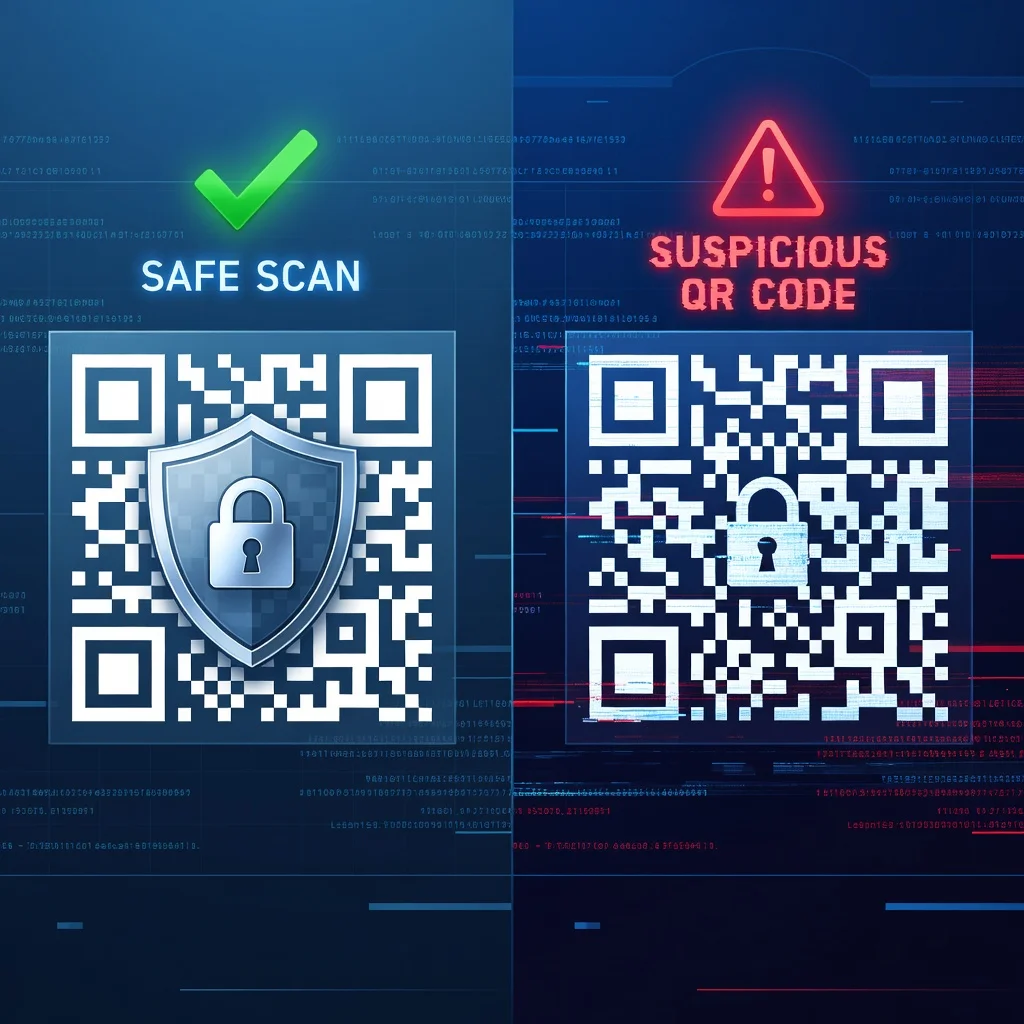
QR code security: Understanding risks and protecting yourself
You can't tell by looking at a QR code where it actually points. That's the core problem. A legitimate-looking code printed on a flyer could redirect you to a phishing site. A code on a poster could send you to malware. The hidden nature of QR codes makes them useful, but it also makes them vulnerable to abuse. Understanding these risks is straightforward; protecting yourself is just smart practice.
How malicious QR codes work
Malicious QR codes typically embed URLs pointing to fake sites designed to steal credentials or distribute malware. Because the destination is hidden until you scan, attackers can hide harmful links inside legitimate-looking codes. A QR code on a parking meter might point to a fake payment site instead of the real one. A code in an email could redirect to credential-harvesting pages. You won't see the deception until you've already scanned and the URL loads.
Common QR code attack vectors
- Phishing: QR codes directing to fake login pages designed to steal credentials
- Malware Distribution: Codes containing links to malicious apps or executable files
- Financial Fraud: QR codes initiating unauthorized payments or transactions
- Credential Harvesting: Fake forms requesting passwords, credit cards, or personal information
- WiFi Spoofing: QR codes connecting devices to fraudulent WiFi networks
- Social Engineering: Codes redirecting to convincing scam websites or support pages
Physical QR code tampering
Here's an underrated risk: someone replaces a legitimate QR code with a fake one. Malicious actors print their own codes and stick them over legitimate ones on ATMs, parking meters, or advertising posters. A small sticker completely covers the original code. Someone scans what looks like an official parking meter code, but it's actually a replacement pointing to a scam site. This "quishing" attack works because it exploits trust in the location.
Signs of suspicious QR codes
- QR codes in unexpected locations (plastered over existing codes, appearing hastily)
- Codes with poor print quality or unusual appearance
- QR codes with partially visible sticker edges indicating overlay placement
- Codes from sources you don't recognize or trust
- QR codes in emails from unknown senders requesting urgent action
- Unusual placement on documents you received via unexpected channels
Best practices for safe QR code scanning
- Preview the Destination: Most modern QR scanner apps show the destination URL before opening the link. Always review this information
- Trust Your Source: Prefer scanning QR codes from official sources and trusted brands
- Verify Physical Codes: Check if QR codes appear to be legitimate placements on official materials
- Use Reliable Scanners: Employ QR scanner apps from reputable developers with security reviews
- Check Destination Domains: Verify the URL matches what you expected before tapping through
- Avoid Public WiFi Codes: Be extremely cautious about connecting to networks via QR codes in public places
- Question Urgent Requests: Codes requesting immediate payment or action are often fraudulent
Mobile device security features
Your phone already has built-in defenses. Modern smartphones show you the destination URL before opening it. Some phones include security scanning that checks URLs against known threats. Keep your operating system updated, security patches matter. Use a reputable QR scanner app. These simple steps eliminate most of the risk.
For business owners: Protecting your QR codes
If you're using QR codes for your business, protect them. Use tamper-evident materials for physical codes so it's obvious if someone has covered them. Monitor for fraudulent copies online. Track analytics for your dynamic QR codes, unusual redirect patterns might indicate tampering. Educate employees and customers about QR code safety. These practices prevent your codes from being hijacked.
Technology solutions for secure QR codes
Advanced security goes beyond basic practice. Cryptographic signatures verify that a code hasn't been altered. Blockchain-based QR codes create permanent, tamper-proof records. Some services detect phishing attempts automatically. For high-security applications, hardware-secured QR codes add authentication layers. These tools exist for organizations with serious security needs.
The future of QR code security
Security solutions are evolving. Machine learning now detects many fraudulent QR codes. Blockchain integration provides authentication that can't be faked. Regulatory frameworks are developing to address QR code fraud. As threats grow, defenses improve.
Generate secure, legitimate QR codes using our trusted generator. Build confidence in your QR code campaigns.