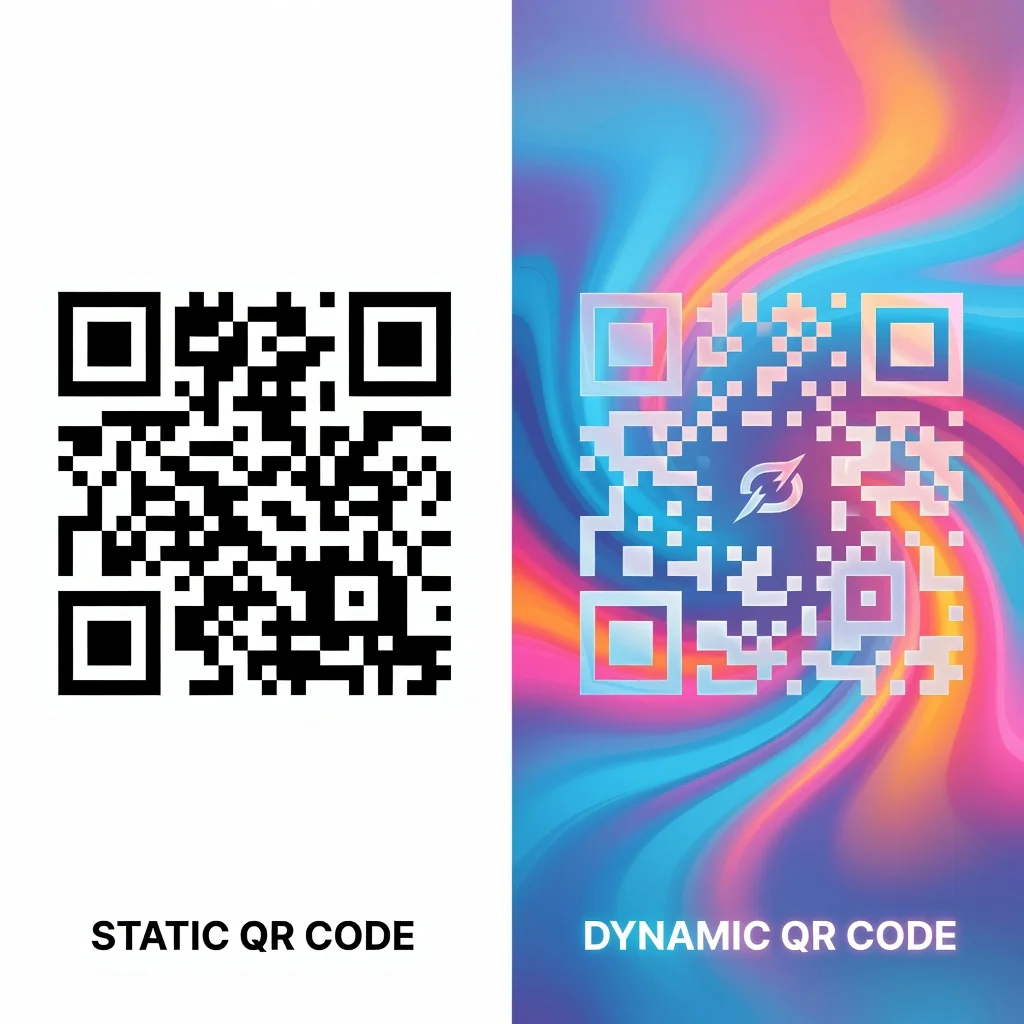
How to add a logo to a QR code without breaking scannability
A plain black and white QR code works perfectly fine. But a QR code with your logo in the center, that's memorable. It tells people the code belongs to your company before they even scan it. The trick is adding the logo without breaking the scan. Get it right, and you have a branded code that actually works.
Why add a logo to your QR code?
- Brand Recognition: Your logo makes the code immediately identifiable as yours
- Professional Look: A branded code looks intentional, not like a placeholder
- Increased Scans: Branded codes grab attention more than plain ones, especially in crowded spaces like trade shows or events
- Trust: A code with your logo feels more trustworthy than a random code. People are more likely to scan it
The rule: Stay out of the center
QR codes have three corner squares that help phones focus. The center and edges are where the actual data lives. A logo placed anywhere can disrupt this. The safe spot is the very center, that area contains redundant data that the code can lose without breaking.
Size matters more than you think
Your logo can cover about 20-30% of the QR code before it becomes unscannablke. So if your code is 2 inches by 2 inches, your logo should be no bigger than about 0.5 inches across. Test it before printing. Scan it from your phone to confirm it works.
Logo requirements
- Simple design: Intricate logos with fine details won't work at small sizes. Simple, bold logos are better
- Solid background: Your logo should have a light background (usually white) so it contrasts with the dark code around it
- Square or circle: Logos that fit in a square or circle work best. Weird shapes leave too much wasted space
- No gradient or transparency: Solid colors scan better than gradients. Avoid semi-transparent logos
Step-by-step: Adding a logo in a QR code generator
- Generate your code: Create the QR code normally with your URL or content
- Upload your logo: Most generators have a "Add Logo" or "Upload Image" option
- Resize it: Adjust the logo size so it covers roughly 20-25% of the code. Don't go bigger
- Center it: Make sure it's perfectly centered. Off-center logos can damage the code
- Test it: Download the code and scan it from your phone before using it anywhere
- Download: If the test scan works, download the final code in high resolution
Testing your logo QR code
Before printing business cards or putting a logo code on a billboard, scan it several times from different phones and distances. Does it work from 1 foot away? From 3 feet? From different angles? If it fails, your logo is too big or too detailed. Make it smaller or simpler and try again.
Logo placement: Center only
The three corner squares of a QR code are critical. Never, ever place a logo there. The center is safe. The edges are somewhat safe but risky. Stick with dead-center placement. When in doubt, make the logo smaller and more centered instead of larger and off to the side.
Common mistakes
- Logo too large: Most people put the logo 40-50% of the code size. It fails to scan. Go smaller, 20-25% is the safe zone
- Logo with transparency: Semi-transparent logos don't have enough contrast against the code. Use solid colors
- Complex logos: Fine details don't survive the shrinking. Save the fancy logo for other uses. Use a simple version here
- Not testing: Don't assume it will work. Download and scan it from your phone
- Using a low-quality logo: A fuzzy, pixelated logo looks bad and scans worse. Use a clean version
When not to add a logo
If you need the QR code to work reliably from far away, like on a highway billboard, skip the logo. Every element you add increases the chance of failure. High-reliability situations call for plain codes. Branded codes are best for close-up situations where you can test them first, like business cards or product packaging.
The bottom line
A logo in a QR code is doable and looks great. Keep it small (20-25% of the code), center it perfectly, test it before printing, and it will work. Go bigger, place it carelessly, and it fails to scan. It's a simple trade-off: tiny logo = works reliably, big logo = might not work.
Create your branded QR code now and test it before going live.