How to make a QR code for free (no signup required)
You don't need to pay a dime to create QR codes. Good free tools exist everywhere, and they work just as well as paid versions for most people. This guide shows you how to generate a QR code right now, without creating an account or entering your credit card.
Why free QR codes matter
Paid services want you to believe you need a subscription for basic QR code features. You don't. Free generators create working QR codes instantly. No account creation, no email confirmations, no upselling. If you need something simple, free is actually the right choice.
Benefits of free QR code generators
- No Cost: You spend nothing and get a working code immediately
- No Account: No signup, no login, no password to remember
- Instant Download: Generate and download your code in seconds
- Works Everywhere: Free codes scan just as well as paid ones. The QR code itself has no cost difference
- No Tracking or Data Collection: Some free tools don't require you to create an account, which means your data stays yours
When you might need paid plans
Most people don't. But if you're creating hundreds of codes per month and need to track exactly how many times each one is scanned, or if you want to edit codes after creation without reprinting, then a dynamic QR code service makes sense. For everything else, business cards, flyers, posters, product packaging, free works perfectly.
How to create a free QR code in 3 steps
- Go to a free generator: Search "QR code generator" and pick one (no signup required)
- Paste your link: Enter the URL, text, or contact info you want the code to link to
- Download: Click download, save the image, and you're done. No email confirmations, no waiting
Best free QR code generators
QR Code Generator (no-signup version): The simplest option. Paste a URL, get a code, download it. No account necessary.
QR Stuff: Slightly more features than the bare-minimum generators. Lets you customize colors and add a logo before downloading. Still free, still no signup.
Our QR Code Tool: Built right here, no signup, works instantly. Link a URL, customize colors if you want, download.
Customizing your free QR code
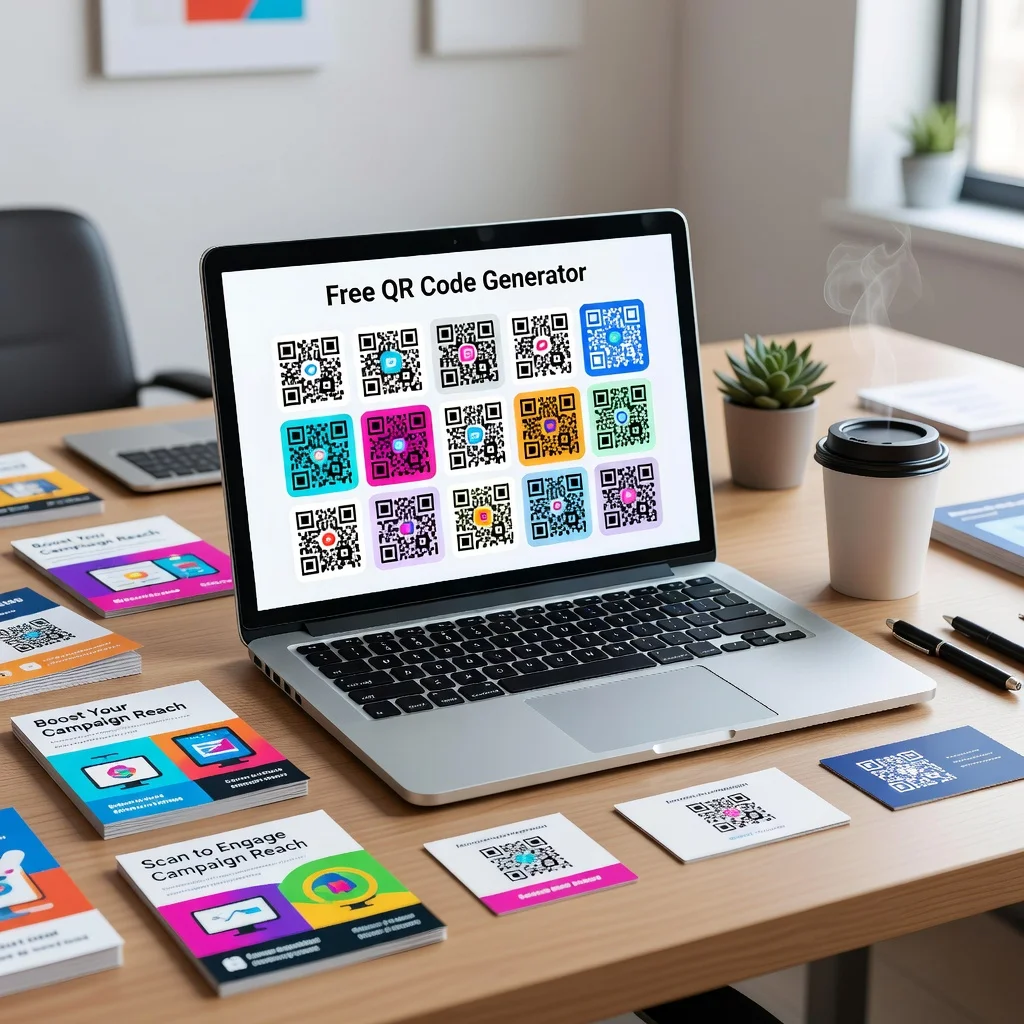
Most free generators let you change the color of your code. You can make the pattern dark blue and the background light instead of plain black and white. Some even let you add a small logo in the center without breaking the code. Test before printing to make sure your customization didn't make it unscannablke.
Common free QR code mistakes
- Trusting generators that require signup: There's no reason to create an account. Use a no-signup generator instead
- Customizing too much: Adding a huge logo or extreme colors can break the code. Keep customization light
- Not testing: Download your free code and scan it before using it anywhere
- Assuming low quality: Free codes work perfectly fine. Image quality and scannability are the same
Downloading and using your code
When you download, you get a PNG or SVG image file. PNG works for printing and web. SVG is vector-based, meaning it scales up or down without losing quality (good for really large prints). Save it somewhere you'll remember, then paste it into your flyer, email, or document.
The reality
If you need a QR code, go to a free generator, paste your link, download the image, and go. Paid plans exist for businesses that need to edit codes later or track detailed scan statistics. For the rest of us, free is faster, simpler, and genuinely better. There's no hidden trick. Free QR codes work.
Create your free QR code now and skip the signup.