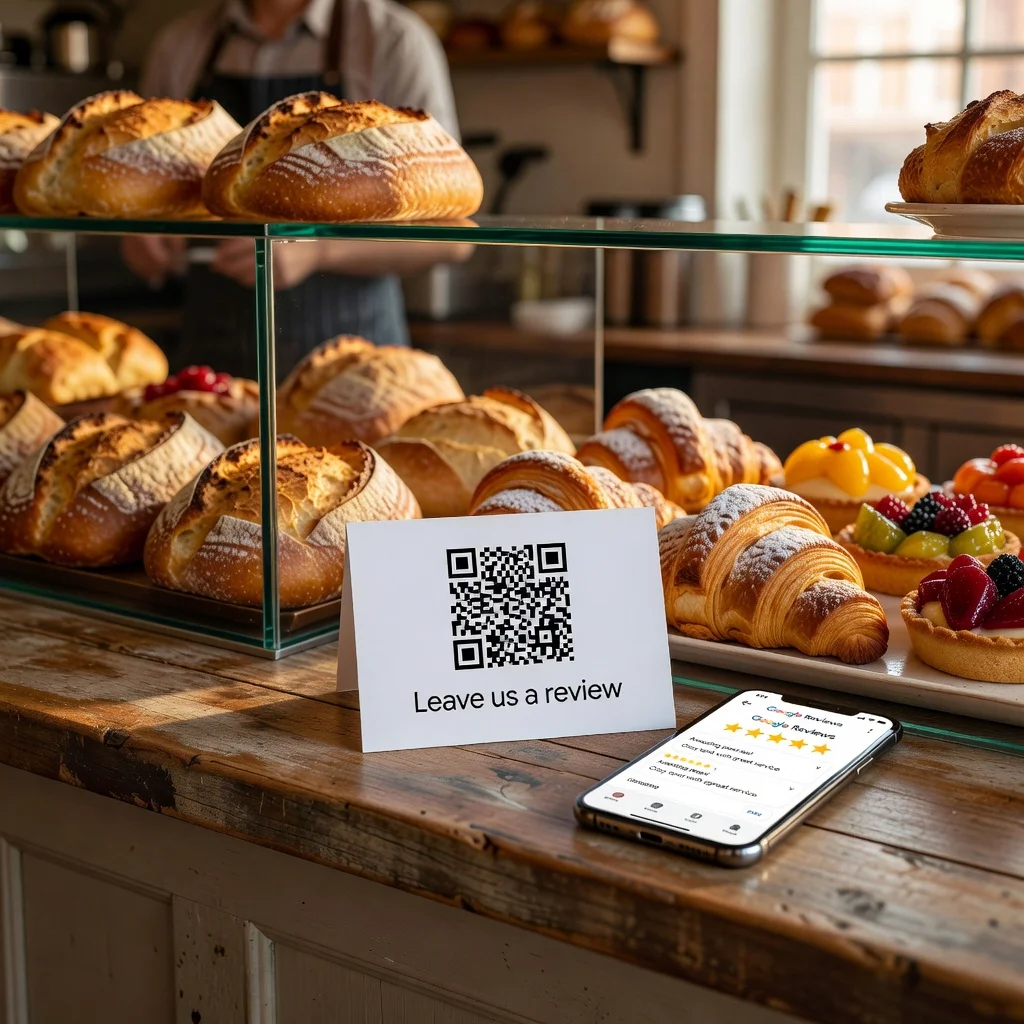
Why Google Reviews matter for your business
Google reviews drive business. Potential customers check your ratings before deciding whether to visit or call. Local search rankings depend partly on review volume and ratings. Your online reputation directly affects your bottom line. So why do so many businesses struggle to get reviews? Because asking for them is awkward, and the process of leaving a review is tedious. A QR code for Google reviews removes both problems. A satisfied customer scans, they're instantly in your Google reviews page, ready to leave feedback in 30 seconds.
The challenge isn't getting customers who want to leave reviews, it's removing the friction from the process so they actually follow through.
Benefits of using a QR code for Google Reviews
QR codes dramatically increase the number of reviews you receive. When customers are happy and you ask them to scan a code right then, they do it. They don't forget. They don't get distracted. The timing matters, you're catching them while they're pleased with your service. Reviews generated from QR codes are often more detailed because the person is writing while the experience is fresh.
The power of timing
The best time to ask for a review is immediately after a positive customer interaction. A QR code lets you do this physically. A customer finishes their haircut and sees a sign: "Loved your experience? Scan to leave a review." Or they finish a meal and you bring the check with a QR code printed on it. The timing dramatically improves your response rate.
Making reviews easy to leave
Instead of telling someone "find us on Google, search for our business, and click the review button," you can say "scan this code." One tap and they're leaving a review. The barrier to action drops dramatically. You're removing steps and cognitive load.
Placement strategies
Put your review QR code where satisfied customers naturally notice it: at checkout, on your receipt, on your business cards, in your thank-you email, on your storefront window, on a poster in your waiting area. The more visible you make it, the more reviews you'll get. Some businesses see 3-5x more reviews after adding QR codes.
Staff training on review requests
Train your team to ask for reviews naturally after great service. "I'd love a review if you enjoyed your experience, just scan this code." Make it a regular part of your customer conversation, not an awkward ask. Staff who are comfortable asking get better results.
Creating your Google Reviews QR code
Find your Google Business Profile. Generate a direct link to your reviews page. Create a QR code from this link. Test it on your phone, it should open straight to your reviews page with a prominent "Write a Review" button. Print the code and deploy it everywhere customer interactions happen.
Combining with other marketing
Include your review QR code on business cards, promotional materials, and receipts. Every touchpoint is a potential opportunity for someone to leave a review. The more places they see the code, the more likely they'll scan eventually.
Email and digital follow-up
Include your review QR code in follow-up emails after purchases or appointments. People reading your email on their phone can scan immediately without searching for your business.
Incentivizing review submissions
Some businesses offer small incentives for reviews, enter customers who leave reviews into a monthly drawing, offer a discount code with a review. Check Google's policies on this, as they have guidelines about review incentives, but when done properly, incentives can significantly boost participation.
Managing your online reputation
More reviews mean better search visibility and higher perceived credibility. Even if some reviews are critical, a large number of positive reviews dominates the overall rating. Reviews generated from QR codes tend to be detailed and thoughtful because the person is writing while the experience is fresh.
Responding to reviews
Once you start getting more reviews from QR codes, respond to all of them, positive and negative. Thank people for taking the time to share feedback. Address any concerns raised in critical reviews. Potential customers judge you not just by your star rating but by how you respond to feedback.
Monitoring review trends
As you collect more reviews, look for patterns. What do people consistently praise? What do they complain about? Use this feedback to improve your business. Reviews are free customer feedback if you actually listen to them.
Special occasions and promotions
During grand openings, special events, or promotional periods, heavily promote your review QR code. New customers or customers trying you for the first time during a promotion are likely to leave reviews if asked.
Building social proof
More reviews build social proof. New customers see that lots of people have reviewed your business and that most reviews are positive. This reduces their hesitation. QR codes are the fastest way to build that volume of reviews.
Mobile-first approach
Since most people leaving reviews do so from their phones right after your QR code scan, make sure your Google Business Profile is fully optimized for mobile. Use high-quality photos. Write compelling descriptions. Make a great mobile first impression.
Ready to boost your reviews? Create your Google reviews QR code →