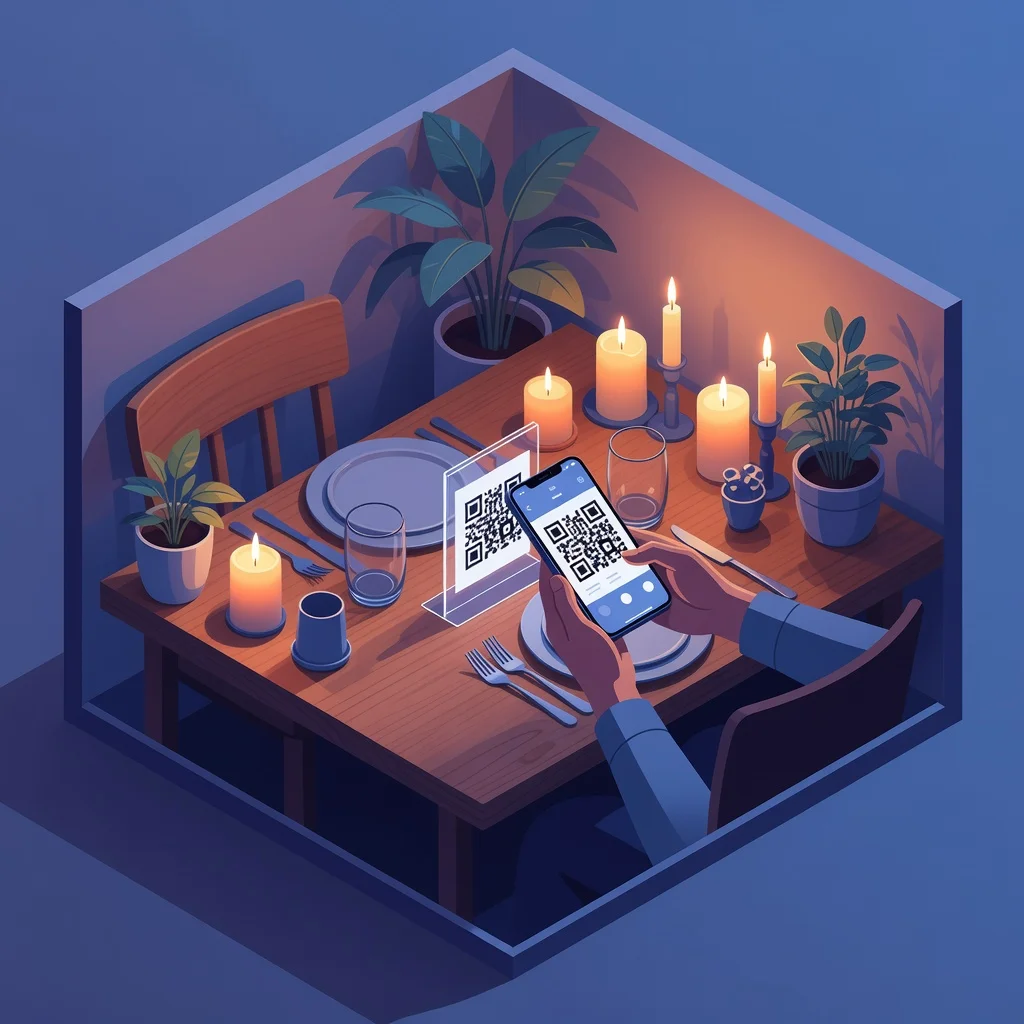
To make a QR code for a restaurant menu, host your menu as a web page or PDF, paste its link into a free QR code generator, then download the code as an SVG and print it for your tables and entrance. A static QR code is free, never expires, and is enough for most menus; choose a dynamic code only if you plan to change the menu link often or want to track scans.
The rise of QR code menus in restaurants
The restaurant industry learned a hard lesson over the past few years: paper menus are a liability, not an asset. They get dirty, they're outdated within weeks, and updating them costs money. QR code menus let you update your offerings instantly online. A customer scans a code on their table, the menu loads on their phone, and they see exactly what you're serving today. If you add a new dish this afternoon, everyone sees it tonight without printing anything new.
Beyond efficiency, QR code menus improve the entire customer experience. No waiting for a server to bring a menu. No trying to decipher chicken scrawl about daily specials. Everything is clear, searchable, and instantly available on their phone.
Advantages of QR code menus for restaurants
Moving to digital menus saves money on printing and reprinting. It reduces labor, no server has to walk around delivering menus. It means customers can browse your offerings while they wait, speeding up orders. It eliminates the physical contact and cleaning concerns that still worry some customers. And it gives you valuable data on which items get looked at most, which helps with menu optimization and inventory planning.
Speed and convenience for customers
A customer sits down and immediately scans the code on their table. The menu opens on their phone. They can browse at their own pace, read descriptions and ingredients, check prices. They're ready to order before the server even comes over. This dramatically reduces wait times and improves customer satisfaction.
Cost savings on printing and updates
Paper menus are expensive to print and become outdated quickly. With QR codes, you update your menu online once and every customer sees the change immediately. Seasonal items, daily specials, price adjustments, all happen digitally without touching a printer.
Detailed allergen and dietary information
Digital menus give you unlimited space to include allergen information, vegan options, gluten-free choices, spice levels, and anything else customers need to know. Paper menus limit you. QR codes let you be comprehensive without overwhelming the design.
Capturing customer data
When customers scan your QR code, you can track how many people viewed the menu, which dishes got the most attention, and even collect email addresses for a mailing list. This data helps you understand what's actually popular versus what you think is popular.
Reducing service friction
Servers spend less time managing physical menus and can focus on providing better service. The ordering process speeds up. Customers get fewer reminders that they're in a restaurant following post-pandemic protocols, the experience feels normal again.
Multilingual menu access
Your digital menu can offer instant translation to dozens of languages. International tourists scan and immediately understand your offerings in their native language. This removes a real barrier for some customers.
Creating your restaurant menu QR code
Design your digital menu, it should be clean, readable on phones, well-organized by section. Include descriptions, prices, allergen info, and photos if possible. Host it on your website or use a digital menu platform. Generate your QR code pointing to this menu. Print the code and place it on table tents, on menus, on your doors, anywhere customers might look.
Menu organization and design
Organize your menu logically: appetizers, entrees, sides, drinks, desserts. Keep the design simple and mobile-friendly. Use clear fonts. Include prices prominently. Add brief descriptions of dishes that aren't self-explanatory. Use photos to make expensive items worth the cost. Test the menu on a phone to make sure it's readable and easy to navigate.
Seasonal menu updates
Update your digital menu seasonally without reprinting anything. Add seasonal dishes, highlight spring ingredients, adjust for availability. Customers see the most current offerings without any work on your end beyond updating the file online.
Special diets and allergen communication
Be crystal clear about what's vegan, gluten-free, dairy-free, and nut-free. Digital menus give you space to be thorough. Include information about how dishes are prepared if cross-contamination is a concern. This detailed information builds trust with customers who have dietary restrictions.
Pricing strategy
Digital menus make it easy to adjust prices for different times or seasons. Happy hour specials, early bird discounts, seasonal pricing, all can be managed digitally. You don't have to print new menus every time something changes.
Upselling through digital presentation
High-quality photos and compelling descriptions increase order values. A dish described as "grilled branzino with lemon beurre blanc, heirloom tomato salad, and roasted fingerling potatoes" sells better than "fish." Use your digital format to its advantage.
Payment integration
Some digital menu platforms let customers order and pay directly through their phones. This eliminates the awkward "server is busy" wait. Customers control the pace of the transaction.
Contactless service
While the primary concern about contact has passed, many customers still appreciate the option to browse menus without physical contact. QR code menus support that preference without making other customers feel uncomfortable.
Analytics and optimization
Track which menu items get viewed most, which get skipped, which have high engagement but low orders. Use this data to refine your offerings. A dish that's not getting looked at might need repositioning, renaming, or better description. A popular dish you're underpricing should get more prominent placement.
Mobile optimization matters
Remember that most people viewing your menu are doing it on a phone. Make sure your digital menu is optimized for small screens. Test the experience on actual phones, not just your desktop. A clunky mobile experience leads to confusion and frustration.
Frequently asked questions
How do I create a QR code for my restaurant menu?
First, put your menu online, either as a page on your website or as a PDF hosted somewhere with a public link. Copy that link, paste it into a free QR code generator, and customize the colors or add your logo if you want. Download the code as an SVG for crisp printing at any size, then place it on table tents, the front door, and takeaway packaging. The whole process takes a couple of minutes and costs nothing with a free static generator.
Are QR code menus free?
Yes. Generating the QR code itself is completely free with a static QR code generator, with no sign-up and no watermark. Your only potential cost is hosting the menu page, and even that is free if you add the menu to a website you already run or use a free PDF host. Avoid tools that charge a monthly fee just to keep the code working, that is a dynamic code, which most restaurants do not need.
Do restaurant menu QR codes expire?
A static QR code never expires. The link is encoded directly into the code, so it keeps working as long as your menu page stays online. The only codes that expire are dynamic ones tied to a paid subscription. As long as you host your menu reliably and use a static code, the printed QR code on your tables will keep working indefinitely.
What size should a restaurant menu QR code be?
For table tents and printed menus scanned from close range, a code of about 2.5 to 3 centimeters (1 to 1.2 inches) square is reliable. For a code on a window or wall that guests scan from a step or two away, scale it up, a good rule is that the code width should be at least one tenth of the scanning distance. Always print from an SVG so the code stays sharp at any size, and test it on a couple of phones before the print run.
Ready to modernize your restaurant? Create your menu QR code →