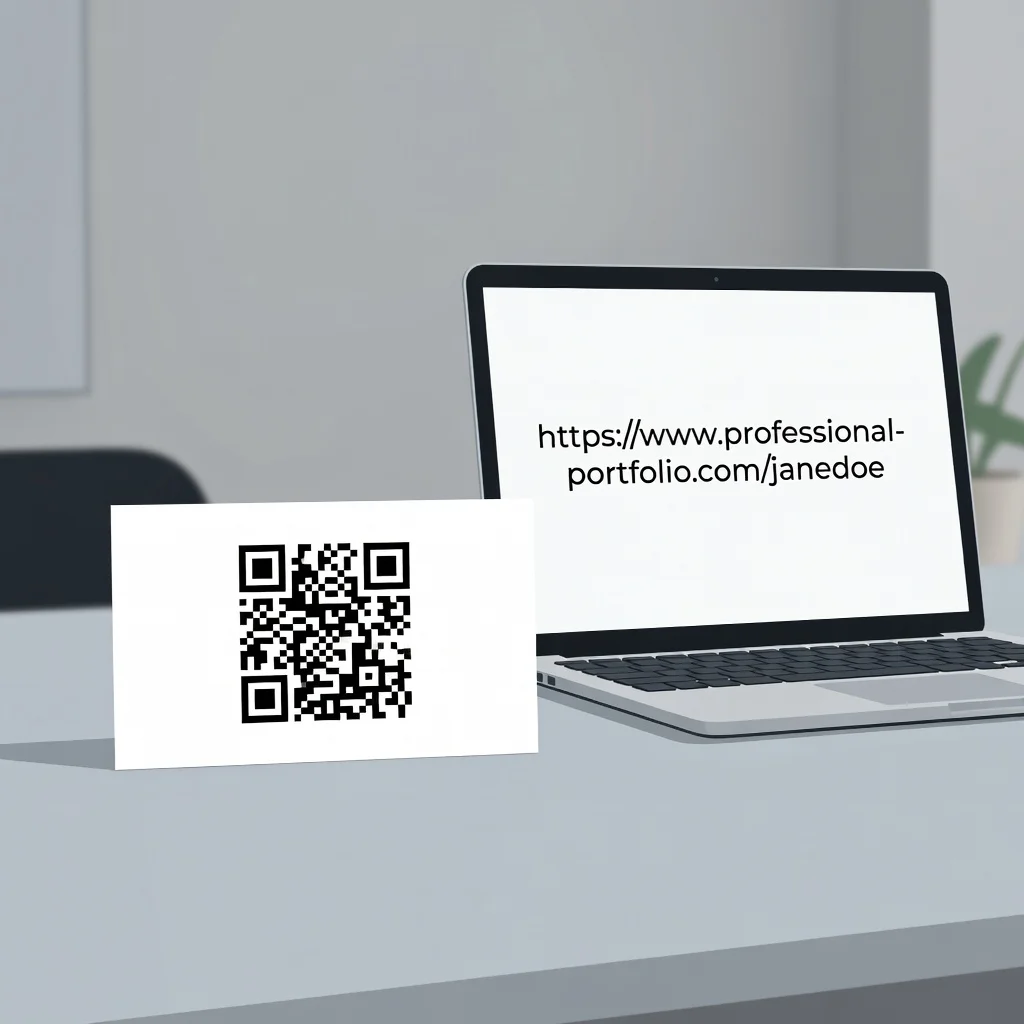
Why QR codes on business cards matter
Business cards haven't changed much in decades, your name, phone number, email, and a logo. But the world has changed completely. Now you can turn a simple card into a bridge between in-person networking and digital connection. Instead of watching someone pocket your card and lose it in their desk drawer, a QR code on your business card takes them straight to your LinkedIn profile, your website, your portfolio, or even a personalized video from you.
In competitive industries where first impressions count, a QR code signals you're forward-thinking and makes it dramatically easier for someone to remember and connect with you later.
Benefits of adding a QR code to your business card
A QR code business card accomplishes something traditional cards can't: it turns a physical exchange into a digital one. Someone scans instead of manually typing your information. They remember you better. They're more likely to follow up. The person who scans remembers the interaction more vividly than someone who just pockets a card.
Directing to your online presence
Point your business card QR code to your professional homepage, LinkedIn profile, or portfolio site. When someone scans, they immediately see your work, your background, and how to reach you in multiple ways. This works especially well for creative professionals, consultants, and anyone whose work is portfolio-based.
Saving contact information digitally
Encode a vCard (digital contact card) in your QR code. Someone scans and your contact information automatically saves to their phone with one tap. No typing, no mistakes, no confusion about which email address or phone number to use. It's the frictionless way to share contact info.
Creating a personal brand experience
Point your business card QR code to a personalized landing page that tells your professional story. Include your photo, your elevator pitch, links to your portfolio, social profiles, and ways to contact you. This creates a much stronger first impression than a traditional business card ever could.
Collecting follow-up information
Point your business card QR code to a simple form where people can share how they want to be contacted or what they're interested in discussing. This turns a one-way business card exchange into a two-way conversation starter.
Video introduction
For sales professionals and entrepreneurs, a 30-second video introduction encoded through a QR code is incredibly memorable. Someone scans and sees your face, hears your voice, and gets a much better sense of who you are than from text alone.
Industry-specific uses
Real estate agents link to their active listings. Photographers link to their portfolio. Coaches link to their service offerings. Freelancers link to their rates and booking page. Event planners link to their past events and testimonials. Whatever your industry, you can make your business card do something unique.
Design considerations
Place your QR code prominently on the card, but don't let it dominate. Corner placement works well. Make sure the code is large enough to scan easily, at least a centimeter square. Use a white background behind the code so it scans reliably. Black and white QR codes scan better than colored ones.
Testing before printing
Generate your QR code and test it thoroughly before you print thousands of cards. Scan it on multiple phones. Make sure it goes where you expect and loads quickly. Test it in different lighting conditions. Print a few sample cards and test those before committing to a full print run.
Branding your QR code
Some business card designers add your logo to the center of the QR code or put it in your brand colors. This is mostly cosmetic, a white and black QR code works fine, but custom codes feel more professional for premium brands.
Updating your card's destination
If you use a URL shortener or dynamic QR code service, you can update where the code points without reprinting new cards. This is useful if you change jobs, update your website, or want to run different campaigns.
Measuring engagement
If you use a URL shortener or analytics-enabled QR code service, track how many times people scan your business card code. This tells you which networking events or interactions led to genuine interest. Use this data to focus on the most productive networking opportunities.
Conversation starter
A QR code on your business card immediately sparks conversation. People ask what it does. You explain. They scan. It's a memorable exchange. This simple interaction makes them far more likely to actually reach out to you after the event.
Ready to upgrade your business card game? Create your business card QR code →