QR code for museums: Enhance the visitor experience
Walk through any major museum and you'll notice the same problem: a tiny placard next to a 2,000-year-old artifact, with maybe 80 words to explain it. There's so much more to say, the history behind the acquisition, what's hidden beneath the surface, the stories of the people who made it, but there's simply no room on the wall.
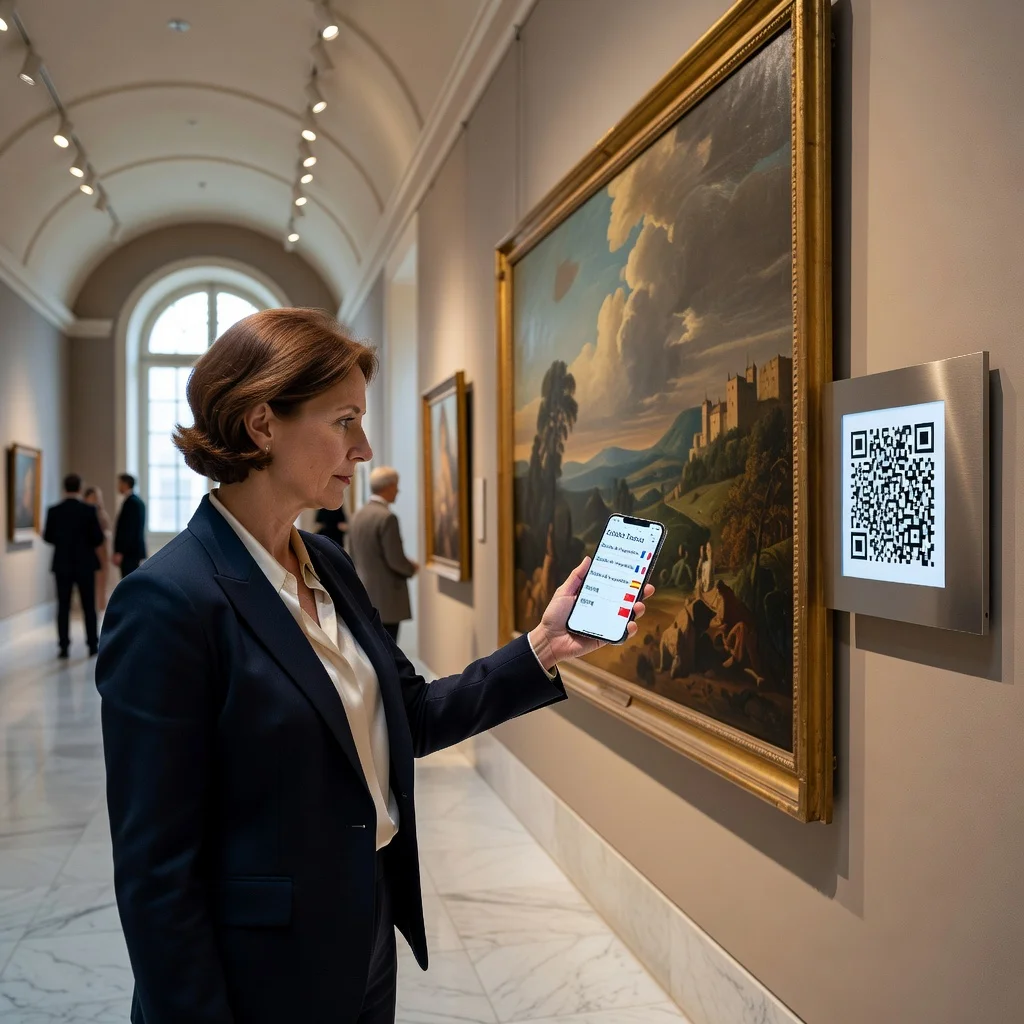
QR codes are one of the most practical tools museums have picked up in recent years. Scan a code and that little placard becomes a doorway to audio tours, 3D models, multilingual guides, or a 10-minute curator deep dive. The physical artifact stays the centerpiece; the QR code just unlocks everything around it.
Multilingual exhibit information
Major museums like the Louvre or the British Museum draw visitors from dozens of countries, but even smaller regional institutions regularly host non-English-speaking guests. Printing information in five or six languages for every exhibit isn't realistic, the cost and space requirements are prohibitive.
A single QR code next to an exhibit solves this neatly. Visitors scan and choose their language, then read the full description, historical context, and artist notes in their native tongue. Spanish, Mandarin, French, Japanese, Arabic, you can support as many languages as needed without changing a single thing in the gallery itself.
Audio tours and guided experiences
Renting handheld audio guides used to be the standard, you'd queue up, pay extra, and return the device on your way out. It worked, but the experience was clunky and the content was the same for everyone. Smaller museums often couldn't justify the cost of producing one at all.
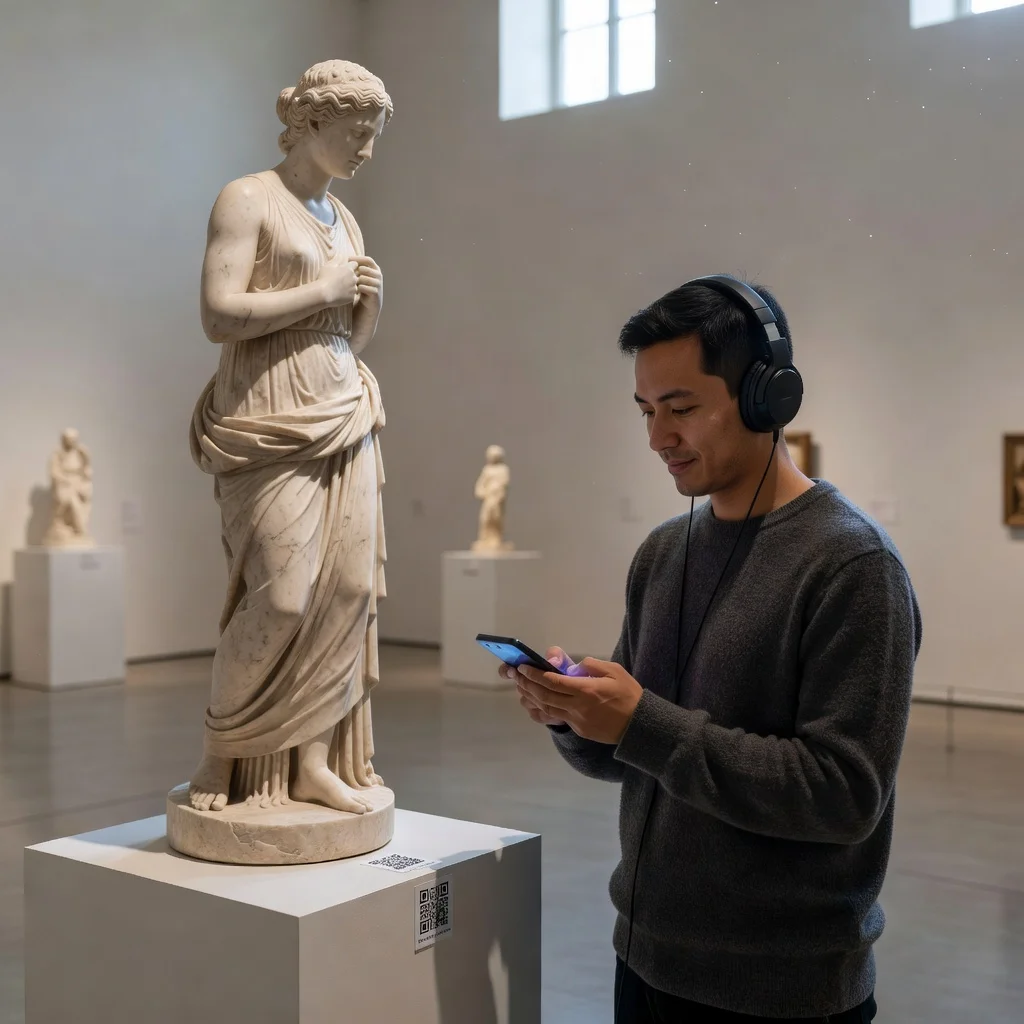
With QR codes, every exhibit can have its own audio layer. Link to a two-minute curator narration for casual visitors, or a longer expert commentary for those who want to go deeper. Some museums have gotten creative here, history museums have used voice actors to deliver first-person accounts from the era, and art museums have had the artists themselves record walkthroughs of their own work. Visitors tap pause, explore, come back, at their own pace, no device rental required.
Interactive digital exhibitions
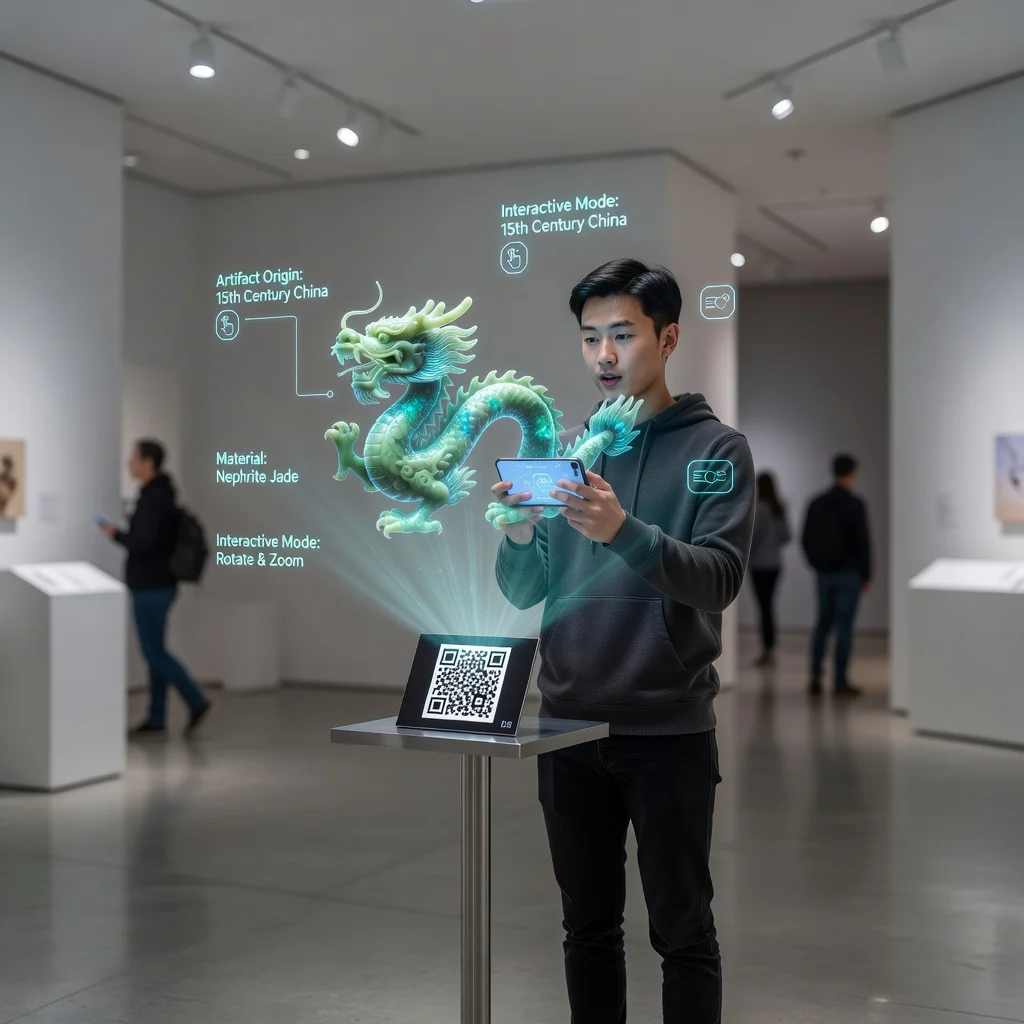
Some of the most interesting things about an artifact are invisible to the naked eye. X-ray imaging of a Renaissance painting can reveal earlier sketches and revisions underneath. A 3D scan of a fragile sculpture lets you see angles that would be dangerous to display in person. Archival footage of a building now demolished can show visitors exactly what they're looking at the remnants of.
QR codes make it possible to attach all of that to the physical object without altering the gallery itself. Visitors who are curious go deeper; visitors who just want to look at the piece can keep walking. The exhibit works both ways.
Behind-the-scenes access
Most of what happens in a museum is invisible to visitors, conservation labs, storage vaults, acquisition negotiations, restoration projects that take years. These stories are genuinely fascinating, but there's no obvious place to tell them in a traditional gallery setting.
A QR code near a restored artifact can link to a short video of the conservation process: the before-and-after, the tools used, the decisions made. Curator interview videos, acquisition backstories, even footage of how a large piece was physically moved into the building, this kind of content tends to be surprisingly popular with visitors who take the time to scan.
Reaching visitors at different levels
A ten-year-old and a PhD student standing in front of the same Egyptian sarcophagus want completely different things from it. The standard placard tries to split the difference and often fails both of them.
QR codes let you offer multiple tracks: a quick overview for casual visitors, a more detailed breakdown for interested adults, and a scholarly version with citations and academic context for researchers. Children's museums have used this to link to games and interactive quizzes that keep younger visitors engaged while their parents read the longer content nearby.
Video documentation
Some things are just hard to explain in text. A QR code next to a weaving loom can link to a demonstration video of it actually being used. An archaeological exhibit can link to footage from the dig site. A natural history exhibit can link to documentary clips of the animal in its habitat.
Video also works well for interviews, conservators explaining their techniques, historians putting an artifact in political context, or living artists discussing the work in their own words. These are often the most memorable parts of a museum visit for people who seek them out.
Accessibility
QR codes have made museums meaningfully more accessible in ways that were difficult to scale before. Visually impaired visitors can scan a code for a detailed audio description of an artwork, not just the placard text, but an actual description of what the piece looks like, its colors, composition, and visual details. Deaf visitors can access video content with accurate captions or sign language interpretation.
For visitors who use wheelchairs or have mobility limitations, QR codes can link to virtual walkthroughs of areas that are physically harder to navigate, so they don't miss anything on exhibit.
Context and historical timelines
Individual artifacts make more sense when you understand where they sit in a larger story. A Roman coin is interesting on its own; it's more interesting when you can see it on a timeline that shows the economic collapse it came from. A piece of protest art lands differently when you can read about the specific political moment it was created in response to.
QR codes can link to interactive timelines, maps, or contextual essays that give visitors the bigger picture without cluttering the gallery walls with text panels.
Access to the full collection
The Met has around 470,000 objects in its collection. Fewer than 30,000 are on display at any given time. Most museums are in a similar situation, they have far more than they can show, and most visitors have no idea.
A QR code on a display case can link to the digital catalog for everything in that collection area, letting curious visitors browse related objects that are in storage. Researchers especially appreciate this, being able to pull up the full acquisition record or conservation history of an object they're studying right there in the gallery.
Feedback, events, and membership
QR codes near the exit work well for quick visitor feedback, a short survey on what resonated, what felt confusing, or what visitors wish they'd seen more of. This kind of real-time data is much more useful for exhibit planning than the comment cards that tend to sit in a box for months.
They're also a natural fit for promoting upcoming lectures, workshops, or special events. A QR code next to a relevant exhibit can invite visitors to register for a related talk happening that weekend. And for membership drives, a well-placed code with a clear "support this museum" message often converts better than a brochure stand near the coat check.
Best practices for museum QR codes
- Check links regularly, a broken QR code next to an exhibit looks worse than no code at all
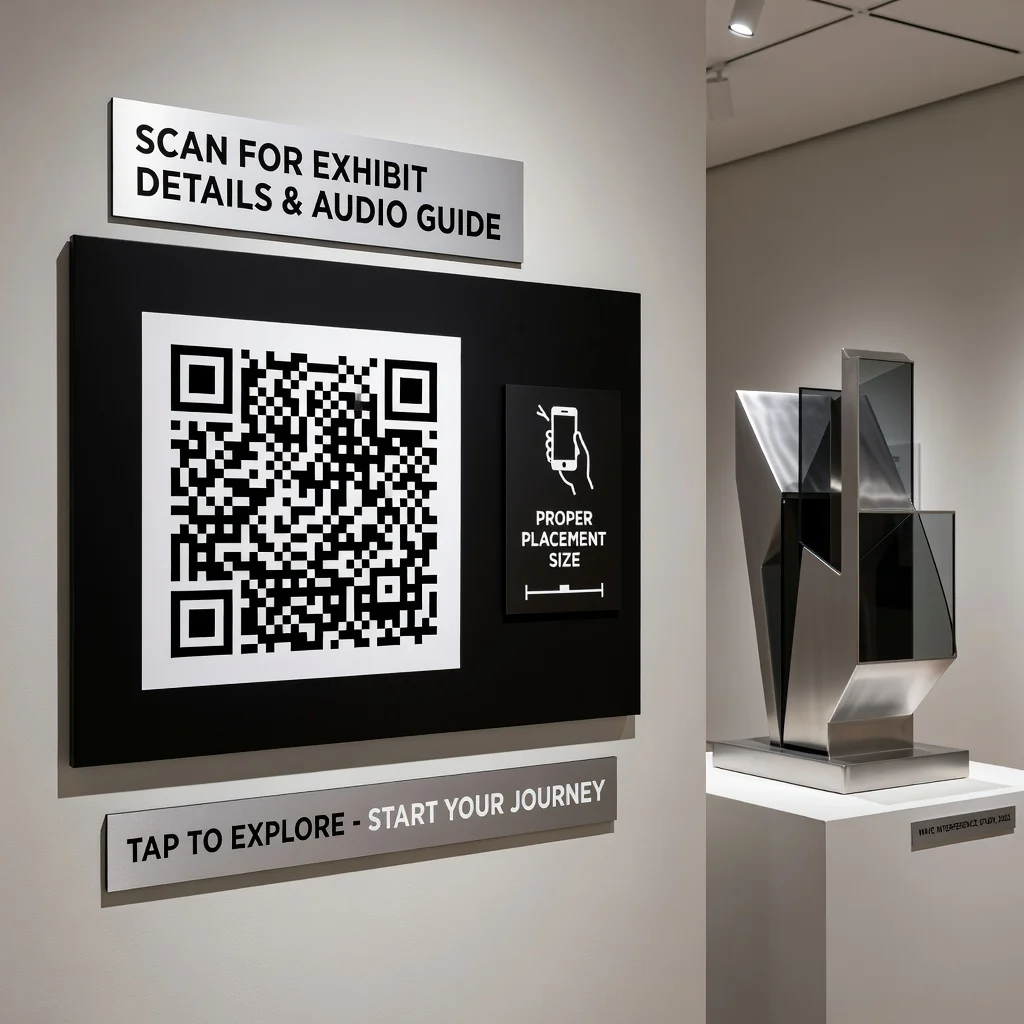
- Design the code holder or label to match your gallery's aesthetic; it doesn't have to look like an afterthought
- Keep linked pages fast-loading and mobile-first, visitors are on their phones, often on cell data
- Always have the placard text as a fallback; not every visitor will scan, and that's fine
- Track which codes get scanned most, it tells you which exhibits visitors are most curious about
- Brief front-of-house staff on what the codes link to, so they can answer questions
- Refresh content periodically, especially for long-running permanent exhibits
Where this is headed
The museums doing this well aren't treating QR codes as a tech gimmick, they're using them to solve real problems they've had for years. Limited wall space. Language barriers. Visitors who want more depth. Visitors who want less. Collections that can't all fit in a building.
The technology is simple enough that even a small local museum with a tight budget can put it to use. Start with one or two high-traffic exhibits, see how visitors respond, and expand from there.
Create Museum QR Codes, Free to generate, no account needed. Start with your most popular exhibit.