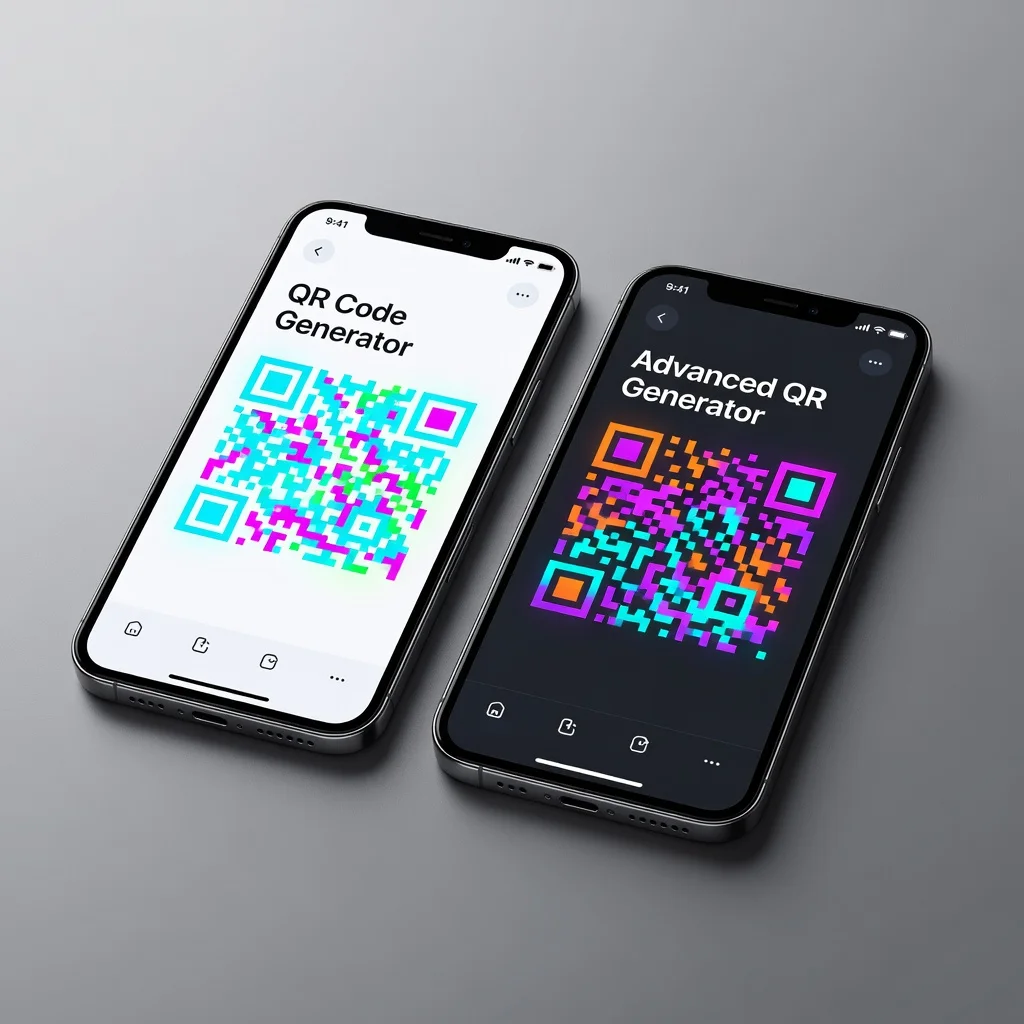
Best QR code generators for iphone
iPhone users have options for generating QR codes directly on their devices. The easiest approach? Open Safari and use a web generator. Want an app? Plenty exist. Built-in features? iOS has some. The best choice depends on how often you generate codes and what matters to you. Most people will be fine with the web option.
Built-in iphone QR code features
iPhones running iOS 11 and later include basic QR code generation through the Shortcuts app. Generate codes for contacts, WiFi networks, or URLs without additional apps. It's free and built-in. But it's limited to those specific data types. If you need customization or different options, the built-in features won't cut it.
Safari and web-based generators
This is honestly the easiest way. Open Safari, visit FreeQRCodeGenerator.com or QR Code Monkey, enter your data, customize if you want, download. The mobile versions work perfectly. No app to install. No storage taken up. Everything you need is in Safari. For most iPhone users, this is the answer.
Advantages of web-based generation
- No app installation required
- Works on any iPhone running any iOS version
- Access latest features immediately without updates
- Full functionality including advanced customization
- Can access from Safari, Chrome, or any browser
- Responsive design optimized for mobile screens
Popular iphone QR code apps
The App Store has plenty of QR generators. Apps like QR Code Generator, Unitag, and QR Studio offer native iOS integration. Some include photo app sync, iMessage sharing, or direct social media posting. Apps integrate with iOS features like the Photos app and sharing menus. If you generate codes frequently, an app might be worth the small storage overhead.
App-based generation advantages
- Native iOS integration with Photos and sharing features
- Offline functionality (some apps)
- Faster access from home screen
- Notifications and reminders for recent codes
- iCloud sync across Apple devices
- Apple Watch compatibility (some apps)
Specific iphone app recommendations
QR Code Generator by Butonium: Simple, free, ad-supported. Creates static codes with basic customization. Perfect if you want straightforward functionality with zero friction. No account needed.
QR Code Scanner + Generator: Combines both scanning and generation. Free with ads; premium removes them. Good all-in-one if you both scan and create codes regularly.
Unitag: Professional-grade generator. Advanced customization, dynamic codes via subscription, analytics. Syncs across devices. Pick this if you're managing multiple codes seriously.
Comparing approaches: Web vs app
Web browsers offer maximum flexibility. Fastest access. Apps integrate better with iOS. If you generate codes occasionally, Safari is smarter. If you generate them regularly, an app saves time. There's no wrong choice, it depends on your usage pattern.
Accessibility and ease of use
Web generators through Safari are easier to access, no download required. Apps require installation and storage. But apps launch faster if you generate codes frequently. For casual users, Safari wins. For regular use, apps streamline your workflow.
File management and sharing
Web-generated codes go to your camera roll automatically through Photos app. Share from Safari directly to Messages, Mail, Photos, or social media. Apps typically offer similar sharing through iOS share menus. Both approaches work perfectly for managing and sharing codes.
Advanced features for iphone users
Some apps offer batch generation, importing data from CSV files, or cloud service integration. Advanced features are rare in free versions, usually premium only. Most iPhone users don't need them. Check app descriptions if you think you do.
Recommendations based on usage
- Occasional Use: Web browser (FreeQRCodeGenerator.com) - fastest, no installation
- Regular Use: Quality app (QR Code Generator by Butonium or Unitag) - faster access
- Professional Use: Unitag or premium app with analytics and sync
- Design Integration: Canva app with integrated QR generation
Tips for iphone QR code generation
Make sure your screen is bright enough when sharing codes via screenshot. For professional needs, consider generating on desktop where larger screens help with design. Test your codes before sharing by scanning them with iPhone's built-in camera app.
Generate QR codes instantly from your iPhone using our mobile-optimized generator. Perfect for on-the-go code creation.