
What a QR code can actually measure
A QR code is a picture of a link. On its own it records nothing: it has no memory, no counter and no way to phone home. Everything you can measure happens after the scan, once the phone opens the destination. That single fact explains most of the confusion around QR analytics, and it decides which of the two approaches below you need.
There are exactly two ways to know that a scan happened. You either put tracking on the destination page, or you send the scan through a redirect you control. Nothing else gives you data, and no generator can retrofit tracking onto a code that points straight at a plain URL.
Why a static code cannot be measured on its own
A static code encodes your destination directly. Print yoursite.com/menu into the pattern and every scanner goes straight there. Your web analytics will record the visit, but it looks identical to someone who typed the address or followed a link from social media. The scan is invisible as a scan.
This is not a flaw. Static codes never expire, cost nothing to keep alive and work forever with no service behind them. You simply need to add the measurement yourself, which is what the next section does.
UTM parameters: measuring without any extra tool
The simplest way to make a scan visible is to encode a URL that labels itself. Append UTM parameters to the destination before you generate the code:
yoursite.com/menu?utm_source=qr&utm_medium=print&utm_campaign=autumn-menu
Any analytics tool will now report those visits as their own channel. Give each placement its own campaign value and you can tell the table tent from the window sticker from the flyer. It costs nothing, needs no subscription, and works with a static code.
Two practical cautions. Keep the parameters short, because every character makes the pattern denser and harder to scan at small sizes. And use a consistent naming scheme from the start, since renaming later splits one campaign into two in your reports.
Connecting scans to your analytics
With UTM parameters in place, the scan appears in your normal reporting alongside every other traffic source. Look at the source and medium you chose, then compare sessions, bounce rate and whatever conversion matters to you. The useful question is rarely how many people scanned, it is what they did next.
Watch for one distortion: many scans arrive through an in-app browser rather than the phone's default one. Sessions can be attributed differently and returning visitors are often counted as new. Treat the direction of the numbers as reliable and the absolute totals as approximate.
What a dynamic code adds
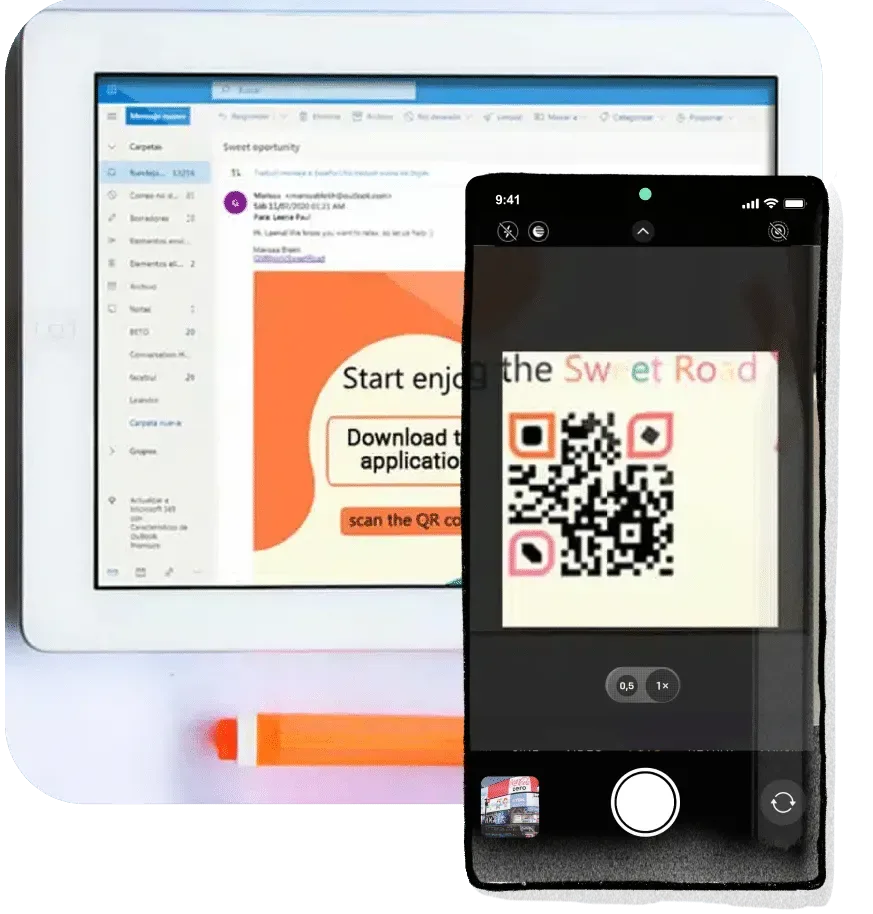
A dynamic code encodes a short redirect address instead of your destination. The scanner hits that address, the service logs the request and forwards the visitor. Because every scan passes through a step you control, you get counts without touching the destination page at all.
What that typically gives you: total scans over time, the hour and day of each one, device and operating system, and an approximate location derived from the network. What it does not give you is who scanned. There is no identity behind a scan, and any tool promising one is inferring, not measuring.
Changing the destination after printing
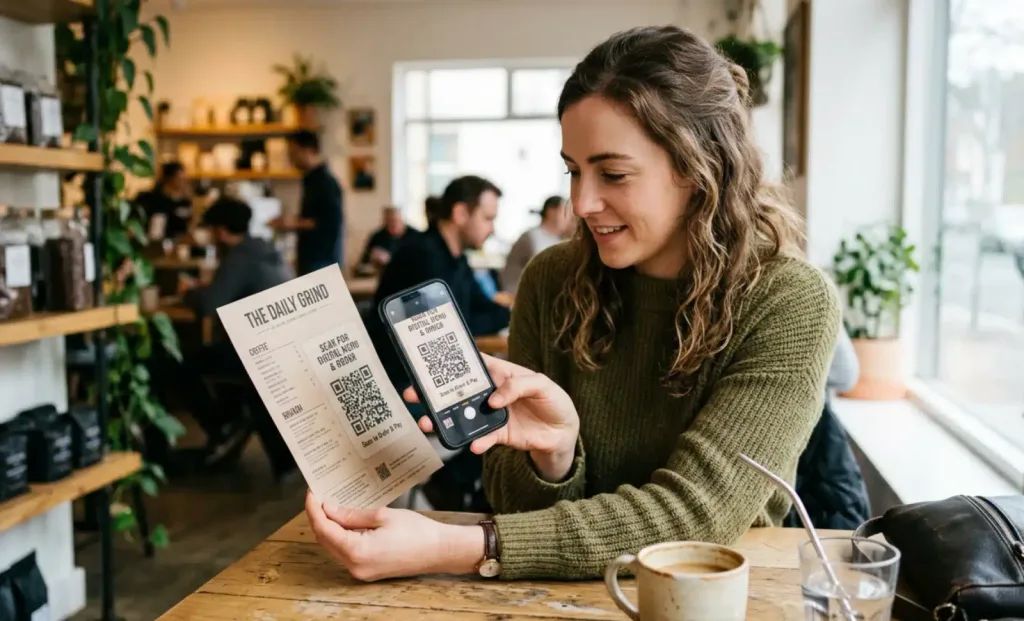
This is the part that pays for itself. Because a dynamic code contains only the redirect address, you can point it somewhere else at any time and every code already printed follows along. The pattern on the poster never changes.
It matters whenever the artwork outlives the content. A seasonal menu that gets replaced, an event page that becomes a recording afterwards, product packaging printed a year before the support page moves, a property sign that should point at the next listing once the place is sold. Without it, a moved page turns thousands of printed codes into dead ends.
If you are printing something with a long life and you are not certain the destination will hold still, that uncertainty is the argument for a dynamic code. If the destination is genuinely permanent, a static code is the cheaper and more durable choice.
Testing two destinations
Once the destination is editable, you can compare versions. Send the code to one landing page for a fortnight, switch to a second, and compare the conversion rate over similar periods and similar footfall.
Two rules keep the result honest. Change one thing at a time, or you will not know which change moved the number. And compare like with like: a week that contains a public holiday is not comparable to an ordinary one, and a code by the till behaves nothing like the same code on a flyer.
What quietly ruins your numbers
Your own testing. Every scan you make while checking the code is counted. Test before the campaign starts, or note how many of the early scans were yours.
Repeat scans by the same person. Someone who scans a restaurant code three times in one meal is three scans, not three customers. Scans are not visitors.
Link previews and scanners. Some apps fetch the destination to build a preview, which can register as traffic nobody actually saw.
Placements you cannot separate. If the same code goes on the flyer, the poster and the packaging, your report is one undifferentiated number. Give each placement its own code or its own campaign parameter, and you will know which one earns its cost.
Privacy, and what not to collect
Scan data is behavioural data about people, and the rules that apply to your website apply here. Location is derived from the network and is approximate, which does not stop it being personal data when combined with other information.
Collect what you will act on and nothing more. Say on the destination page what you record, and if a scan leads to a form, do not quietly attach the scan history to the submission without saying so. Codes printed for children, patients or employees deserve a stricter line than a shop window does.
Choosing between the two
Use a static code with UTM parameters when the destination is permanent, the budget is zero and you want nothing that can expire. It covers most everyday cases: a contact card, a WiFi password, a link to your homepage.
Use a dynamic code when the artwork will outlive the content, when you need scan counts without instrumenting the destination, or when you want to compare destinations behind a printed run. The cost buys you editability and measurement, and nothing else.
Whichever you choose, decide before you print. A static code cannot be converted into a dynamic one afterwards, because the destination is baked into the pattern itself.