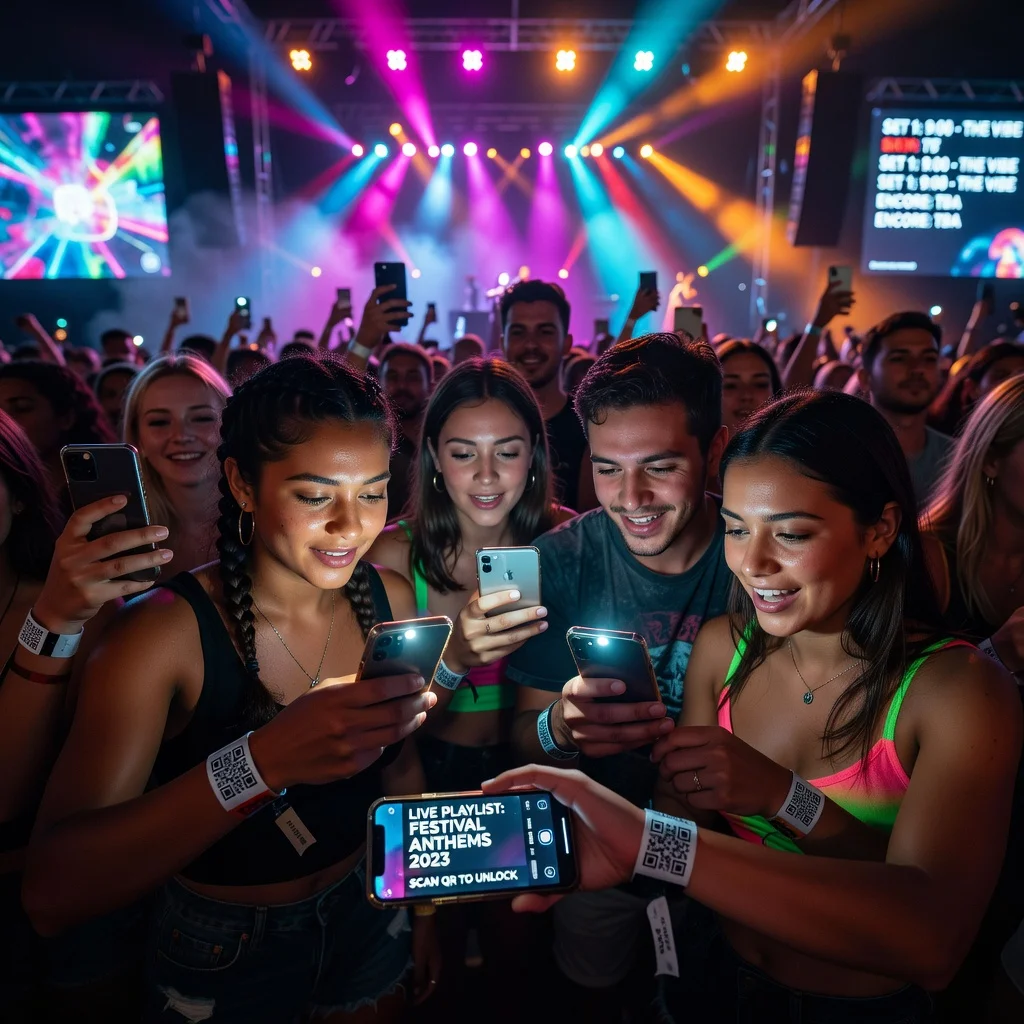
QR code for events: Streamline check-in, sharing, and engagement
Any event organizer knows the drill: registration lines form before the doors even open. People shuffle through check-in, you've got clipboards and paper tickets everywhere, and someone inevitably loses their confirmation email. If you run events, conferences, trade shows, networking mixers, local community gatherings, a QR code ticket system cuts through all that friction in seconds.
Send each attendee a unique QR code before the event. At the door, one quick scan logs them in, unlocks their access, and you've got instant headcount data. No more hunting through sign-in sheets afterward.
Simplify check-in and registration
The moment an attendee arrives at your event, they're making a judgment about whether the whole thing is organized or chaotic. Long lines at check-in hurt that first impression. A QR code ticket system changes that dynamic completely. Attendees scan their code from their phone or printed ticket, staff verify them instantly, and they're into your event before you can say "welcome."
Here's what makes it work:
- No paper tickets to print, mail, or lose
- Check-in happens in seconds instead of minutes per person
- You capture attendance data automatically in real time
- Duplicate or fake entries don't happen
- It feels modern and professional
For multi-track events where attendees need to register for specific sessions, use different QR codes for each breakout room. You'll know exactly how many people are coming to that 2pm workshop before it starts.
Vip access and special permissions
Not all attendees are created equal. Your event might have tiered tickets, VIP passes with exclusive lounge access, premium meal options, special networking events. A QR code can encode that access level. Staff scanning the code see instantly what the person is entitled to, and they grant or deny access accordingly.
- Color-code different ticket tiers visually so staff can spot them quickly
- Encode permissions directly into the code so scanners flag what's allowed
- Print physical badges that reflect ticket tier
Share event materials and files
Your attendees want the agenda, the speaker bios, the WiFi password. Instead of fumbling with printed handouts or emailing everything beforehand (half won't read it), put all that in one place and link it with a QR code. Print it on signage, include it in your app, put it on the speaker slides, one scan and attendees have everything.
You can update the content anytime. If your schedule changes or a speaker's bio needs an update, it changes for everyone instantly.
Enable post-event engagement
The event doesn't end when people leave. A follow-up QR code on your closing slide, printed on exit bags, or emailed afterward can direct attendees to a feedback form or a landing page with next steps. You'll get real data on what worked and what didn't, and attendees know you're genuinely interested in their experience.
Track attendance and analytics
The best part? You're not manually counting heads or guessing about which sessions were popular. When you scan QR codes, you're automatically capturing which attendees showed up, which sessions they registered for, and when they arrived. That data is gold for planning your next event.
Getting the most out of event QR codes
QR codes work best when they're visible and easy to access. Print them large on signage, include them in pre-event emails, and mention them verbally during the event. The goal is to make scanning feel natural and expected, not like an afterthought. Test your codes before the event to make sure they work on different phones and WiFi connections, and have a backup plan if your primary system goes down, a manual scanner or a registration desk is always useful.
Ready to simplify your next event? Create your event QR codes today and watch your check-in lines disappear.