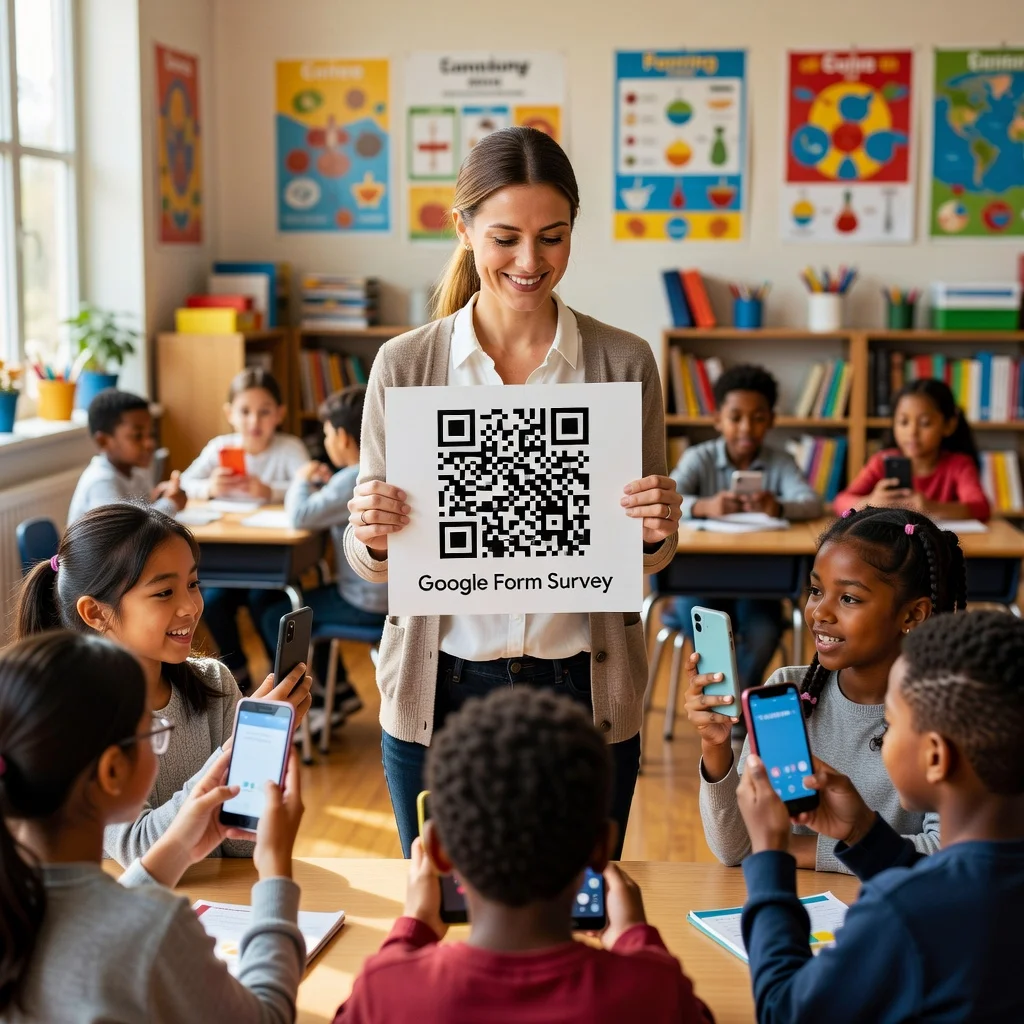
QR code for teachers: Engage students with interactive learning
Students today learn differently than they did even five years ago. They expect to engage with content in multiple formats, and they respond better when a lesson connects their textbook to a video, a podcast, or something they can interact with on their phone. That's what makes QR codes such a practical classroom tool. A single code on a worksheet can unlock a whole ecosystem of resources, videos, websites, interactive simulations, without requiring students to remember a URL or navigate through a library of bookmarks.
Whether you teach elementary school, high school, or college, QR codes reduce friction between instruction and engagement.
Create interactive worksheets
Your worksheet has 10 problems. Problem 3 is confusing for half your class. Instead of going back to explain it to each student individually, embed a QR code next to that problem that links to a short video you made or found online that walks through the solution. Students who struggle scan it. Students who are confident skip it. Everyone learns at their own pace.
- Add a code next to difficult concepts for quick video tutorials
- Link vocabulary words to flashcard sets for review
- Point to interactive tools or calculators that help demonstrate concepts
- Create a "need help?" code that links to your office hours schedule or a tutoring resource
Connect textbooks to digital resources
You're teaching about the Industrial Revolution. The textbook has good content, but students engage more when they can watch a 3-minute documentary clip, hear from a historian, or explore an interactive timeline. Print a QR code next to the relevant chapter and link it to your curated collection of resources. Now the textbook is a jumping-off point instead of the whole story.
Assign work and collect feedback
Post a QR code on your slide before class ends that links to a quick exit ticket, three questions where students tell you what they understand and what confused them. Collect their responses in real time, adjust your next lesson accordingly, and show students that you're actually listening to their needs.
You can also use this to collect homework submissions or point students toward additional practice resources.
Build community and peer learning
Create a class Google Form or shared document where students can post questions or cool resources they find. Use a QR code to make it easy for anyone to contribute. Peer learning is powerful, and QR codes remove the barrier to participation.
Communicate with parents
Instead of sending home a paper syllabus that parents will lose, include a QR code that links to an online version with all your contact info, late work policy, and grading breakdown. Add another code to your classroom newsletter that links to updates or upcoming events. It's low-effort, always-accessible communication.
Best practices for classroom QR codes
The key to successful classroom QR codes is keeping them simple and purposeful. Don't add a code just because it's trendy. Every code should solve a problem, it makes a resource more accessible, saves class time, or personalizes the learning experience. Test all your codes before the lesson so you're not fumbling with them in front of the class. And teach your students early on how to scan and use them, it takes 30 seconds and sets expectations for the rest of the year.
Ready to make your lessons more interactive? Create QR codes for your classroom and see how quickly they become part of your teaching routine.