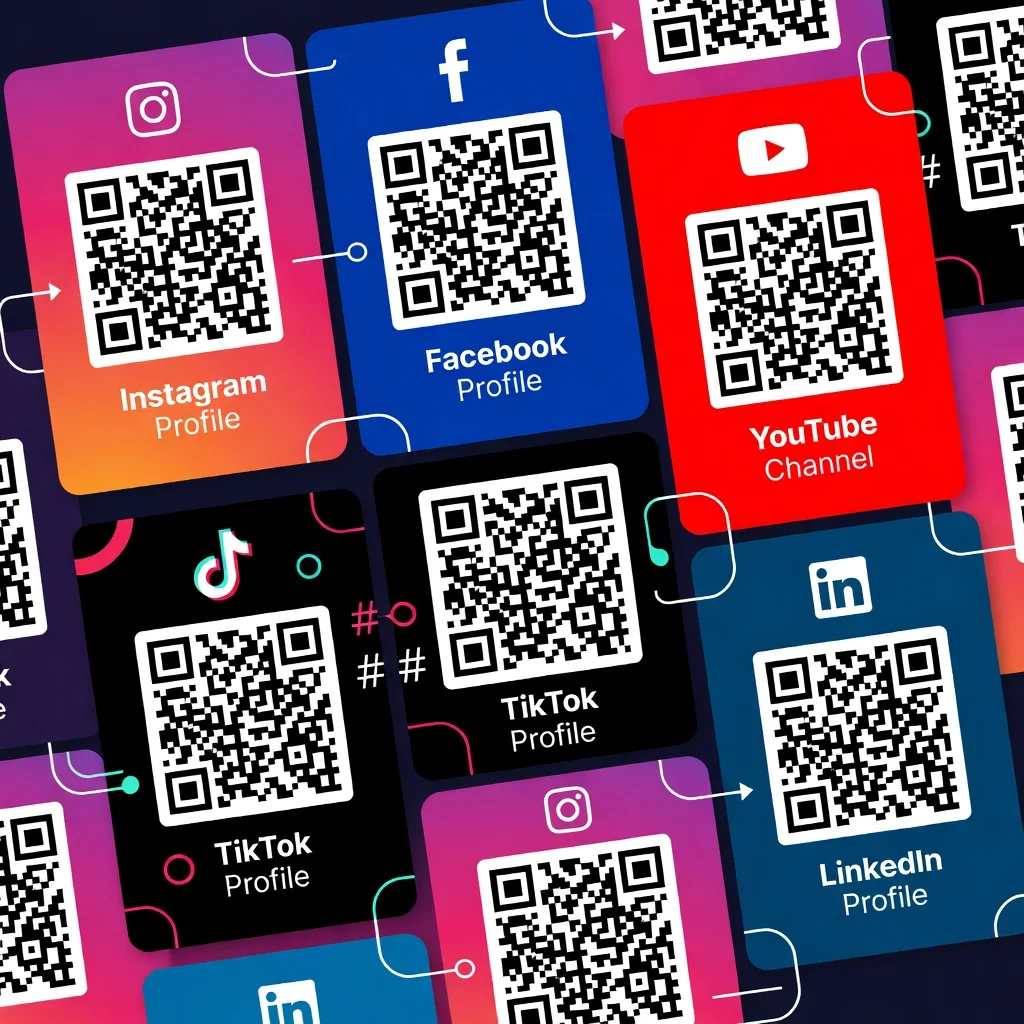
QR code for LinkedIn: Make professional networking seamless
You're at a networking event. You meet someone interesting, you both want to stay in touch, so you exchange business cards. Later, they search for you on LinkedIn, they find the right person (hopefully), and they send a connection request. Or they forget. A QR code on your business card skips all that friction. They scan, your profile opens immediately, and they send you a connection request right then. It's the difference between "I might connect with this person later" and "let's connect now."
Add your QR code to your business card
Your business card has your name, your title, your phone number. Add a QR code that links to your LinkedIn profile. When someone receives your card and wants to learn more about you professionally, one scan and they're looking at your full profile, your work history, your recommendations. You've just turned a piece of cardstock into a professional introduction.
- Put your code on the back of your business card
- Link it directly to your LinkedIn profile
- Update the card design to make the code prominent and easy to scan
- Test the code before you print a thousand cards
Use it during conferences and events
You're speaking at a conference or exhibiting at a trade show. Someone in the audience is interested in working with you or learning more about your background. Instead of trying to remember your name or searching for you later, they scan a code and connect with you immediately. You've got their attention and their intent to connect while you're still fresh in their mind.
Include it in your email signature
Every email you send is a touchpoint. Add a QR code to your email signature that links to your LinkedIn. Clients, prospects, and colleagues see it every time you communicate. It makes connecting with you professionally effortless, and you increase the chance they'll view your profile and see your full background.
Post it on resumes and cover letters
You're applying for a job. Include a QR code on your resume that links to your LinkedIn profile. A hiring manager can scan and immediately see your background, your recommendations, and your professional network. It demonstrates that you're tech-savvy and it makes their evaluation process easier.
Share across other platforms
Your business website, your other social media profiles, your blog, they all have your LinkedIn QR code. You're consistently directing your audience to your professional presence wherever they engage with you. People who know you on Twitter or Instagram can easily follow you professionally on LinkedIn.
Making the most of professional networking
A QR code is a convenience, not a replacement for genuine human connection. Use it to remove friction from the next step, the connection request, the profile visit, the follow-up. Still have genuine conversations at events. Still add a personal note when you connect on LinkedIn. The code just makes it easier for good intentions to turn into actual connections instead of forgotten business cards in a pile.
Ready to streamline your professional networking? Create your LinkedIn QR code and make every business card, email, and event interaction count.