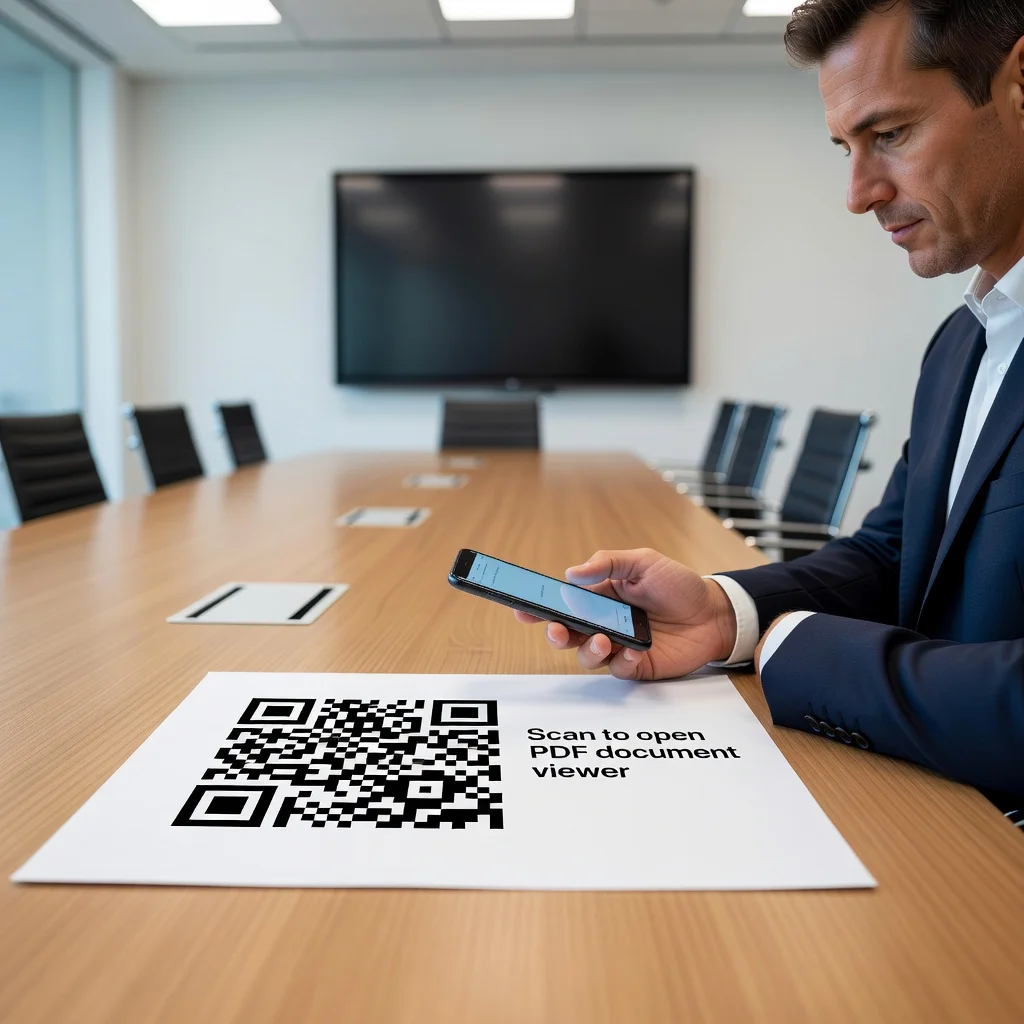
QR code for PDF: Share documents with a single scan
You've created a PDF. A resume, a manual, a report, a contract, a whitepaper. Now you need to share it. You email it, or you upload it and send a link, or the person searches for it on your website and downloads it. A QR code removes all those steps. One scan and the PDF opens directly on their phone or computer. No email searching, no bookmark lost, no "I can't find that file you sent me last week." One scan and they have access.
Share resumes instantly
You're meeting a potential employer or a client. Instead of saying "I'll email you my resume," you say "scan this" and they have your resume in their hands immediately. It's impressive, it's fast, and it removes the barrier to someone reviewing your work. Better yet, use a dynamic QR code and you can update your resume once and it's updated everywhere your code is shared.
- Add your QR code to your business card next to your contact info
- Include it in cover letters so employers can access your resume with one scan
- Use it on your LinkedIn profile to link directly to your latest resume
- Put it on printed materials you hand out at job fairs
Provide product manuals and instructions
You make something, furniture, a tool, electronics, anything. The customer buys it and doesn't get an instruction manual printed in six languages. Instead, they get a QR code printed on the packaging. They scan it and get the PDF manual, video tutorials, warranty information, and customer support contact. You save money on printing, they get exactly the information they need, and you reduce customer support calls because people have instant access to help.
Share contracts and legal documents
You're a lawyer, a real estate agent, or you're contracting with a vendor. Instead of emailing a PDF and waiting for confirmation they received it, use a QR code. The code links to a landing page with the document. They scan, they see it immediately, they sign, and you have a record of when they accessed it. It's faster, it's cleaner, and there's no "I never got your email" excuse.
Post reports and whitepapers
You've written a detailed report or whitepaper. Print a QR code in your marketing materials, on your website, in your email newsletters. People scan and access the full document without needing to navigate your site or wait for a download. You're making it so easy to access your thought leadership that more people actually read it.
Create multi-content links
Your code doesn't have to link to a single PDF. Use a dynamic code that points to a landing page with multiple PDFs, your resume, your portfolio, your client testimonials. Different people can access different documents from the same code. It's flexible and it keeps your workflow simple.
Making pdfs accessible
The key is making sure what you link to actually works. Test your code before you print or share it. Make sure the PDF loads quickly. If you're using a dynamic QR code, ensure the link stays active and that the document doesn't change unexpectedly (unless you want it to). And keep the download file size reasonable, if your PDF is 20MB, it'll frustrate people on slow connections.
Ready to share documents instantly? Create your PDF QR code and make information access frictionless.