Cosa sono i codici QR?
I codici QR sono codici a barre bidimensionali che memorizzano i dati in una griglia di quadrati bianchi e neri. Inventati da Denso Wave nel 1994, erano originariamente usati per tracciare i componenti delle automobili ma ora compaiono ovunque, dalle confezioni dei prodotti ai biglietti per gli eventi. La fotocamera del tuo telefono può decodificarli in pochi secondi, collegandoti a URL, informazioni di contatto o altri dati.
Tipi di codici QR
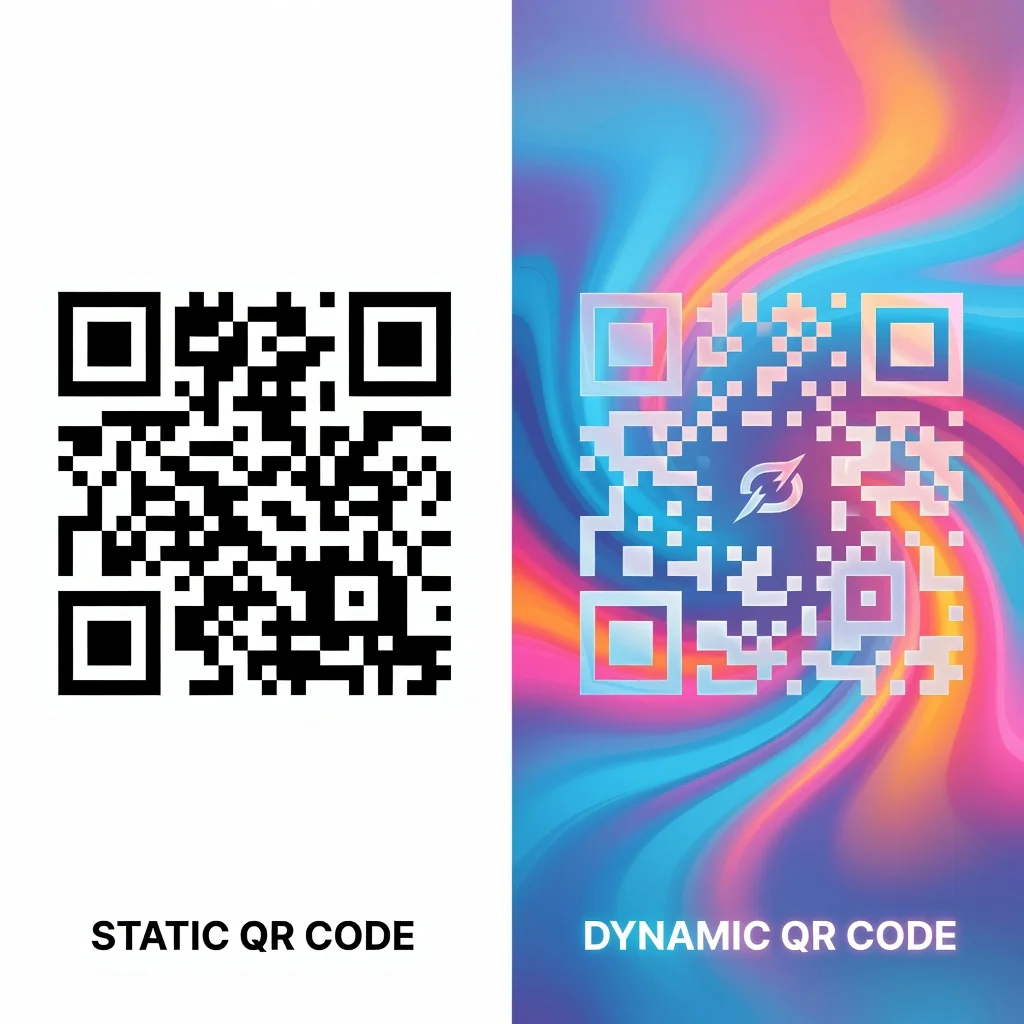
Codici QR statici: I dati vengono codificati quando crei il codice. Perfetti per informazioni permanenti come dettagli di contatto o link a siti web.
Codici QR dinamici: Questi puntano a un servizio di reindirizzamento, permettendoti di cambiare la destinazione dopo la creazione. Utili per campagne sensibili al tempo in cui vuoi flessibilità.
I vantaggi di usare un generatore di codici QR con supporto per il logo
Aggiungere il tuo logo a un codice QR lo rende immediatamente riconoscibile come appartenente al tuo brand. Invece di un generico quadrato bianco e nero, diventa una risorsa di marketing brandizzata. Questo aumenta le scansioni perché le persone si fidano dei brand riconoscibili più dei codici semplici.
- I codici QR brandizzati appaiono più professionali e affidabili
- Aumenta i tassi di scansione perché il tuo logo è visibile
- Funziona con colori personalizzati che si abbinano al tuo branding
- Resta pienamente funzionale e scansionabile con il logo incorporato
- La correzione degli errori compensa il fatto che il logo sia al centro
Come aggiungere un logo al tuo codice QR
- Vai su un generatore di codici QR gratuito che supporta il caricamento di loghi
- Inserisci i tuoi dati (URL, informazioni di contatto, testo, ecc.)
- Carica l'immagine del tuo logo (di solito PNG con sfondo trasparente)
- Il generatore lo posiziona automaticamente al centro e ne regola le dimensioni
- Personalizza i colori se vuoi abbinarli alla palette del tuo brand
- Testa il codice per assicurarti che si scansioni correttamente
- Scaricalo nel formato che preferisci
Buone pratiche per il logo
Mantieni il tuo logo relativamente semplice: troppi dettagli si perdono nel piccolo spazio centrale. Usa il PNG con uno sfondo trasparente in modo che si fonda in modo armonioso. Testalo a lungo sui telefoni prima di stamparlo. Ricorda che la correzione degli errori gestisce loghi fino a circa il 20% dell'area del codice, quindi non esagerare.
Consigli di design per i codici QR brandizzati
Abbina i colori al tuo brand ma mantieni il contrasto tra il codice e lo sfondo. Un logo dovrebbe essere riconoscibile a piccola dimensione. Testa il tuo codice alla dimensione in cui intendi usarlo: un codice su un biglietto da visita è molto più piccolo di uno su un poster, e il tuo logo deve essere visibile in entrambi i contesti.
Dove usare i codici QR brandizzati
I codici brandizzati funzionano benissimo per:
- Biglietti da visita e cancelleria
- Confezioni ed etichette dei prodotti
- Materiali di marketing e pubblicità
- Materiali per eventi e segnaletica
- Grafiche per i social media e display digitali
- Campagne email e documenti
Testare il tuo codice
Testa sempre prima di andare in produzione. Scansiona da diverse distanze e angolazioni. Prova sia iOS sia Android. Assicurati che apra la destinazione corretta. Pochi secondi di test evitano sprechi di stampa o di sforzi di marketing.
Conclusione
Aggiungere il tuo logo a un codice QR ti dà una risorsa brandizzata che è sia funzionale sia riconoscibile. I generatori gratuiti con supporto per il logo ti permettono di creare codici dall'aspetto professionale senza costi né complessità. Il risultato è un codice QR che non solo funziona perfettamente ma rappresenta anche il tuo brand.