How to create a QR code for your business
If you run a business today, you're probably already thinking about QR codes. Restaurants use them for menus, retail stores put them on products, and event organizers scan them at the door. But knowing you need one and actually creating effective codes across different parts of your business are two different things. This guide walks through how to generate, customize, and deploy QR codes in places where they actually solve a real problem.
Why businesses actually use QR codes
QR codes aren't just a trend, they've become practical infrastructure. Here's where they actually show up:
- Marketing Campaigns: Print a magazine ad, someone scans and lands on your sales page. You can track how many people scanned it.
- Customer Engagement: Menu codes at restaurants, product info at retail, exclusive offers embedded in emails. Direct path from physical to digital.
- Inventory Management: Track products through your supply chain without manual data entry.
- Events: Quick check-in at the door, instant registration confirmation, easy information distribution to attendees.
- WiFi Access: Guests scan a code and connect to your network without you reciting a 20-character password.
- Payment: Quick payment options at point-of-sale or online. Especially common in Asia, growing everywhere else.
- Internal Use: Employee training videos, procedure documentation, company resources, all accessible from a code in the break room.
Real-world business QR code use cases
Retail and e-commerce
In-Store Placement: Put codes on products so customers can see reviews, demo videos, or product specs without hunting for your website. Works especially well for new products people are skeptical about.
Packaging: Include codes that point to assembly instructions, warranty details, or sustainability practices. Solves the problem of people throwing away packaging that had important info.
Promotions: Seasonal sales, loyalty program enrollment, exclusive deals. The code works harder than static text because people actually scan things.
Restaurants and food service
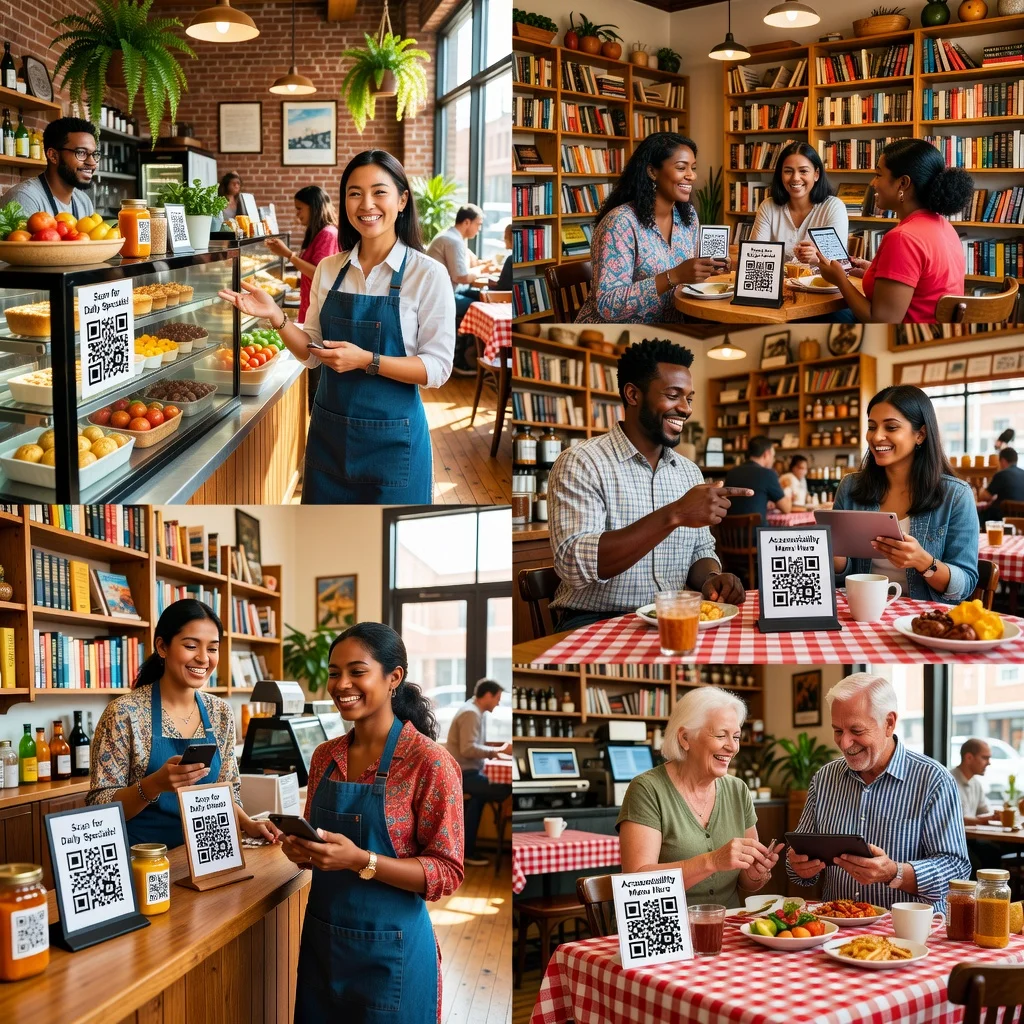
Contactless Menus: QR code on every table links to your current menu. Easy to update, saves printing costs, customers appreciate it. Standard post-pandemic.
Quick Ordering: Fast-casual restaurants and food trucks use codes so customers can order and pay without waiting in line.
Payment Options: Codes for payment at pickup window or at the end of the meal. Reduces cash handling, speeds up checkout.
Loyalty Programs: Scan to earn points, get discounts, view your rewards balance.
Professional services
Business Cards: Your contact info is encoded in the code. Someone scans it and your details save automatically to their phone.
Proposal Packets: Code links to detailed information, video walkthrough, client testimonials, or contract options.
Consultation Booking: Code takes people directly to your scheduling calendar. Removes friction from the booking process.
Hospitality and tourism
Hotel Check-In: Code provides digital room key, property information, restaurant details, local recommendations, everything they need in their pocket.
Museum and Attraction Info: Code at each exhibit or installation provides detailed information, language options, audio guide access. Massive improvement over printed placards.
Parking and Navigation: Hotel parking structure? Code tells you where your room is. Event venue? Code shows where exits are, rest rooms, accessibility information.
Manufacturing and logistics
Product Tracking: Every item gets a code. Scanning it shows manufacturing date, quality control status, shipping history, warranty details.
Supplier Communication: Code on packaging contains order details, delivery notes, and return instructions without needing a paper slip.
Types of QR codes for business
Dynamic QR codes
Dynamic codes point to a redirect service instead of directly encoding your destination. This means you can change where the code points without creating a new code. Incredibly useful for campaigns because you can track scans, update links, and measure engagement.
When to use Dynamic: Marketing campaigns, time-sensitive promotions, anything where you need tracking or might want to change the destination later.
Static QR codes
Data is embedded directly in the code. Once created, the destination never changes. Free, simple, permanent, but no tracking and you can't update it.
When to use Static: Product packaging, permanent signage, business cards, anything that won't change or where you don't need analytics.
Creating your first business QR code
Step 1: Decide what the code should do
This seems obvious but matters. Are you directing to a website? Sharing contact info? Creating a WiFi code? Starting a payment? Each option requires different setup.
Step 2: Generate the code
Use a QR code generator. Input your destination (URL, contact info, WiFi credentials, whatever). Choose static or dynamic based on your needs.
Step 3: Customize appearance
Make it brand-appropriate:
- Match your colors (while keeping contrast high enough to scan)
- Add your logo if your generator supports it
- Choose styling that fits your brand aesthetic
But remember: too much customization kills scannability. Sometimes boring black-and-white is the right choice.
Step 4: Test thoroughly
Scan it with multiple phones, different lighting, different distances. Make sure it actually works before deploying it to 10,000 restaurant menus.
Step 5: Download at appropriate resolution
For digital use, standard resolution is fine. For printing, use 300 DPI minimum. The wrong resolution is why some printed QR codes look pixelated and don't scan well.
Step 6: Deploy and monitor
If using dynamic codes, track your scan data. You might be surprised which placements drive engagement and which are invisible.
Best practices for business QR codes
Make Destination Clear: If you can, add a small label, "Scan for more info" or "QR code to menu." People still scan if you tell them what to expect.
Use Appropriate Sizes: A code on a billboard needs to be large. A code on a product label can be smaller. Size depends on how far away people will be when scanning.
Maintain Quality: Don't use tiny, pixelated codes. Download at proper resolution and test print samples before mass production.
Link to Fast, Mobile-Friendly Pages: Someone scans your code and waits for a slow page to load? They're gone. Make sure your destination loads quickly on phones.
Update Dynamic Link Destinations Carefully: Don't point to broken pages or outdated information. A code that leads to 404 error looks worse than no code.
Track What Matters: Use dynamic codes for campaigns where you want to know engagement. Static codes are fine for permanent installations where you just need the link to work.
Common mistakes to avoid
Making Codes Too Small: A code people can't scan is useless. If someone has to hold their phone at odd angles or wait 5 seconds for the app to recognize it, the code failed.
Poor Color Contrast: A light pink code on a light background looks interesting in design mockups but won't scan. Make sure there's clear contrast between the code and whatever's behind it.
Linking to Non-Mobile Destinations: You created a code so people could scan it from their phone. Don't send them to a desktop-only website. That defeats the entire purpose.
Overcomplicated Customization: You can add logos, colors, patterns. But each extra element risks breaking scannability. Less is usually more.
Not Testing Before Deployment: Print one test and scan it. Seriously. QR code quality issues only show up when you test in the real world.
Analytics and tracking
If you use dynamic QR codes, you get insights:
- How many scans did the code get?
- When were most scans happening?
- What devices are people using?
- Geographic location of scans (if available)
This data tells you which marketing materials actually work. A code on a billboard getting no scans is information. A code getting 1000 scans a week tells you something completely different.
Conclusion
QR codes have become normal infrastructure for businesses that want to bridge physical and digital touchpoints. The barrier to creating them is basically zero, and the ROI is real if you use them where they actually solve a problem. A code on your business card, your restaurant menu, or your product packaging gives customers a frictionless path to your online presence.
Try it now at FreeQRCodeGenerator.com →