QR code for images: Share photos and galleries with one scan
Photographers, real estate agents, and event planners deal with the same frustration: how do you share a bunch of photos without making people click through email links or remember a complicated URL? A QR code solves this immediately. Someone takes out their phone, scans it, and lands on your photo gallery in seconds. No typing, no copying links, no confusion.
Photography portfolio and galleries
If you're a photographer, a QR code on your business card or portfolio website can show potential clients your latest work without them having to Google your name or remember your website. When they scan it at a networking event or after you send them an email, they see your best shots right away. You can update the gallery anytime, swap in new work, take out old projects, without reprinting anything.
Event photography and memories
Wedding photographers and event planners often deal with large galleries of photos. A QR code in the thank-you card lets clients download their favorites immediately. Password-protected galleries mean only the people who were there can access the photos, no sharing the link with strangers.
Real estate property galleries
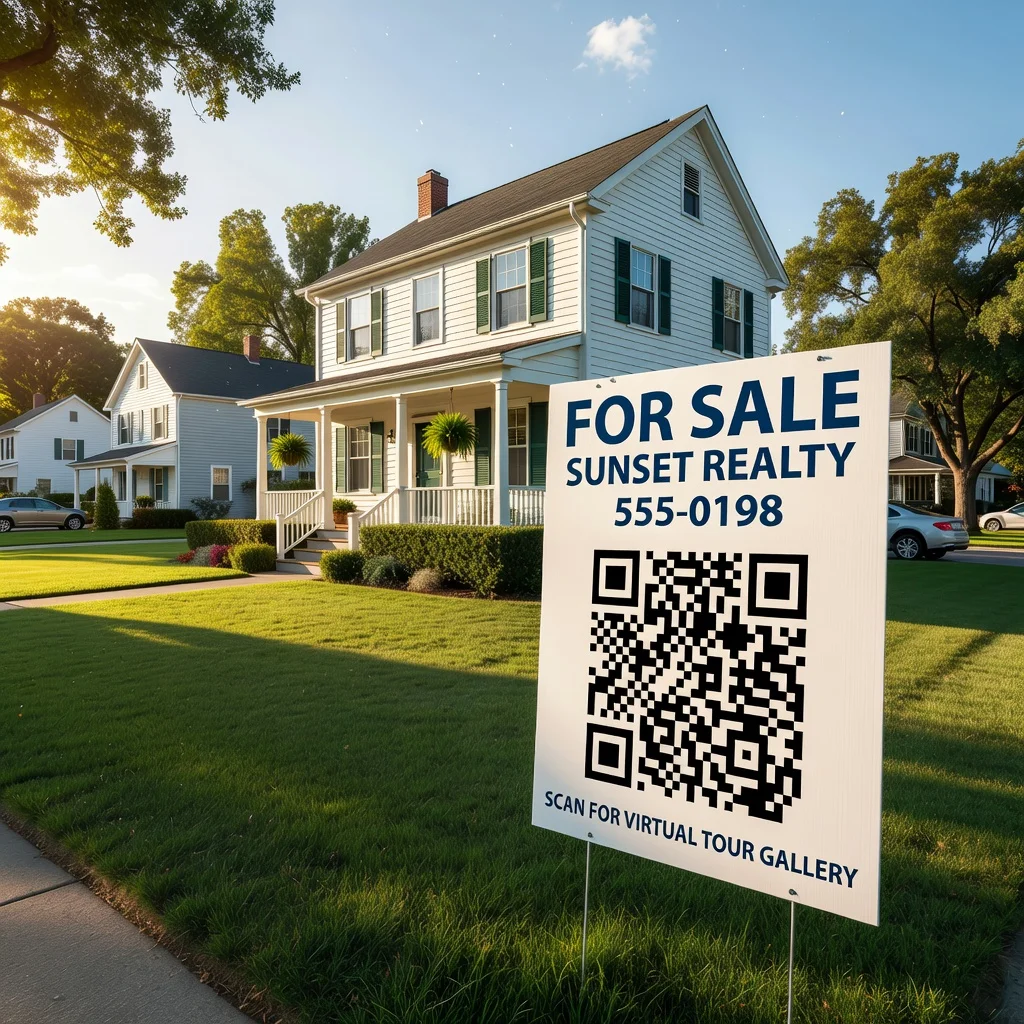
Real estate agents use QR codes on yard signs and listing flyers. A buyer drives past and scans the code, instant access to 20 photos, floor plans, and property details. It eliminates the awkward moment when someone's interested but you're not available for a showing. They can tour the virtual walkthrough on their own time.
Product showcase and e-commerce
For online shops and product launches, a QR code on the packaging or in a printed advertisement links to a photo gallery. Customers scan it to see the product in different colors, angles, or settings. It bridges the gap between what they're holding and what they're buying.
Museum and exhibit display
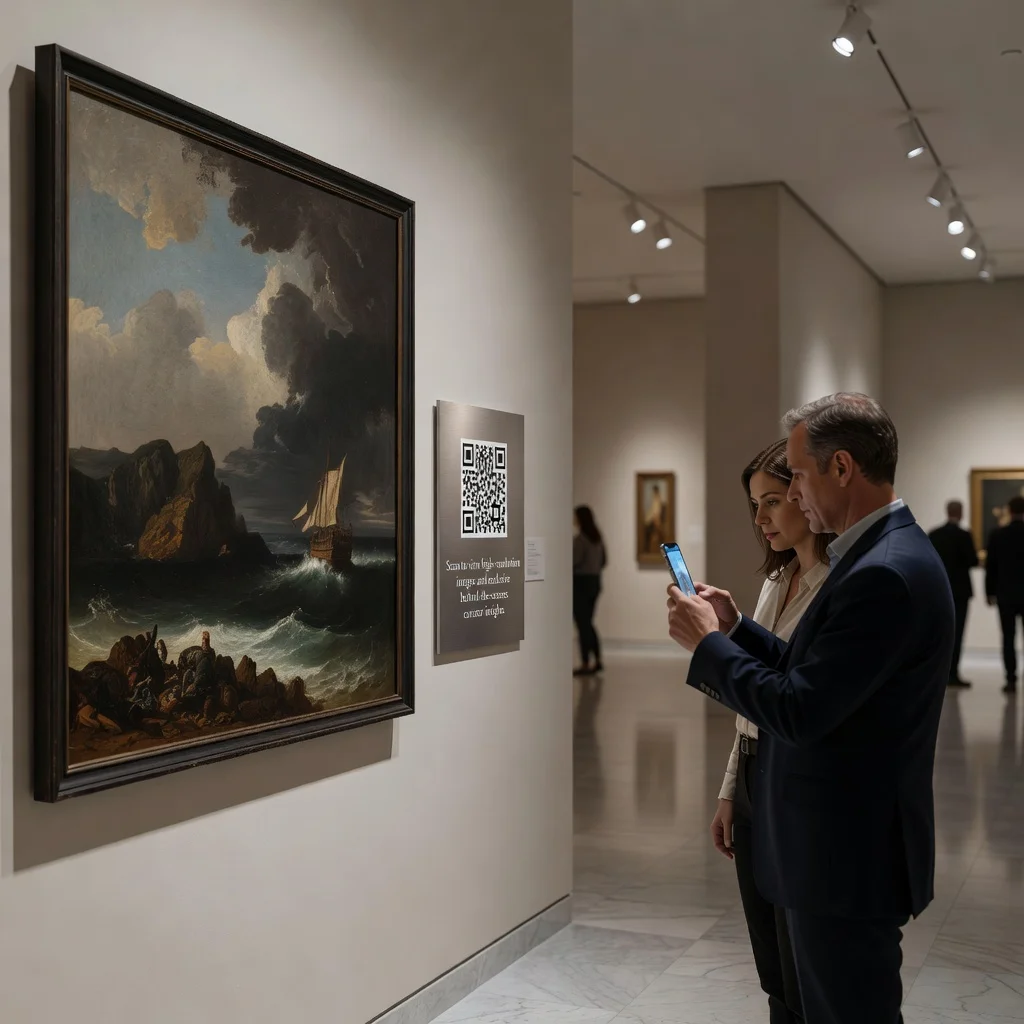
Museums place QR codes near installations. Visitors scan to see behind-the-scenes photos, the artist's process, or related works from other periods. It adds depth to the experience without requiring wall space for printed information.
Restaurant and food menus
A QR code on a restaurant table can link to a photo gallery of dishes. New customers see what they're ordering before they order. Restaurants also use this to highlight seasonal specials or chef's recommendations with mouth-watering photos.
Social media integration
A QR code in your email campaign, printed ad, or social media bio can link directly to a photo album. It's a low-friction way to drive people from print to your online presence. You can create different codes for different photos or collections, making it easy to run themed campaigns.
Video and interactive content
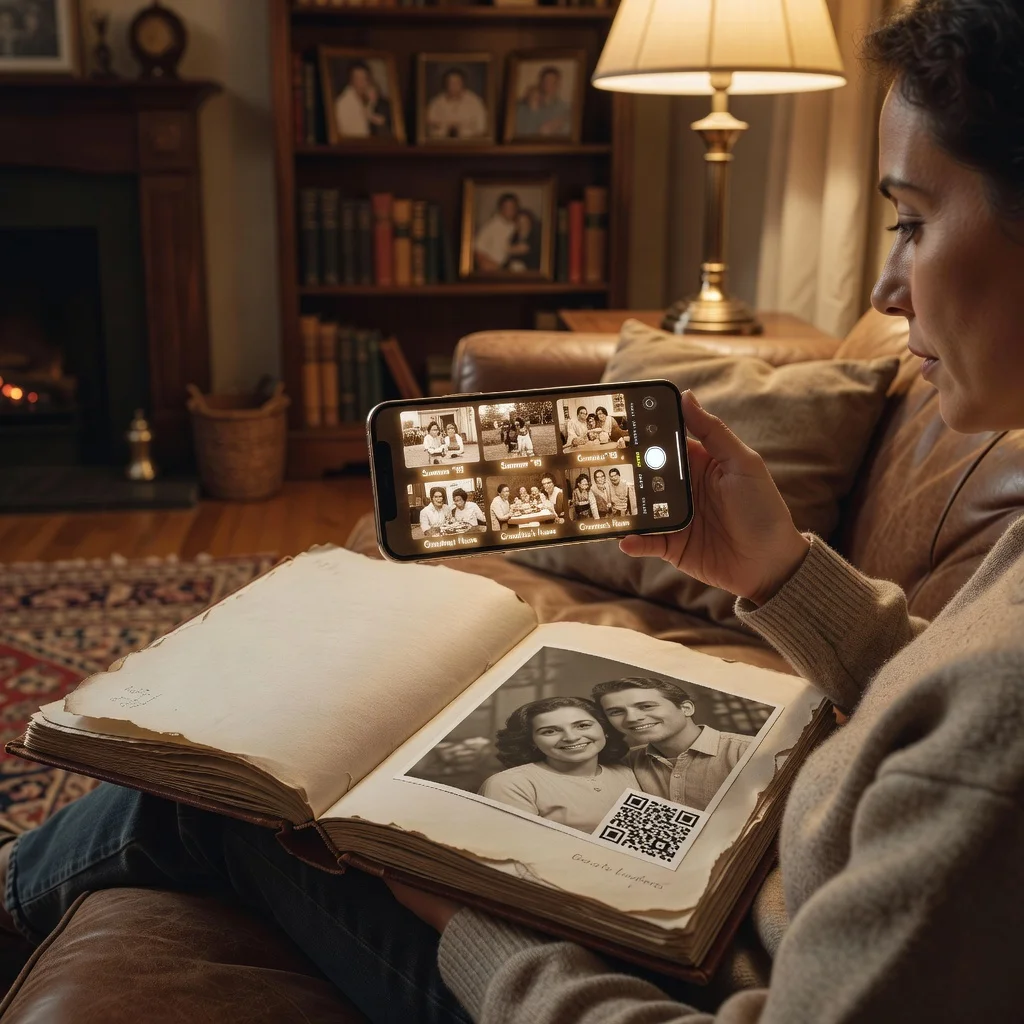
Some QR codes link to slideshow galleries or short videos instead of static photos. Wedding photographers, for example, might pair a photo gallery with a highlight video. It's one scan, but the viewer gets both photos and motion.
How to create a QR code for images
- Upload your photos to a gallery service (your website, Google Photos, Flickr, or a dedicated QR code gallery tool)
- Copy the link to the gallery
- Paste it into a QR code generator and download the code
- Print it or share it digitally, no updates needed once the link is set
Tips for image QR codes
- Size matters: Print QR codes at least 1 inch by 1 inch so people can scan from a comfortable distance
- Contrast is critical: Dark codes on light backgrounds scan fastest
- Test before sharing: Scan your code from your phone to make sure the gallery loads correctly
- Update your gallery, not your code: Use a dynamic QR code if you plan to swap photos often, the code stays the same, the gallery changes
Wrapping up
QR codes for image galleries are straightforward and effective. You get a professional way to share photos without friction, and your audience gets instant access. Whether you're showcasing your work, letting event guests relive memories, or helping buyers understand a property, a QR code does the job with a single scan.
Create your first image QR code now and start sharing your photos the easy way.