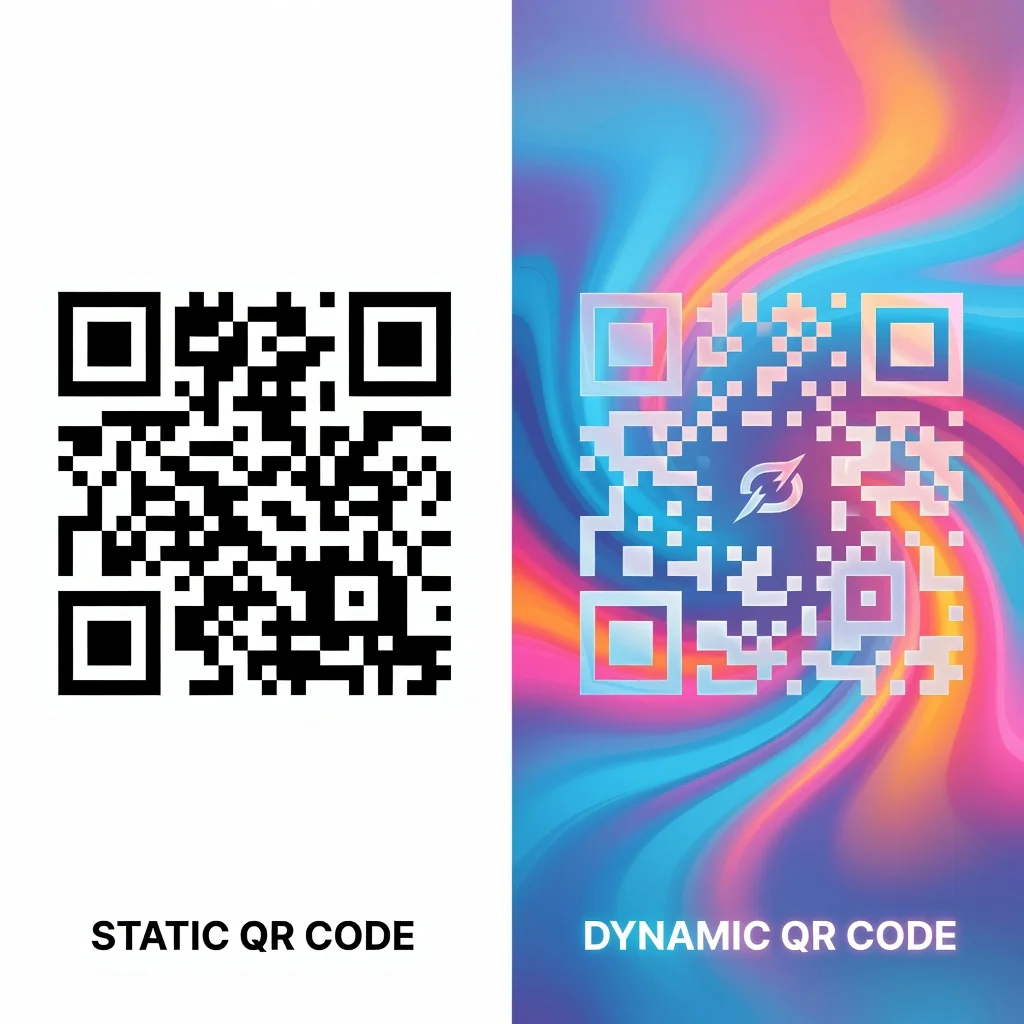
A QR code generator with logo support lets you place your brand mark in the center of a QR code while keeping it fully scannable. FreeQRCodeGenerator.com does this for free, with no sign-up, no watermark, and no expiration, and exports a print-ready PNG or SVG.
| Feature | FreeQRCodeGenerator.com | Typical free tools |
|---|---|---|
| Logo embed | Yes, free | Often paid |
| Watermark | None | Common on free tier |
| Sign-up | Not required | Often required |
| Expiration | Never (static) | Codes may expire |
| Downloads | PNG and SVG | PNG only or limited |
What are QR codes?
QR codes are two-dimensional barcodes that store data in a grid of black and white squares. Invented by Denso Wave in 1994, they were originally used to track car parts but now appear everywhere from product packaging to event tickets. Your phone's camera can decode them in seconds, connecting you to URLs, contact information, or other data.
Types of QR codes
Static QR codes: The data is encoded when you create the code. Perfect for permanent information like contact details or website links.
Dynamic QR codes: These point to a redirect service, letting you change the destination after creation. Useful for time-sensitive campaigns where you want flexibility.
Benefits of using a QR code generator with logo support
Adding your logo to a QR code makes it instantly recognizable as belonging to your brand. Instead of a generic black and white square, it becomes a branded marketing asset. This increases scans because people trust recognizable brands more than plain codes.
- Branded QR codes look more professional and trustworthy
- Increases scan rates because your logo is visible
- Works with customized colors that match your branding
- Still fully functional and scannable with embedded logo
- Error correction compensates for the logo being in the center
How to add a logo to your QR code
- Go to a free QR code generator that supports logo uploads
- Enter your data (URL, contact info, text, etc.)
- Upload your logo image (usually PNG with transparent background)
- The generator automatically places it in the center and adjusts size
- Customize colors if you want to match your brand palette
- Test the code to make sure it scans properly
- Download in your preferred format
Logo best practices
Keep your logo relatively simple, too much detail gets lost in the small center space. Use PNG with a transparent background so it blends smoothly. Test extensively on phones before printing. Remember that error correction handles logos up to about 20% of the code's area, so don't go overboard.
Design tips for branded QR codes
Match the colors to your brand but maintain contrast between the code and background. A logo should be recognizable at small size. Test your code at the size you plan to use it, a code on a business card is much smaller than one on a poster, and your logo needs to be visible in both contexts.
Where to use branded QR codes
Branded codes work great for:
- Business cards and stationery
- Product packaging and labels
- Marketing materials and advertisements
- Event materials and signage
- Social media graphics and digital displays
- Email campaigns and documents
Testing your code
Always test before going live. Scan from different distances and angles. Try both iOS and Android. Make sure it opens the correct destination. A few seconds of testing prevents wasted printing or marketing efforts.
Conclusion
Adding your logo to a QR code gives you a branded asset that's both functional and recognizable. Free generators with logo support let you create professional-looking codes without cost or complexity. The result is a QR code that not only works perfectly but also represents your brand.
Frequently asked questions
Can I add a logo to a QR code for free?
Yes. FreeQRCodeGenerator.com lets you upload your own logo and place it in the center of the QR code at no cost, with no watermark and no sign-up.
Will adding a logo stop the QR code from scanning?
No, as long as the logo stays within the center and you keep strong contrast. QR codes include error correction, which lets them tolerate a covered center area.
What logo size works best?
Keep the logo under about 30 percent of the code area and leave a small margin around it so the scanner can still read the surrounding pattern.
Can I download a logo QR code as SVG?
Yes. You can export as PNG or as vector SVG, which scales to any print size without losing quality.